
Mel – the agentic terminal
A terminal for macOS, Windows, Linux and VS Code with a built-in team of AI agents that plan, build, test and ship code under configurable approvals.
At a Glance
About Mel – the agentic terminal
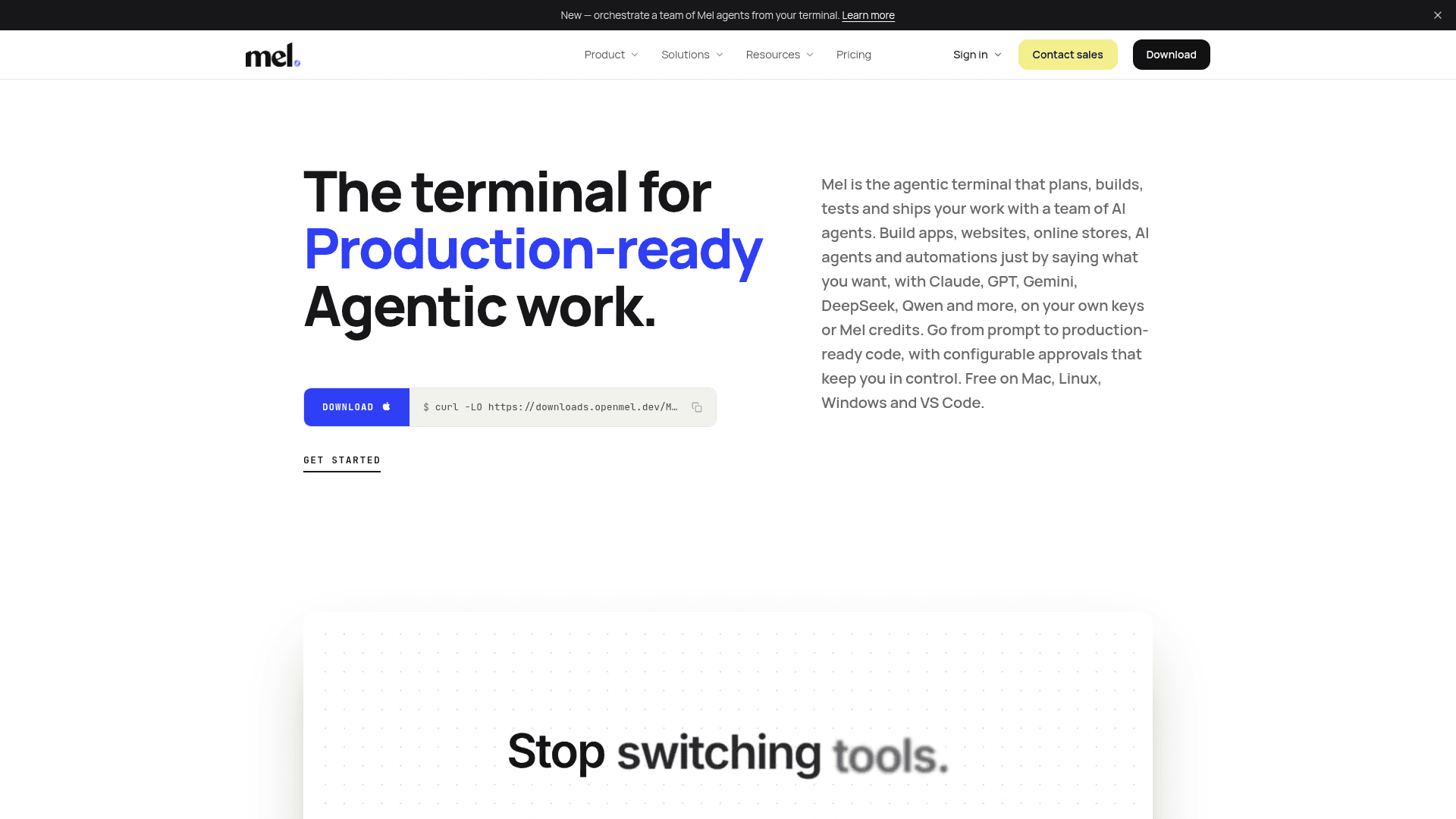
Mel is an agentic terminal made by HelloAgentic, according to its About page. It combines a terminal with AI agents that read a project, run commands, edit files and check the result, with approvals the user configures. It runs as a desktop app on macOS, Windows and Linux, and inside VS Code through an extension.
What It Is
Mel is a terminal with a coding agent built in. Users work in the shell as usual, and when they want help, a shortcut hands the current context to an agent. Edits and commands show an approval card unless the user chooses to allow them. Commands Mel recognises as impossible to undo ask first, whatever the setting.
The terminal organises each command and its output as a block, and offers tabs, split panes, a command palette, autocomplete, SSH sessions and themes. A review panel shows every changed file as a diff against uncommitted changes or a branch, and the agent can review a branch or pull request for bugs and security issues on the user's machine.
Agents and Models
The agent accepts plain-English requests, plans first, and can run tests and checks. A lead agent can split a larger task across several agents, each in its own pane, and Claude Code and Codex CLI can be run as the team instead. Mel works with Claude, GPT, Gemini, DeepSeek, Qwen, Kimi, GLM and others. An auto mode picks a model per task, or the user pins one, using their own provider keys or Mel's hosted credits. Project memory, web search, image attachments and voice input are documented agent features.
Connections and Setup
Mel connects to tools through connectors and MCP servers, and can itself act as an MCP server for other apps. Telegram can be used to approve permission requests. A relay HTTP API lets users open Mel runs from their own scripts. Mel Drive stores workflows, prompts, notebooks and environment sets. The site says open source is planned and iPhone and iPad versions are coming soon.
Community Discussions
Be the first to start a conversation about Mel – the agentic terminal
Share your experience with Mel – the agentic terminal, ask questions, or help others learn from your insights.
Pricing
Free
The full terminal free forever, with the AI agent on your own provider key at your provider's price.
- The full Mel terminal — blocks, palette, splits, chips
- Built-in code review, editor & LSP
- CLI agents & SSH melting — no account needed, no limits
- Bring your own provider key: no Mel credits, no Mel markup
- macOS, Windows & Linux
Pro
1,500 hosted-AI credits every month across Claude, GPT, Gemini, DeepSeek, Qwen and more.
- 1,500 hosted-AI credits every month
- Automatic model routing + fallback
- Add-on credit packs + optional auto-reload
- Email support
- Cancel anytime
Max
Pro with the biggest bucket — 18,000 credits a month.
- 18,000 hosted-AI credits every month
- Unlimited cross-session memory + up to 8 agents in parallel
- Priority support
- Cancel anytime
Business
Pro for a team — one pool of credits, one invoice, minimum 2 seats.
- 1,500 hosted-AI credits a month per seat, shared by the whole team
- Minimum 2 seats
- Invite link; one admin manages seats and billing
- One subscription, one invoice
- Priority support
- US model providers only
Mel API plan
Run Mel's coding agent from other tools via MCP; runs on your own model keys.
- 1,000 runs included, then $0.05 a run
- One run is one task, however many steps
- Works with Claude Desktop, Claude Code, Cursor, Windsurf and VS Code via MCP server
Capabilities
Key Features
- Agentic terminal with built-in AI coding agents
- Configurable approvals for commands and edits
- Team of agents via /orchestrate-agent
- Run Claude Code and Codex CLI as the team
- Command blocks, tabs and split panes
- Local code review panel with diffs and inline comments
- Built-in code editor with language servers
- Multi-model support with auto model selection
- Project memory
- SSH sessions
- Connectors and MCP servers
- Mel as an MCP server
- VS Code extension
- Telegram approvals
- Mel Drive for workflows, prompts and notebooks
- Relay HTTP API