EveryDev.ai
Subscribe
Home
Tools

6,540+ AI tools

  • Featured
  • Gems
  • Trending
  • New
  • Rate tools
  • Compare
  • Arena
Categories
  • Agents2972
  • Coding2248
  • Infrastructure1067
  • Projects818
  • MCP794
  • Research744
  • Analytics565
  • Marketing527
  • Design488
  • Testing476
  • Data442
  • Security412
  • Integration288
  • Communication284
  • Prompts283
  • Extensions238
  • Voice213
  • DevOps190
  • Commerce183
  • Web128
  • Learning123
  • Finance44
AI Tools by Topic
  • AI Coding Assistants
  • Agent Frameworks
  • MCP Servers
  • AI Prompt Tools
  • Vibe Coding Tools
  • AI Design Tools
  • AI Database Tools
  • AI Website Builders
  • AI Testing Tools
  • LLM Evaluations
Follow Us
  • X / Twitter
  • LinkedIn
  • Reddit
  • Discord
  • Threads
  • Bluesky
  • Mastodon
  • YouTube
  • GitHub
  • Instagram
Get Started
  • Users
  • Rate Tools
  • About
  • Editorial Standards
  • Corrections & Disclosures
  • Community Guidelines
  • Advertise
  • Contact Us
  • Newsletter
  • Submit a Tool
  • Start a Discussion
  • Write A Blog
  • Share A Build
  • Terms of Service
  • Privacy Policy
Explore with AI
  • ChatGPT
  • Gemini
  • Claude
  • Grok
  • Perplexity
Agent Experience
  • llms.txt
Theme
With AI, Everyone is a Dev. EveryDev.ai ©
    1. Home
    2. Tools
    3. Mercury CLI
    Mercury CLI icon

    Mercury CLI

    AI Coding Assistants

    Terminal-native AI coding agent environment with multi-provider models, a real debugger, test runner, language servers and parallel sessions.

    Visit Website

    At a Glance

    Pricing
    Free

    Free, open-source CLI and SDKs. Hosted model usage, provider subscriptions and rented GPU infrastructure are paid separately where applicable.

    Engagement

    Available On

    Windows
    macOS
    Linux
    Web
    API

    Resources

    WebsiteDocsllms.txt

    Topics

    AI Coding AssistantsMulti-agent SystemsCommand Line Assistants

    Alternatives

    xCode CLI (xyzmean)Aurictgrok-cli
    Developer
    Mercury CLIUnited KingdomEst. 2026

    Listed Nov 2026

    About Mercury CLI

    Mercury CLI (npm package mercury-tech-cli) is a terminal AI coding agent for software repositories on macOS, Linux and Windows. The agent reads a codebase, edits files, runs builds and tests, and steps through failures in a debugger while showing each step. Users choose the model provider, tools and permissions per session.

    What It Is

    Mercury CLI is a terminal-native environment for AI-assisted development. Sessions keep their conversation, model, permissions and workspace, and several can run in parallel. Any session can dispatch crewmates in isolated git worktree checkouts on other providers' models. The docs state that the CLI, the TypeScript and Python SDKs and the VS Code extension are open source under Apache-2.0.

    Tools the agent uses

    • A Debug tool that speaks the Debug Adapter Protocol, with breakpoints, stepping, stack and variable inspection.
    • A Test tool that discovers, runs and reruns tests for pytest, unittest, node:test, vitest, jest, Go and cargo, and sends a failing test into the debugger.
    • Structural search and edit (AstSearch, AstEdit) that match code by its parsed shape.
    • Language server access (LspRead) for definitions, references, hover, symbols and call hierarchy. Pyright is bundled, and others are used when on PATH.
    • A desktop driver that lets the model see the screen and operate the mouse and keyboard on macOS and Windows.
    • Web search that works without an API key.

    Providers and local models

    Users sign in once per company and stay signed in to many providers, including OpenAI, Anthropic, Google, DeepSeek, OpenRouter and Hugging Face, switching mid-session. Local models run through TensorFold, Ollama, LM Studio, vLLM or llama.cpp, on a local network server, or on rented GPU pods.

    Memory, automation and extension

    Each project keeps a memory with pinned rules and branch-relevant facts, retrieved with on-device semantic embeddings. Sessions can be scheduled to wake at set times. Extensions add commands, agents, hooks and servers. It can run headless, in VS Code or ACP editors, via the SDK, and as an MCP server. A mercury tune command trains a LoRA adapter on project sessions.
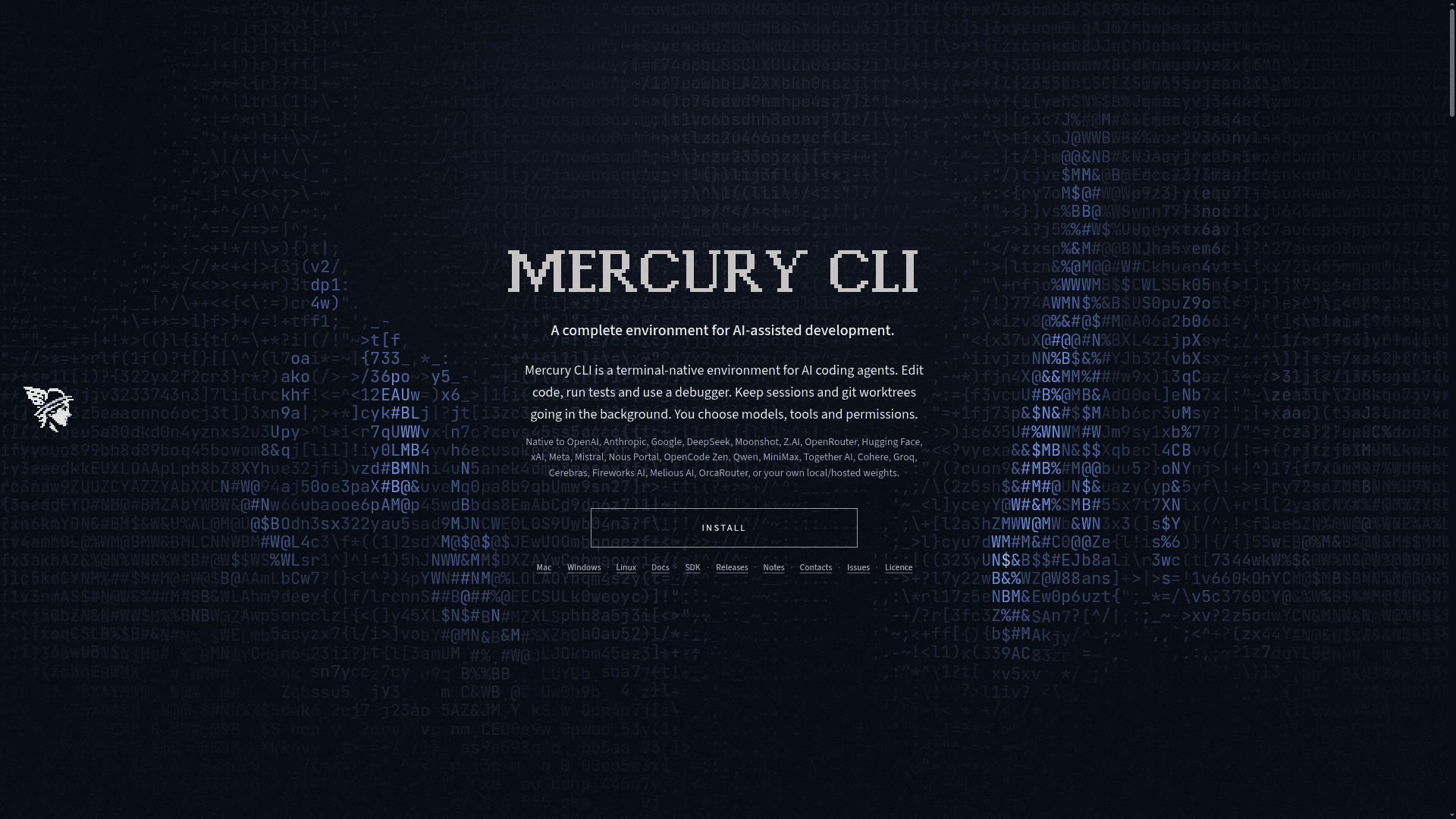
    Mercury CLI - 1

    Community Discussions

    Be the first to start a conversation about Mercury CLI

    Share your experience with Mercury CLI, ask questions, or help others learn from your insights.

    Pricing

    FREE

    Open Source

    Free, open-source CLI and SDKs. Hosted model usage, provider subscriptions and rented GPU infrastructure are paid separately where applicable.

    • Apache-2.0 license
    • Local CLI for macOS, Linux and Windows
    • Bring your own model provider credentials
    • Support for local and self-hosted models
    • Parallel agent sessions and isolated Git worktrees

    Capabilities

    Key Features

    • Parallel sessions with a session board
    • Crew of agents in isolated git worktrees
    • Multi-provider model support with per-session switching
    • Debug Adapter Protocol debugger
    • Test runner for pytest, jest, vitest, Go, cargo and more
    • Structural code search and edit
    • Language server integration
    • Local model hosting via TensorFold, Ollama, llama.cpp
    • Screen and desktop control
    • Keyless web search
    • Persistent project memory with hybrid recall
    • Scheduled sessions
    • Permission modes and workspace trust
    • Extensions and MCP/skills presets
    • Model fine-tuning on sessions (mercury tune)
    • Advisor second-model notes
    • Apollo Mode spec-to-prototype
    • TypeScript and Python SDKs

    Integrations

    OpenAI
    Anthropic
    Google
    DeepSeek
    OpenRouter
    Hugging Face
    xAI
    Mistral
    Ollama
    LM Studio
    vLLM
    llama.cpp
    VS Code
    Agent Client Protocol
    Runpod
    Vast.ai
    Unity
    Blender
    Godot
    API Available
    View Docs

    Ratings & Reviews

    No ratings yet

    Be the first to rate Mercury CLI and help others make informed decisions.

    Rate other tools you’ve used

    Developer

    Mercury CLI Team

    Founded 2026
    United Kingdom
    Read more about Mercury CLI Team
    Website
    1 tool in directory

    Similar Tools

    xCode CLI (xyzmean) icon

    xCode CLI (xyzmean)

    Third-party terminal coding agent based on Claude Code that runs on OpenAI models; not affiliated with Apple's Xcode.

    Aurict icon

    Aurict

    An open-source, terminal-native AI coding agent with multi-agent orchestration, BYOK provider support, sandboxed tool execution, and explicit approval controls.

    grok-cli icon

    grok-cli

    An open-source terminal coding agent that connects to xAI's Grok API with X and web search, sub-agents, and Telegram remote control.

    Browse all tools

    Related Topics

    AI Coding Assistants

    AI tools that help write, edit, and understand code with intelligent suggestions.

    1388 tools

    Multi-agent Systems

    Platforms for creating and managing teams of AI agents that can collaborate.

    901 tools

    Command Line Assistants

    AI-powered command-line assistants that help developers navigate, search, and execute terminal commands with intelligent suggestions and context awareness.

    478 tools
    Browse all topics
    Back to all toolsSuggest an edit
    ratings
    discussions