
Meridian
Local-first desktop work journal that reconstructs your day from screen activity, writes daily summaries and drafts Jira worklog updates.
At a Glance
Engagement
Available On
Alternatives
Updated Oct 2026
About Meridian
Meridian, made by Meridiona, keeps an automatic work journal of what you worked on and finished. It rebuilds your day from on-screen activity, summarises it daily, and drafts worklog updates and project tickets for you to review and post. The latest GitHub release listed is v1.96.0.
What It Is
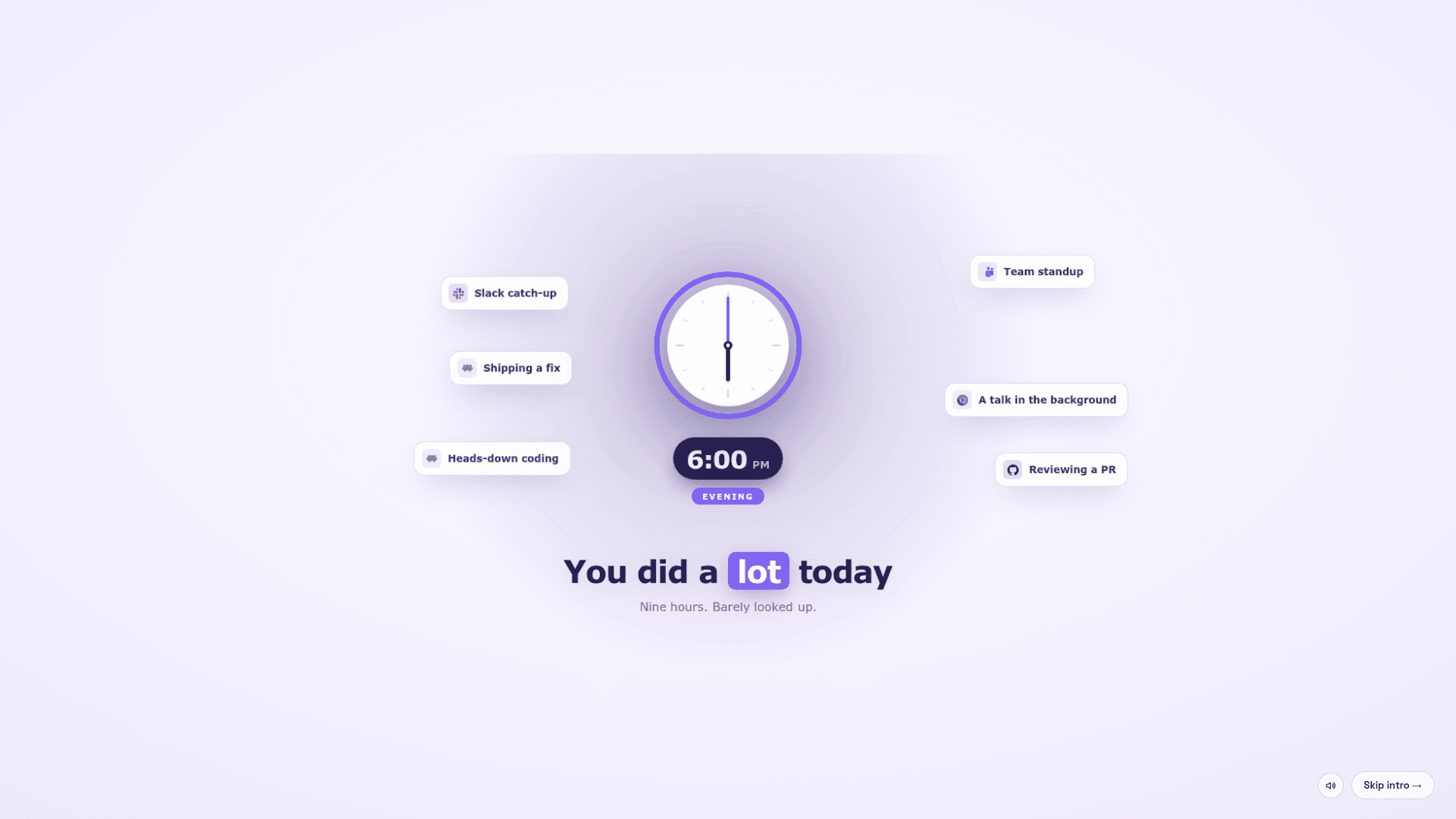
Meridian is a desktop work-journal and time-tracking app. It captures screen activity in the background and turns it into a scrubbable timeline of your day, similar to a recording. From that record it produces an end-of-day summary covering completed tasks, what pulled you off plan, and a standup written and ready to paste into Jira.
How the Workflow Runs
- Capture runs quietly in the background and is saved each day, so past days can be pulled back up.
- A daily summary and standup are generated from what actually happened.
- Worklog updates and tickets are drafted and wait for your approval before posting to Jira.
- Logged activity can help show where time went and why an estimate slipped.
Privacy and Requirements
The README states activity is stored in one encrypted database on your machine. Analysis runs through whichever AI provider you connect, and only what a summary needs is sent to it. Diagnostics are opt-out and stripped of identifying data. Documented requirements are macOS on Apple Silicon (Intel not supported) or Windows 10/11, roughly 5 to 10% average CPU, 0.5 to 3 GB of memory, and about 20 GB of storage a month, with older capture pruned after 30 days.
Licensing and Source
The code is source-available under the PolyForm Strict License 1.0.0. It allows reading and noncommercial use, but not modification, redistribution, or commercial use without a separate license from Meridiona. It can be built from source with Rust, Node 20+ and bun.
Related Positioning
The meridiona.com site also describes Meridian as an engineering intelligence workspace for delivery health, project risk and decisions, sitting above existing trackers.
Community Discussions
Be the first to start a conversation about Meridian
Share your experience with Meridian, ask questions, or help others learn from your insights.
Pricing
Contact sales
Demo/sales call offered for the Meridian engineering intelligence workspace; no public price. Source-available under PolyForm Strict (noncommercial only); commercial use requires a separate license from Meridiona.
- Commercial use requires a separate license from Meridiona
Capabilities
Key Features
- Automatic reconstruction of your day from screen activity
- Scrubbable timeline of past days
- End-of-day summary with a ready-to-paste standup
- Drafted Jira worklog updates and tickets with approval before posting
- Time tracking of where hours went
- Encrypted local database
- Automatic pruning of capture after 30 days
- Connects to your chosen AI provider