
Microsoft Copilot Cowork
Microsoft Copilot feature that plans and completes multi-step work tasks across Microsoft 365, Dynamics 365 and Fabric apps, pausing for user approval.
At a Glance
About Microsoft Copilot Cowork
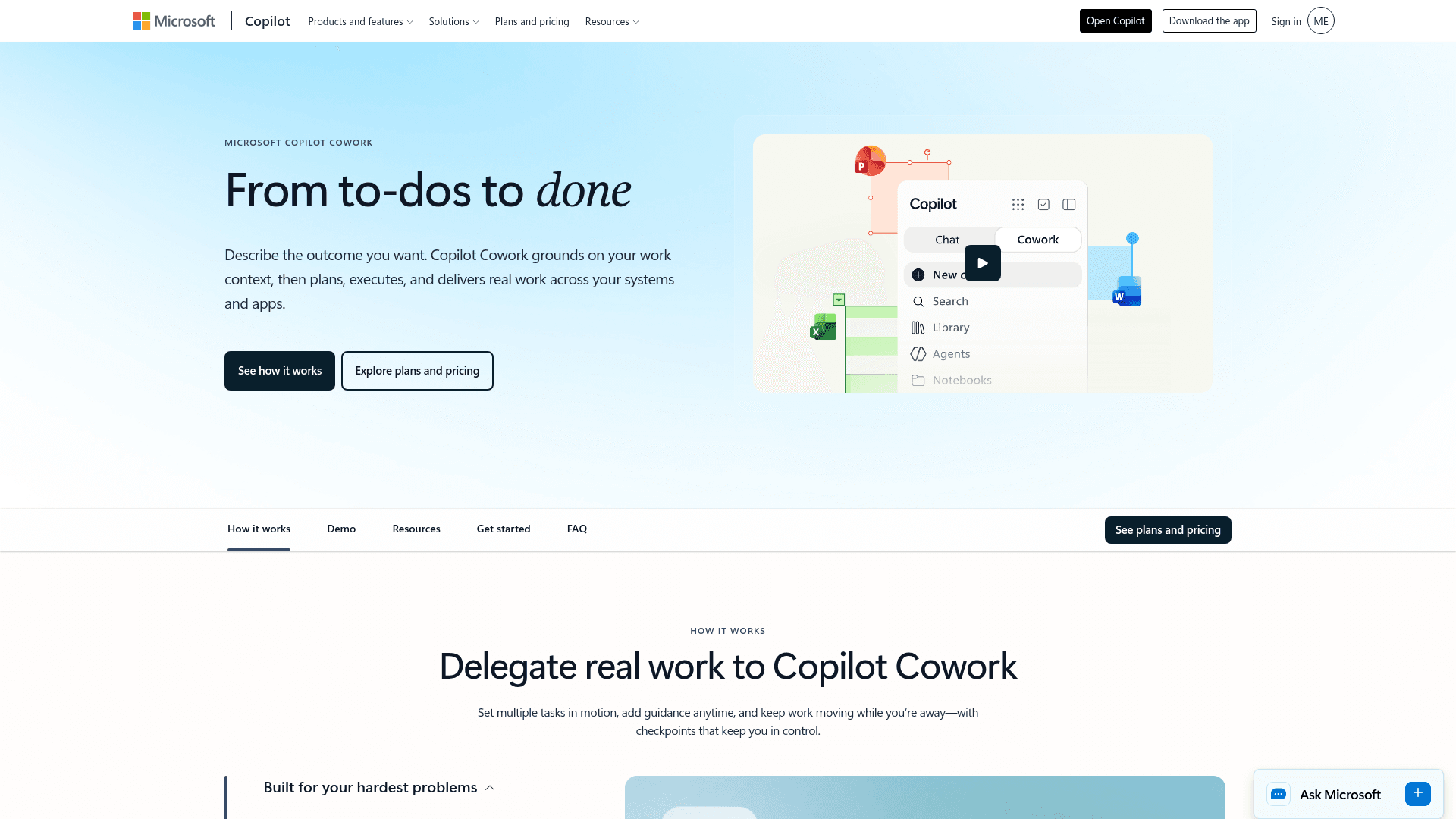
Microsoft Copilot Cowork is a feature of Microsoft Copilot that carries out multi-step work on a user's behalf. The user describes the outcome they want, and Cowork grounds the task in work context through Work IQ, then plans, executes and returns finished artifacts for review.
What It Is
Cowork is a delegation-oriented agent experience inside Microsoft Copilot. According to Microsoft's FAQ, it plans the steps, picks the right skills and apps, pauses for approval at key checkpoints, and returns finished artifacts such as a deck, report, email or update. Microsoft positions it between Copilot Chat, which handles quick answers, and specialized agents, which automate narrow repeatable tasks. Cowork is meant for work that spans multiple steps and apps.
How the Workflow Operates
With Work IQ, Cowork reasons over email, meetings, files and more. It then draws on Fabric, Dynamics 365 and plugins to ground results in business systems. Users can set several tasks running, add guidance at any time, schedule tasks to recur, and assign work from any device while the work continues in the background. For each task, Cowork selects the model it considers best suited, so users do not choose one.
Demo scenarios on the page include:
- Prepping a customer meeting with account history, emails, chats, docs and open opportunities.
- Triaging an inbox and drafting replies.
- Coordinating a launch across teams.
- Ranking top accounts, drafting a pitch deck and emailing sponsors weekly.
- Analyzing budget data and building executive summaries.
Control, Security and Extensibility
Microsoft states that Cowork inherits Copilot's security, privacy and compliance protections. Data stays in the tenant and respects existing user and admin permissions. Actions are auditable, and sensitive steps such as sending an email or updating a record pause for approval. Microsoft and external plugins can be added, created and managed to connect partner tools and a company's own systems.
Availability
Microsoft says Cowork is available to Microsoft Copilot customers. Admins enable it in the Microsoft 365 admin center, and end users launch it from the Copilot app on web, desktop or mobile. Microsoft also claims that over half of Fortune 500 customers use Cowork.
Community Discussions
Be the first to start a conversation about Microsoft Copilot Cowork
Share your experience with Microsoft Copilot Cowork, ask questions, or help others learn from your insights.
Pricing
Pay As You Go
$0.01 per Copilot Credit used. Requires a Microsoft 365 Copilot license and billing configured by your organization.
- Task costs vary with model use, context retrieval, tool calls, and runtime
- Admins can set spending limits and review usage
Copilot Credit Capacity Pack
$200 per pack per month, billed annually at $2,400. Requires a Microsoft 365 Copilot license for Cowork users.
- 25,000 Copilot Credits per pack each month
- Credits are shared at the organization level
- Unused monthly credits expire
Copilot Credit Pre-Purchase Plan (P3)
Starts at $2,850 upfront for 300,000 Copilot Credits over one year. Requires a Microsoft 365 Copilot license for Cowork users.
- Credits can be used anytime during the one-year term
- Unused credits expire at the end of the term
- Larger credit commitments offer higher discounts
Capabilities
Key Features
- Multi-step task delegation from a described outcome
- Grounding in email, meetings and files via Work IQ
- Approval checkpoints before sensitive actions
- Recurring and scheduled tasks
- Automatic model selection per task
- Plugins for Microsoft, partner and custom systems
- Works across Microsoft 365, Dynamics 365 and Fabric apps
- Assign tasks from web, desktop or mobile
- Auditable actions with tenant-based data protection
- Produces decks, reports, emails and updates