
Skill Recorder
Record your on-screen work session once and let GitHub Copilot reconstruct it as a reusable Skill or Automation for AI agents.
At a Glance
About Skill Recorder
Skill Recorder is an open-source desktop app from Microsoft that captures a real work session — clicks, app switches, visited pages, and optional spoken narration — and uses the GitHub Copilot CLI to reconstruct what you did as a clear intent plus an ordered list of steps. From that single recording, it generates either a SKILL.md procedure an agent can run on demand, or a scheduled Automation. The project is published under the MIT License and targets Microsoft Scout, Microsoft Copilot Cowork, and Copilot Studio as downstream consumers of the generated skills.
What It Is
Skill Recorder sits at the intersection of screen recording and AI agent tooling. Rather than replaying UI clicks, the generated Skills and Automations prefer the agent's native tools — such as the gh CLI or web_fetch — and generalize from a single recorded example. Recording yourself submitting one form, for instance, can teach an agent to submit all similar forms. The app is built with Electron and TypeScript, and ships with the GitHub Copilot CLI bundled so no separate installation is required.
How the Recording-to-Skill Workflow Works
The four-step workflow is:
- Record — Hit record (or
⌘⇧R/Ctrl+Shift+Rglobally) and perform the task normally. Capture happens locally; nothing leaves the machine during recording. - Control — An always-on-top bar shows capture and microphone state; you can mute, unmute, or switch mics mid-session, then finish or discard.
- Analyze — Click Analyze and GitHub Copilot reconstructs one overall intent and an ordered step list. You review and edit until it reads correctly.
- Create — From an approved analysis, generate a reusable Skill and/or a scheduled Automation.
Optional narration is transcribed on-device using a Whisper model (a one-time ~252 MB download) in any of Whisper's 99 supported languages. Only when Analyze is triggered does Skill Recorder send the event timeline, extracted screen images, and narration text to GitHub's cloud.
Deployment Model: Source Release
Skill Recorder is distributed as a source release rather than a pre-built binary. A single install command downloads a pinned Node.js runtime, builds the exact release commit on the user's machine, and registers a "Skill Recorder (Source)" app entry. Nothing is installed globally. macOS is the primary target; Windows 11 (x64 and ARM64) is also supported. A GitHub account with Copilot access is required.
Privacy and Security Posture
All recording, storage, frame extraction, and narration transcription happen locally. The README explicitly warns users to keep secrets — passwords, tokens, API keys — out of recordings, and the app surfaces this reminder before every session. The project follows Microsoft's coordinated-disclosure process for security vulnerabilities and has adopted the Microsoft Open Source Code of Conduct.
Update: v0.3.1
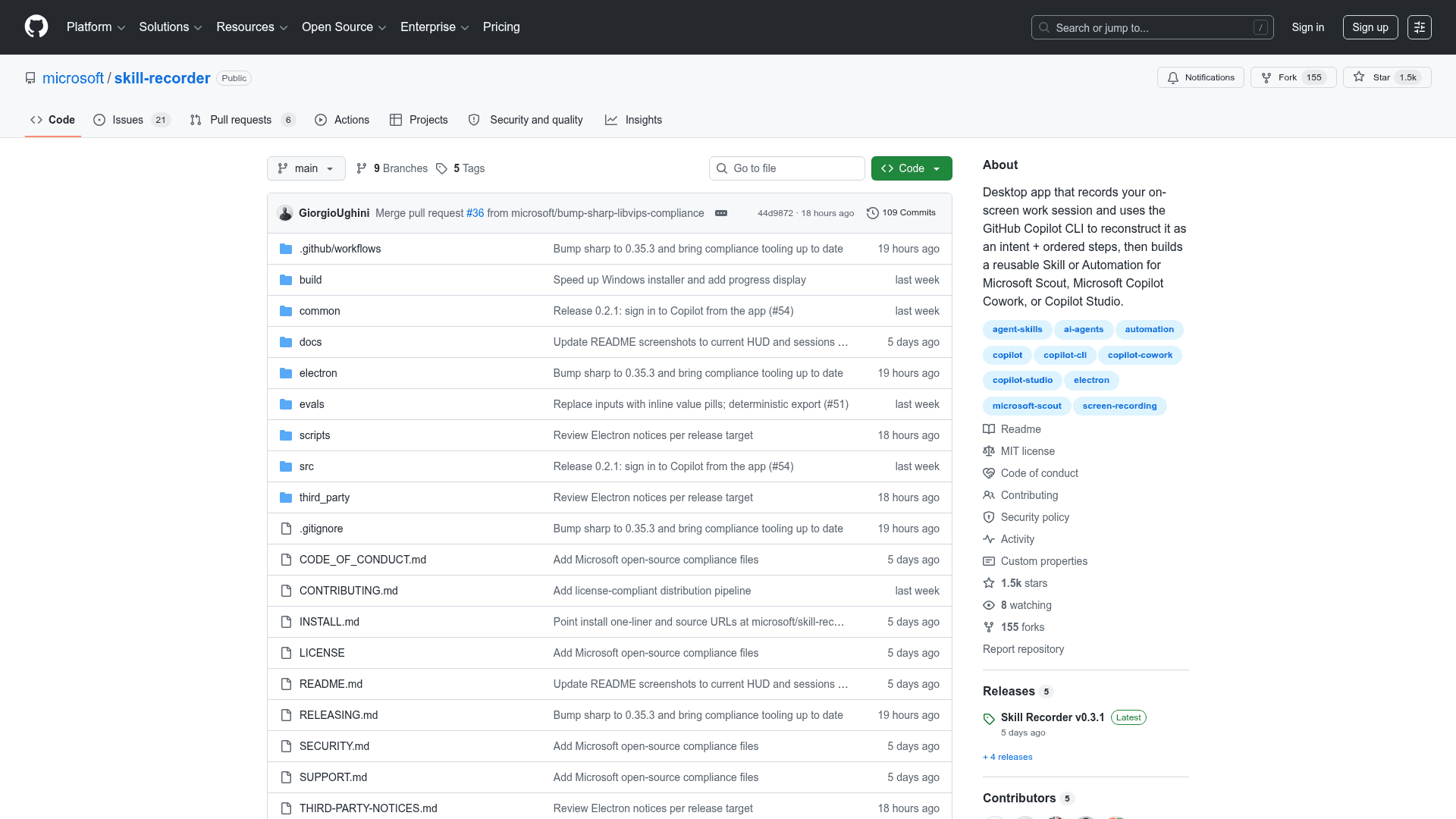
The latest release is v0.3.1, published on 2026-07-30, shortly after the repository was created on 2026-07-29. The project had accumulated over 1,400 GitHub stars and 150 forks within days of its public release, according to the repository metadata. The codebase includes a fixture-based eval suite for the Copilot describer and builder components, runnable via npm run eval and npm run eval:builder, signaling an active development and quality-assurance focus from the outset.
Community Discussions
Be the first to start a conversation about Skill Recorder
Share your experience with Skill Recorder, ask questions, or help others learn from your insights.
Pricing
Open Source
Free and open-source under the MIT License. Requires a GitHub account with Copilot access.
- Full screen recording and activity capture
- On-device Whisper narration transcription
- GitHub Copilot CLI-powered intent reconstruction
- Skill and Automation generation
- macOS and Windows 11 support
Capabilities
Key Features
- Record on-screen work sessions with clicks, app switches, and page visits
- Optional on-device narration transcription via Whisper (99 languages)
- GitHub Copilot CLI reconstructs intent and ordered steps from recordings
- Generate reusable SKILL.md procedures for AI agents
- Generate scheduled Automations from a single recorded example
- Global keyboard shortcut (⌘⇧R / Ctrl+Shift+R) to start/stop recording
- Always-on-top control bar with mute/unmute and mic switching
- Prefers agent native tools (gh CLI, web_fetch) over UI click replay
- Generalizes from one recorded example to handle similar tasks
- Source release: builds from pinned commit on user's machine
- Bundled GitHub Copilot CLI — no separate install required
- Fixture-based eval suite for describer and builder components
- macOS and Windows 11 (x64 and ARM64) support