Main Menu
  • Tools
  • Developers
  • Topics
  • Discussions
  • News
  • Blogs
  • Builds
  • Contests
  • Compare
Create
    EveryDev.ai
    Sign inSubscribe
    Home
    Tools

    1,888+ AI tools

    • New
    • Trending
    • Featured
    • Compare
    Categories
    • Agents1005
    • Coding938
    • Infrastructure401
    • Marketing395
    • Design326
    • Projects307
    • Research290
    • Analytics283
    • Testing167
    • Integration163
    • Data155
    • Security152
    • MCP140
    • Learning135
    • Communication119
    • Extensions113
    • Prompts109
    • Commerce103
    • Voice100
    • DevOps78
    • Web71
    • Finance18
    1. Home
    2. Tools
    3. Modo
    Modo icon

    Modo

    AI Coding Assistants

    An open-source AI desktop IDE that plans before it codes, turning prompts into structured requirements, design, and tasks before generating code.

    Visit Website

    At a Glance

    Pricing
    Open Source

    Fully free and open-source under the MIT license. Clone, build, and run locally.

    Engagement

    Available On

    Windows
    macOS
    Linux
    API
    VS Code

    Resources

    WebsiteDocsGitHubllms.txt

    Topics

    AI Coding AssistantsDevelopment EnvironmentsVibe Coding

    Alternatives

    Void EditorVS CodePearAI
    Developer
    mohshomismohshomis builds Modo, an open-source AI desktop IDE that in…

    Listed Apr 2026

    About Modo

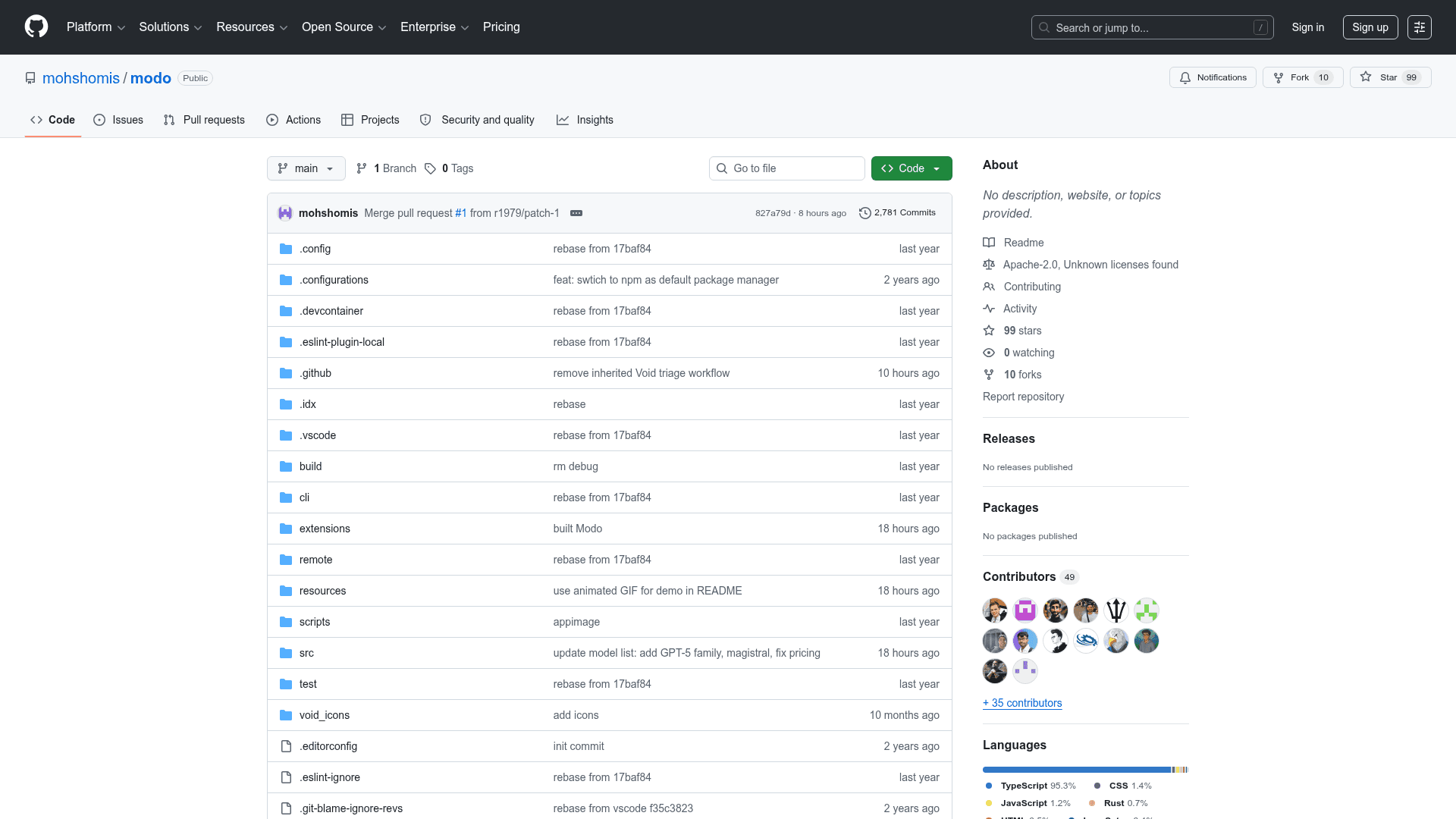
    Modo is an open-source AI-powered desktop IDE built on top of Void (a VS Code fork) that introduces spec-driven development — transforming prompts into structured plans before writing a single line of code. It guides developers through a requirements → design → tasks → code workflow, keeping context persistent across sessions. Licensed under MIT, Modo is community-maintained and freely hackable.

    • Spec-Driven Development: Create a spec with Cmd+Shift+S; Modo generates requirements.md, design.md, and tasks.md files in .modo/specs/ and executes tasks one by one.
    • Task CodeLens: Inline "▶ Run Task" buttons appear directly in tasks.md, with status indicators (spinner, checkmark) as the agent works through each item.
    • Steering Files: Markdown rules in .modo/steering/ are automatically injected into every AI interaction, supporting always, fileMatch, and manual inclusion modes.
    • Agent Hooks: JSON configs in .modo/hooks/ automate actions around 10 agent lifecycle events (e.g., fileEdited, promptSubmit, preToolUse), supporting askAgent or runCommand actions.
    • Autopilot / Supervised Toggle: A status bar pill switches between fully autonomous agent execution and a supervised mode that pauses for user approval.
    • Parallel Chat Sessions: Multiple chat sessions run as tabs, each with its own thread, context, and history, plus a searchable history panel.
    • Subagents: Spawn parallel agents for independent subtasks, each with its own thread and tool access.
    • Powers: Installable knowledge packages bundling documentation, steering files, and MCP configs for TypeScript, React, Testing, API Design, Docker, and custom URLs.
    • Vibe and Spec Modes: Choose free-form exploration (Vibe) or structured spec-driven development (Spec) at session start.
    • Multi-Provider LLM Support: Inherited from Void — supports Anthropic, OpenAI, Gemini, Ollama, Mistral, Groq, and OpenRouter out of the box.
    • MCP Integration: Full Model Context Protocol support for tool use and external integrations.
    • Quick Start: Clone the repo, run npm install (Node 20 required), npm run buildreact, npm run watch, then ./scripts/code.sh to launch.
    Modo - 1

    Community Discussions

    Be the first to start a conversation about Modo

    Share your experience with Modo, ask questions, or help others learn from your insights.

    Pricing

    OPEN SOURCE

    Open Source (Free)

    Fully free and open-source under the MIT license. Clone, build, and run locally.

    • Spec-driven development
    • Task CodeLens
    • Steering files
    • Agent Hooks
    • Autopilot / Supervised toggle

    Capabilities

    Key Features

    • Spec-driven development (requirements → design → tasks → code)
    • Task CodeLens with inline Run Task buttons
    • Steering files for persistent project rules
    • Agent Hooks with 10 lifecycle event types
    • Autopilot / Supervised toggle
    • Parallel chat sessions as tabs
    • Subagents for parallel task execution
    • Powers (installable knowledge packages)
    • Vibe and Spec session modes
    • Multi-provider LLM support (Anthropic, OpenAI, Gemini, Ollama, Mistral, Groq, OpenRouter)
    • MCP integration
    • Slash commands
    • Workspace initialization
    • Export conversation as Markdown
    • Custom Modo Dark theme
    • Searchable conversation history

    Integrations

    Anthropic
    OpenAI
    Gemini
    Ollama
    Mistral
    Groq
    OpenRouter
    MCP (Model Context Protocol)
    VS Code extensions
    API Available
    View Docs

    Reviews & Ratings

    No ratings yet

    Be the first to rate Modo and help others make informed decisions.

    Developer

    mohshomis

    mohshomis builds Modo, an open-source AI desktop IDE that introduces spec-driven development on top of the Void/VS Code foundation. The project started as a personal experiment to understand how tools like Cursor and Windsurf work, resulting in a community-maintained, MIT-licensed IDE. Contributions and PRs are welcome from the open-source community.

    Read more about mohshomis
    WebsiteGitHub
    1 tool in directory

    Similar Tools

    Void Editor icon

    Void Editor

    Open-source AI code editor forked from VS Code with direct LLM connections, agent modes, and AI coding features like tab completion, quick edit, and chat.

    VS Code icon

    VS Code

    VS Code is a lightweight, powerful code editor with extensive language support, debugging capabilities, and a rich ecosystem of extensions including AI tools.

    PearAI icon

    PearAI

    PearAI is an AI-powered code editor that combines an intelligent routing system, coding agent, and chat assistant to help developers build projects faster.

    Browse all tools

    Related Topics

    AI Coding Assistants

    AI tools that help write, edit, and understand code with intelligent suggestions.

    356 tools

    Development Environments

    AI-enhanced code editors and IDEs that improve the coding experience.

    115 tools

    Vibe Coding

    Vibe code using low code AI tools that let you build applications with natural language prompts with minimal code.

    121 tools
    Browse all topics
    Back to all tools
    Explore AI Tools
    • AI Coding Assistants
    • Agent Frameworks
    • MCP Servers
    • AI Prompt Tools
    • Vibe Coding Tools
    • AI Design Tools
    • AI Database Tools
    • AI Website Builders
    • AI Testing Tools
    • LLM Evaluations
    Follow Us
    • X / Twitter
    • LinkedIn
    • Reddit
    • Discord
    • Threads
    • Bluesky
    • Mastodon
    • YouTube
    • GitHub
    • Instagram
    Get Started
    • About
    • Editorial Standards
    • Corrections & Disclosures
    • Community Guidelines
    • Advertise
    • Contact Us
    • Newsletter
    • Submit a Tool
    • Start a Discussion
    • Write A Blog
    • Share A Build
    • Terms of Service
    • Privacy Policy
    Explore with AI
    • ChatGPT
    • Gemini
    • Claude
    • Grok
    • Perplexity
    Agent Experience
    • llms.txt
    Theme
    With AI, Everyone is a Dev. EveryDev.ai © 2026
    Discussions