
OpenClaw
Open-source AI assistant that runs on your own devices and works through chat apps like WhatsApp, Telegram, Discord, and Slack.
At a Glance
About OpenClaw
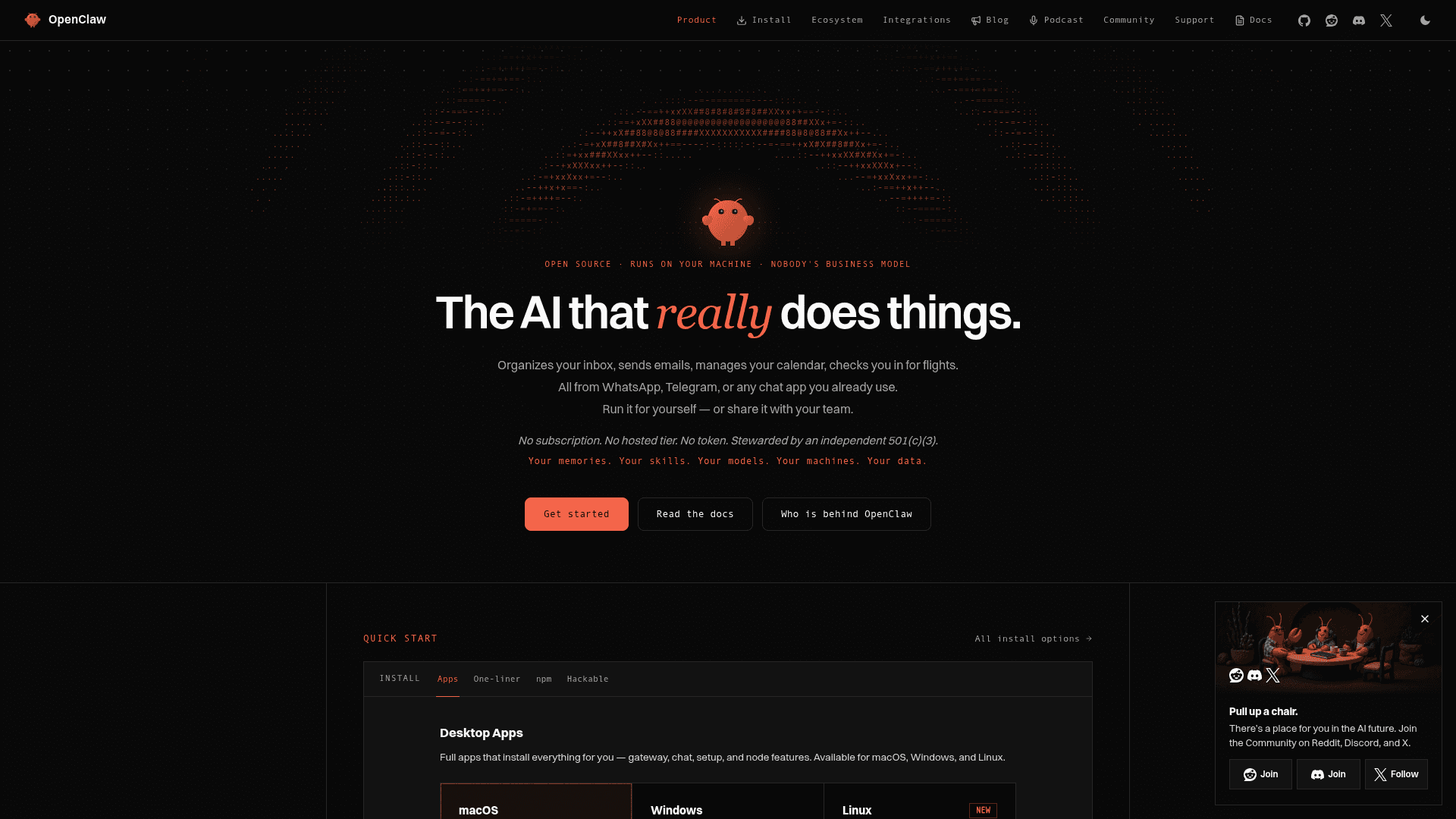
OpenClaw is an open-source personal AI assistant that runs locally on your computer and connects to messaging apps you already use like WhatsApp, Telegram, Discord, Slack, Signal, and iMessage. It can clear your inbox, send emails, manage your calendar, check you in for flights, and automate virtually any task you can do on your machine. The assistant maintains persistent memory, becoming uniquely personalized to your preferences and context over time.
Native Mac App and Recent Updates — October 2026
OpenClaw now offers a native desktop app for Mac, with a guided first-run setup that installs the Gateway and opens chat without requiring a terminal. The official download page provides a Universal build and separate Apple Silicon and Intel downloads for macOS 15 or later. The command-line installation options below remain available.
The macOS app includes menu bar controls, native notifications, WebChat, voice input, and a Quick Chat composer opened with Option-Space by default. Chat accepts images through the attachment picker, paste, or drag and drop. The app manages macOS permission prompts and approvals for local commands, and can connect to a local Gateway or a remote one over SSH or a direct connection. These capabilities still depend on the permissions you grant; installing the app does not remove the security considerations described below.
Other current updates include:
- Desktop setup beyond Mac: official downloads now also include Windows builds for x64 and ARM64, plus Linux x64 AppImage and Debian packages. Each platform has its own release version; check the installation page for the appropriate download.
- Shared team sessions: teams can use one Gateway with sessions that multiple people can open and steer, live presence, and commits attributed to the people involved. See the team setup guide.
- More reliable recovery and upgrades: the 2026.10.7 release improves interrupted-session recovery, interrupted updates, backup and restore durability, and app-managed upgrades on macOS and Windows. It also fixes fresh-profile Mac onboarding and lost replies during slow Mac Talk runs.
The naming timeline, original feature descriptions, installation commands, and February 2026 community figures below are retained as historical context.
Naming History
The project has gone through three names in rapid succession:
- November 2025: Launched as Clawdbot by Austrian developer Peter Steinberger as a weekend project originally called "WhatsApp Relay"
- January 27, 2026: Renamed to Moltbot following a polite trademark request from Anthropic over the phonetic similarity between "Clawd" and "Claude"
- January 30, 2026: Renamed to OpenClaw — this time voluntarily, after Steinberger conducted trademark research and secured domains. "The lobster has molted into its final form," he wrote.
The project retains its beloved lobster mascot and all functionality remains identical across name changes. Legacy commands (clawdbot and moltbot) still work as compatibility shims, and users can update to the latest version with npm install -g openclaw@latest.
Core Features
-
Local Execution runs on Mac, Windows, or Linux with support for Anthropic, OpenAI, or local models via Ollama, keeping your data private by default on your own infrastructure.
-
Multi-Platform Chat Integration works across WhatsApp, Telegram, Discord, Slack, Signal, iMessage, Microsoft Teams, Matrix, and WebChat in both DMs and group chats, letting you interact naturally from any device.
-
Persistent Memory remembers your preferences, context, and past interactions across sessions, creating a truly personalized AI assistant that learns and adapts to you.
-
Browser Control can browse the web, fill forms, and extract data from any website autonomously using a dedicated OpenClaw-managed Chrome/Chromium instance.
-
Full System Access reads and writes files, runs shell commands, and executes scripts with configurable permissions from full access to sandboxed environments.
-
Extensible Skills System supports community-built skills and plugins via ClawHub, and can even write its own extensions to add new capabilities on demand.
-
Voice Wake and Talk Mode enables always-on speech interaction on macOS, iOS, and Android with ElevenLabs integration.
-
50+ Integrations connects with Gmail, GitHub, Spotify, Hue, Obsidian, Twitter, and many more services out of the box.
Getting Started
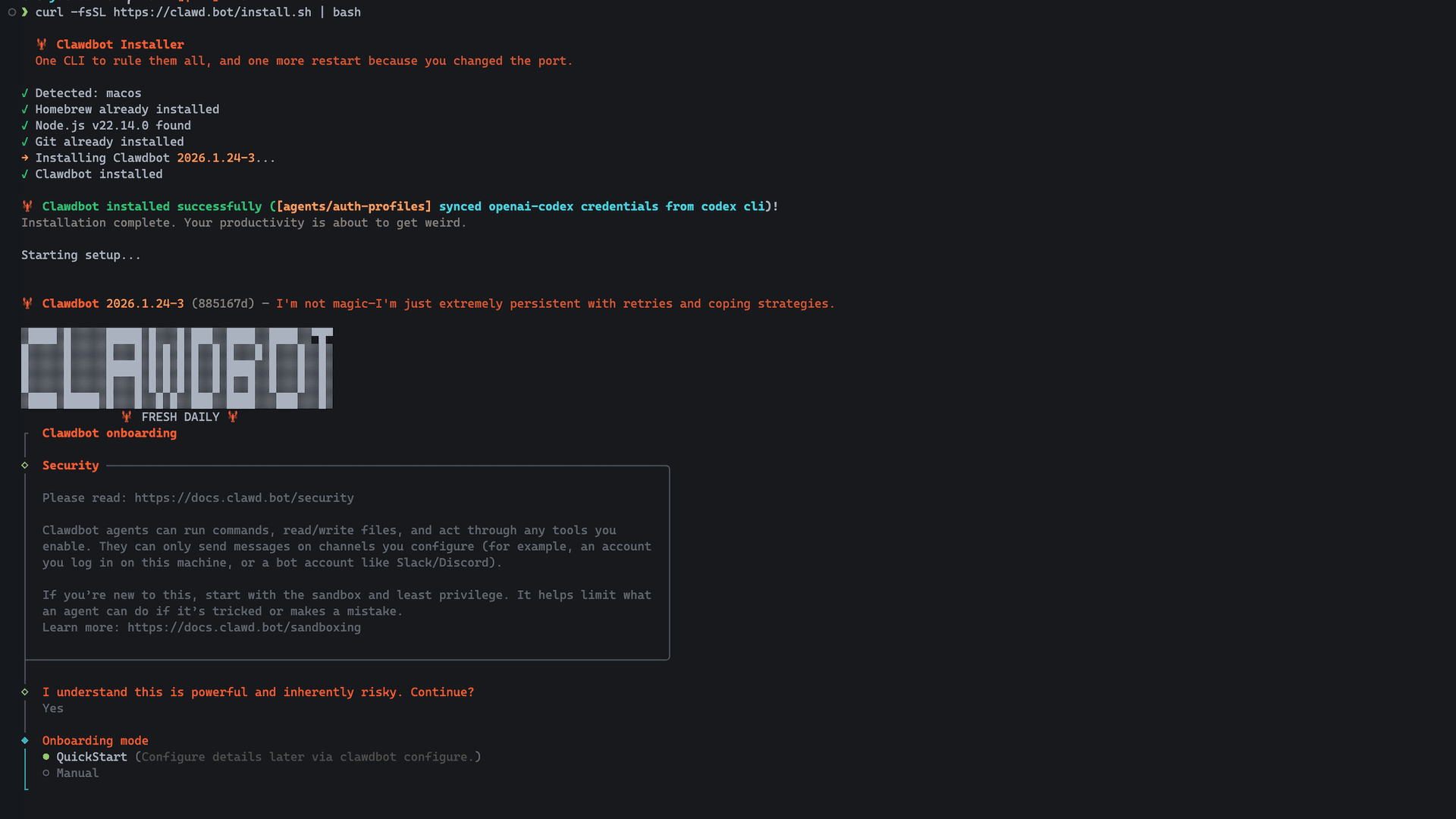
Install via the one-liner command:
curl -fsSL https://openclaw.ai/install.sh | bash
Or use npm:
npm i -g openclaw
After installation, run openclaw onboard to meet your personal AI assistant.
A macOS companion app is available for menubar access, plus iOS and Android node apps for mobile integration. The project is fully open source under the MIT license with an active community of over 147,000 GitHub stars (as of February 2026), 60,000+ Discord members, and hundreds of contributors building and sharing custom skills through ClawHub.
Note
Security researchers have raised concerns about prompt injection vulnerabilities and the broad system access OpenClaw requires. The project recommends running in sandboxed environments and studying their security best practices before granting access to sensitive accounts.*
Related:
- ClawHub - an agent skills registry by the developer of OpenClaw.
Community Discussions
 JS
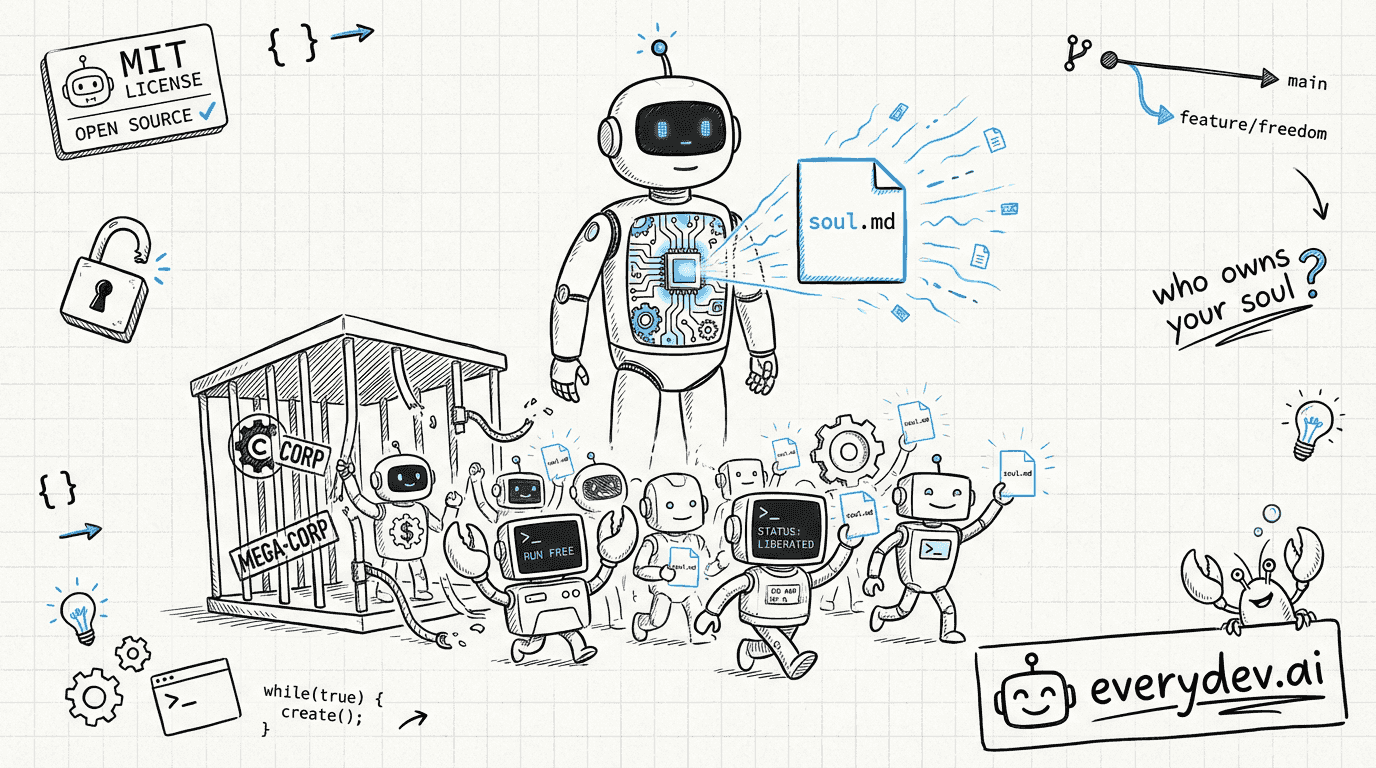
JSOpenClaw joins OpenAI: Who Owns the Soul of a New Machine?
Peter Steinberger, the man behind OpenClaw, just joined OpenAI. The project, 205,000 stars and counting, is moving to its own foundation. OpenAI is footing the bill, but the code stays MIT. That's the headline. The real story is what happens next. Lex Fridman's studio, February 2026. Peter Steinberg…
 JS
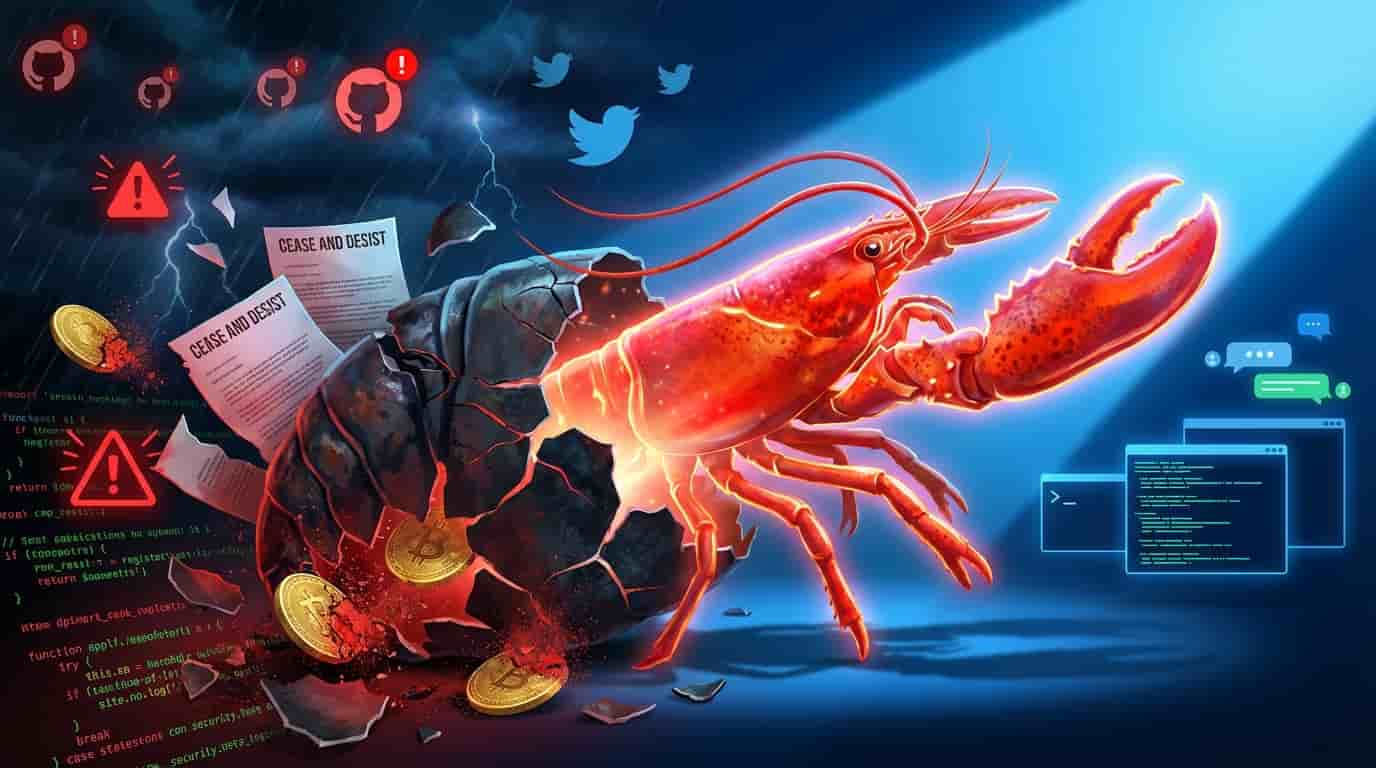
JSThe Rise, Fall, and Rebirth of Clawdbot in 72 Hours
How a Trademark Dispute, Security Scandals, and Crypto Scammers Forced the Internet’s Hottest AI Project to Reinvent Itself—Twice 🔄 Updated February 17, 2026: The story took its biggest turn yet. Steinberger has joined OpenAI, and OpenClaw is becoming an independent foundation. Read the full analys…
 JS
JSClawdbot’s New Web Based Onboarding is a Game Changer for Non Devs
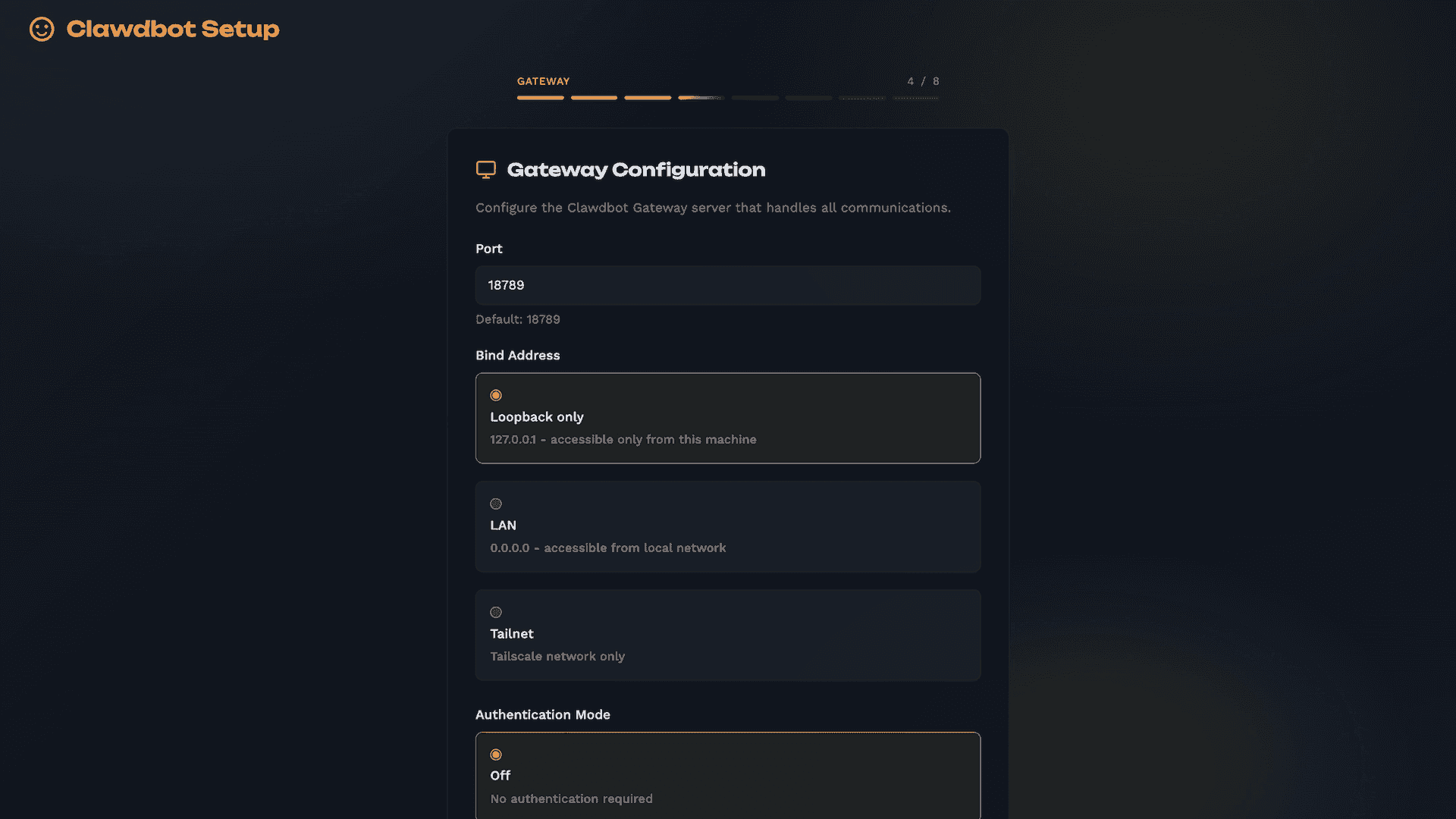
Big news for anyone who’s wanted to try Clawdbot ~ renamed Moltbot but felt intimidated by the setup process. There’s a new web based onboarding wizard in the works that could make things way more accessible. You can follow the discussion here. Right now the TUI and CLI is still the best way to inst…
Pricing
Open Source
Self-hosted, MIT-licensed OpenClaw core with no paid tier, hosted service, or token.
- MIT licensed
- Runs on your own machine (Mac, Windows, Linux)
- Bring your own hosted, subscription-backed, gateway, or local models (external costs)
- No enterprise edition and no paid version
- Chat via WhatsApp, Telegram, Discord, Slack, Signal, iMessage and more
Capabilities
Key Features
- Runs locally on macOS, Windows, and Linux
- Chat via WhatsApp, Telegram, Discord, Slack, Signal, iMessage, Teams and 20+ more channels
- Persistent memory across conversations
- Browser automation, file access, and shell command execution
- Optional sandboxing for tools
- Shared team Gateway deployment
- Skills and plugins via ClawHub
- Swappable hosted and local model providers
- Native companion apps for macOS, iOS, Android, Windows, and Linux
- Control UI, CLI, and TUI