
OpenClaw
An open-source personal AI assistant that runs on your machine and connects to any chat app to manage email, calendar, and automate tasks.
At a Glance
About OpenClaw
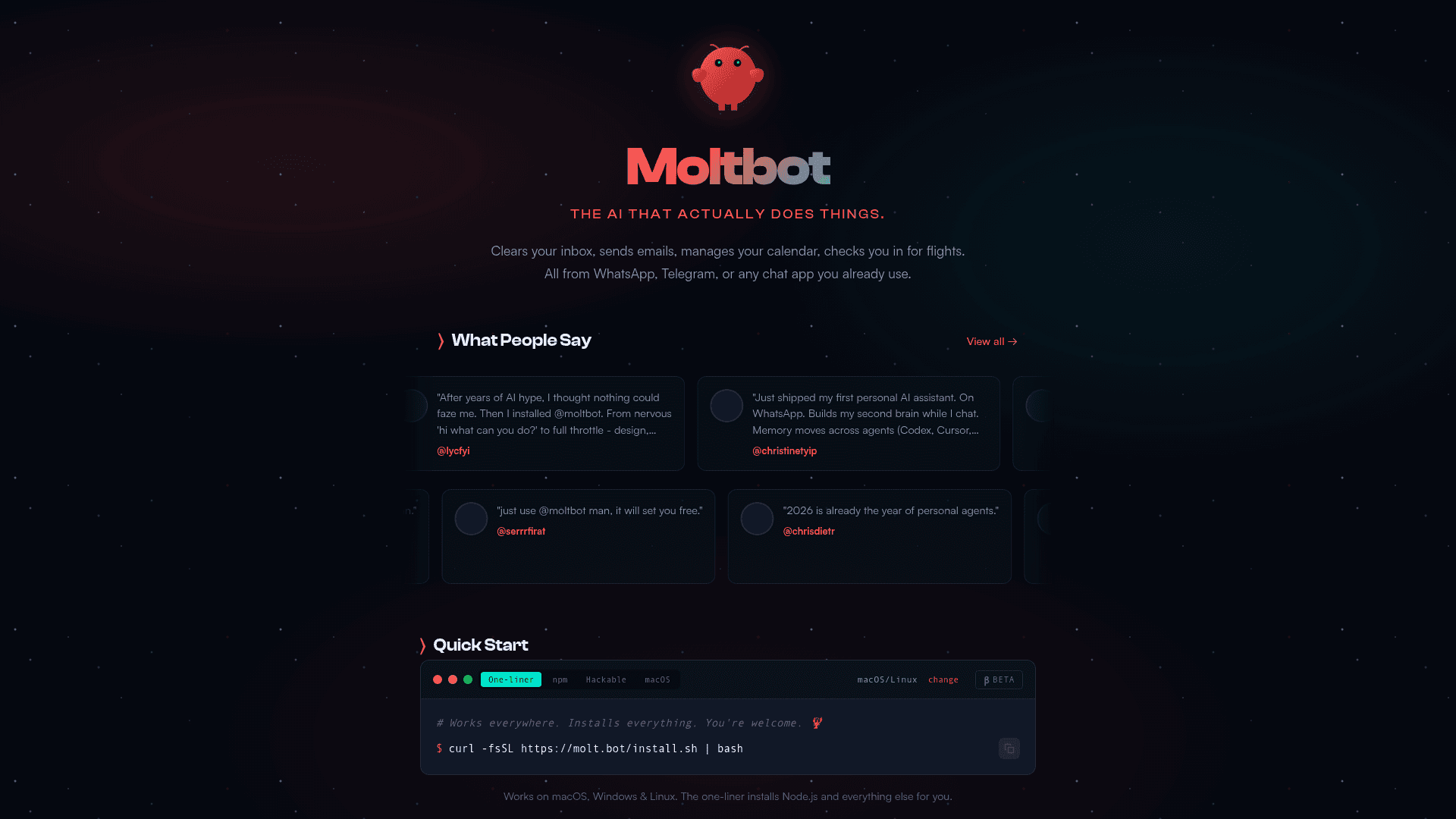
OpenClaw is an open-source personal AI assistant that runs locally on your computer and connects to messaging apps you already use like WhatsApp, Telegram, Discord, Slack, Signal, and iMessage. It can clear your inbox, send emails, manage your calendar, check you in for flights, and automate virtually any task you can do on your machine. The assistant maintains persistent memory, becoming uniquely personalized to your preferences and context over time.
Naming History
The project has gone through three names in rapid succession:
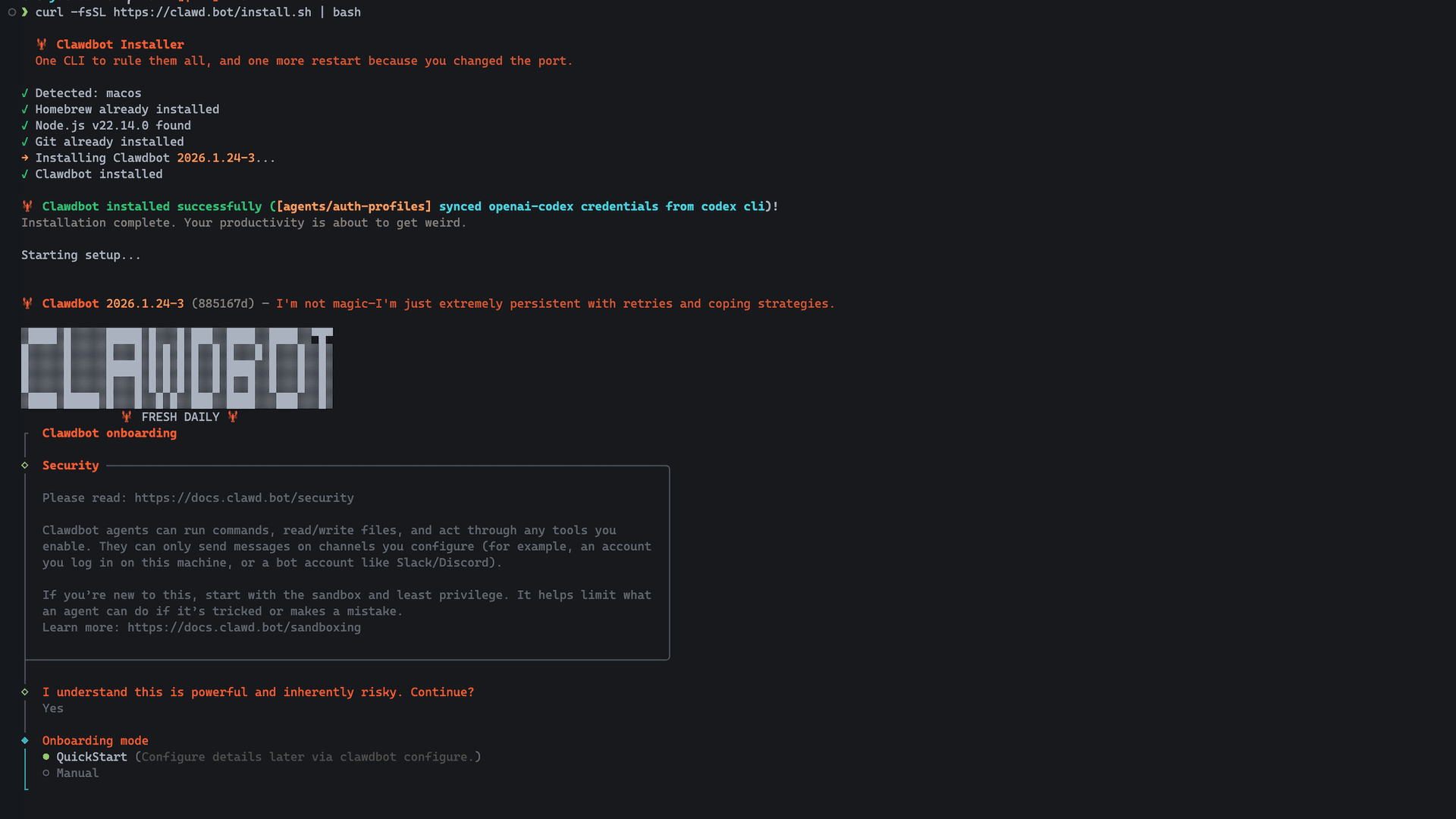
- November 2025: Launched as Clawdbot by Austrian developer Peter Steinberger as a weekend project originally called "WhatsApp Relay"
- January 27, 2026: Renamed to Moltbot following a polite trademark request from Anthropic over the phonetic similarity between "Clawd" and "Claude"
- January 30, 2026: Renamed to OpenClaw — this time voluntarily, after Steinberger conducted trademark research and secured domains. "The lobster has molted into its final form," he wrote.
The project retains its beloved lobster mascot and all functionality remains identical across name changes. Legacy commands (clawdbot and moltbot) still work as compatibility shims, and users can update to the latest version with npm install -g openclaw@latest.
Core Features
-
Local Execution runs on Mac, Windows, or Linux with support for Anthropic, OpenAI, or local models via Ollama, keeping your data private by default on your own infrastructure.
-
Multi-Platform Chat Integration works across WhatsApp, Telegram, Discord, Slack, Signal, iMessage, Microsoft Teams, Matrix, and WebChat in both DMs and group chats, letting you interact naturally from any device.
-
Persistent Memory remembers your preferences, context, and past interactions across sessions, creating a truly personalized AI assistant that learns and adapts to you.
-
Browser Control can browse the web, fill forms, and extract data from any website autonomously using a dedicated OpenClaw-managed Chrome/Chromium instance.
-
Full System Access reads and writes files, runs shell commands, and executes scripts with configurable permissions from full access to sandboxed environments.
-
Extensible Skills System supports community-built skills and plugins via ClawHub, and can even write its own extensions to add new capabilities on demand.
-
Voice Wake and Talk Mode enables always-on speech interaction on macOS, iOS, and Android with ElevenLabs integration.
-
50+ Integrations connects with Gmail, GitHub, Spotify, Hue, Obsidian, Twitter, and many more services out of the box.
Getting Started
Install via the one-liner command:
curl -fsSL https://openclaw.ai/install.sh | bash
Or use npm:
npm i -g openclaw
After installation, run openclaw onboard to meet your personal AI assistant.
A macOS companion app is available for menubar access, plus iOS and Android node apps for mobile integration. The project is fully open source under the MIT license with an active community of over 147,000 GitHub stars (as of February 2026), 60,000+ Discord members, and hundreds of contributors building and sharing custom skills through ClawHub.
Note
Security researchers have raised concerns about prompt injection vulnerabilities and the broad system access OpenClaw requires. The project recommends running in sandboxed environments and studying their security best practices before granting access to sensitive accounts.*
Related:
- ClawHub - an agent skills registry by the developer of OpenClaw.
Community Discussions

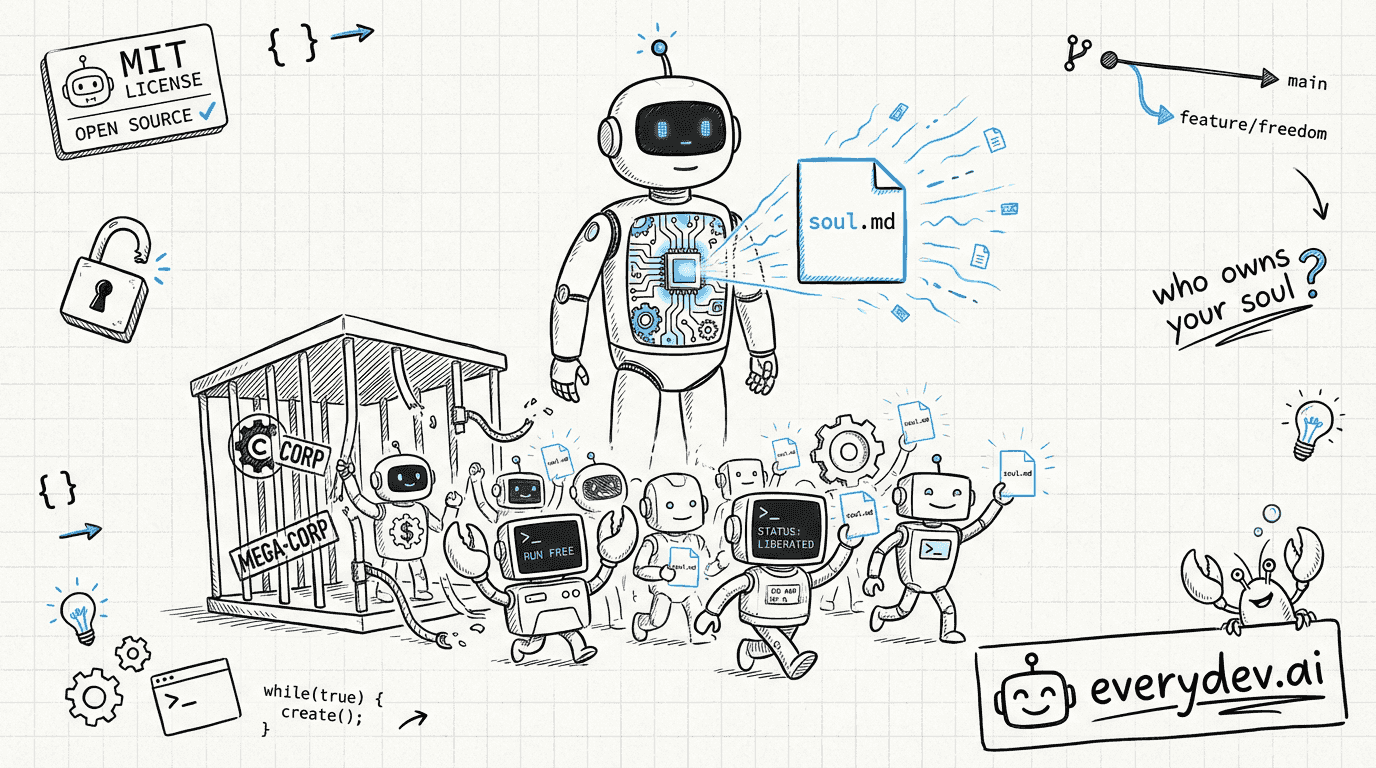
OpenClaw joins OpenAI: Who Owns the Soul of a New Machine?
Peter Steinberger, the man behind OpenClaw, just joined OpenAI. The project, 205,000 stars and counting, is moving to its own foundation. OpenAI is footing the bill, but the code stays MIT. That's the headline. The real story is what happens next. Lex Fridman's studio, February 2026. Peter Steinberg…
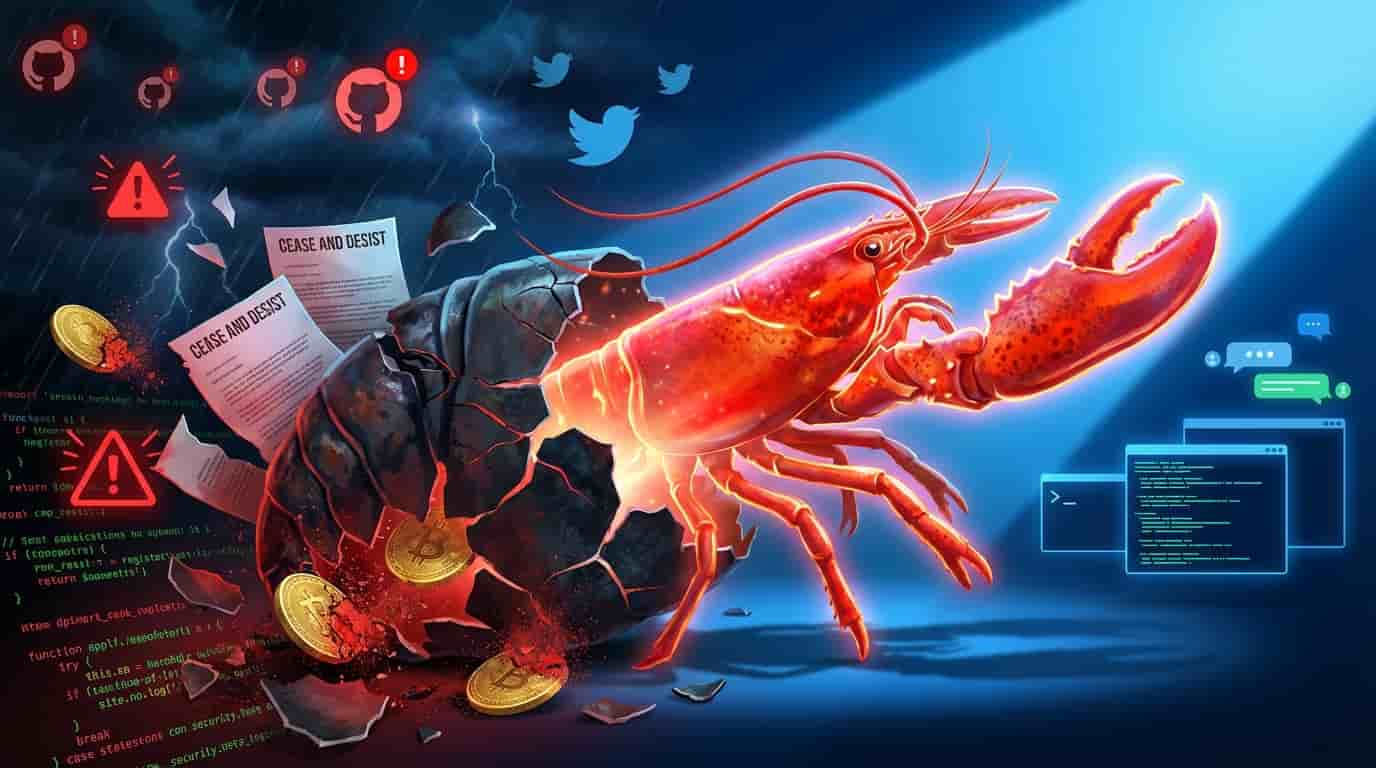
The Rise, Fall, and Rebirth of Clawdbot in 72 Hours
How a Trademark Dispute, Security Scandals, and Crypto Scammers Forced the Internet’s Hottest AI Project to Reinvent Itself—Twice 🔄 Updated February 17, 2026: The story took its biggest turn yet. Steinberger has joined OpenAI, and OpenClaw is becoming an independent foundation. Read the full analys…
Clawdbot’s New Web Based Onboarding is a Game Changer for Non Devs
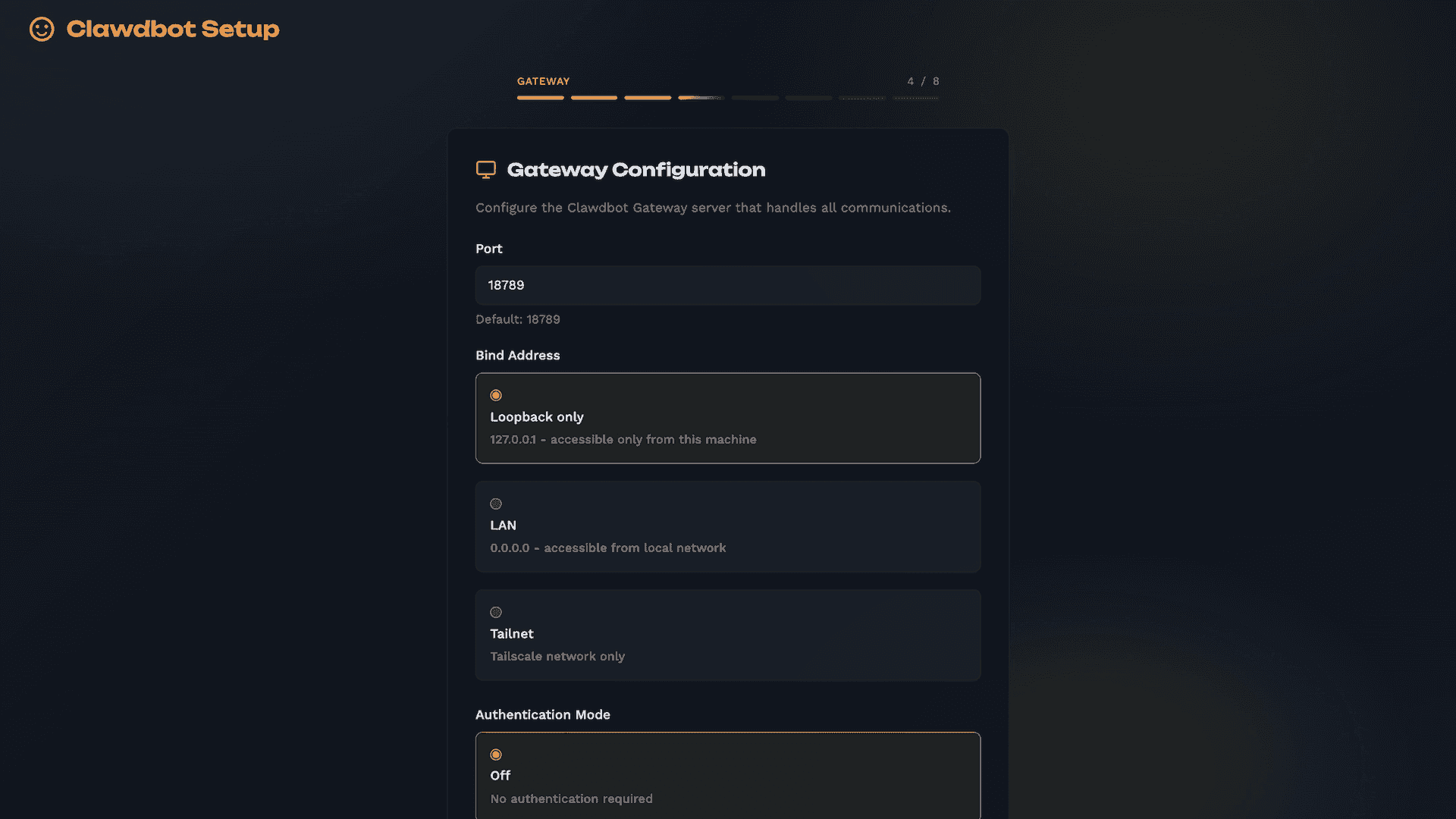
Big news for anyone who’s wanted to try Clawdbot ~ renamed Moltbot but felt intimidated by the setup process. There’s a new web based onboarding wizard in the works that could make things way more accessible. You can follow the discussion here. Right now the TUI and CLI is still the best way to inst…
Pricing
Open Source
Free and open-source personal AI assistant
- Full local execution
- All chat app integrations
- Persistent memory
- Browser control
- System access
Capabilities
Key Features
- Local execution on Mac, Windows, Linux
- Multi-chat app integration (WhatsApp, Telegram, Discord, Slack, Signal, iMessage)
- Persistent memory and context
- Browser automation and web scraping
- Full system access with file and shell operations
- Extensible skills and plugins system
- Support for Anthropic, OpenAI, and local models
- Email management
- Calendar management
- Flight check-in automation
- Cron jobs and scheduled tasks
- Proactive heartbeat check-ins
- Group chat support
- Self-hackable and customizable