
mq
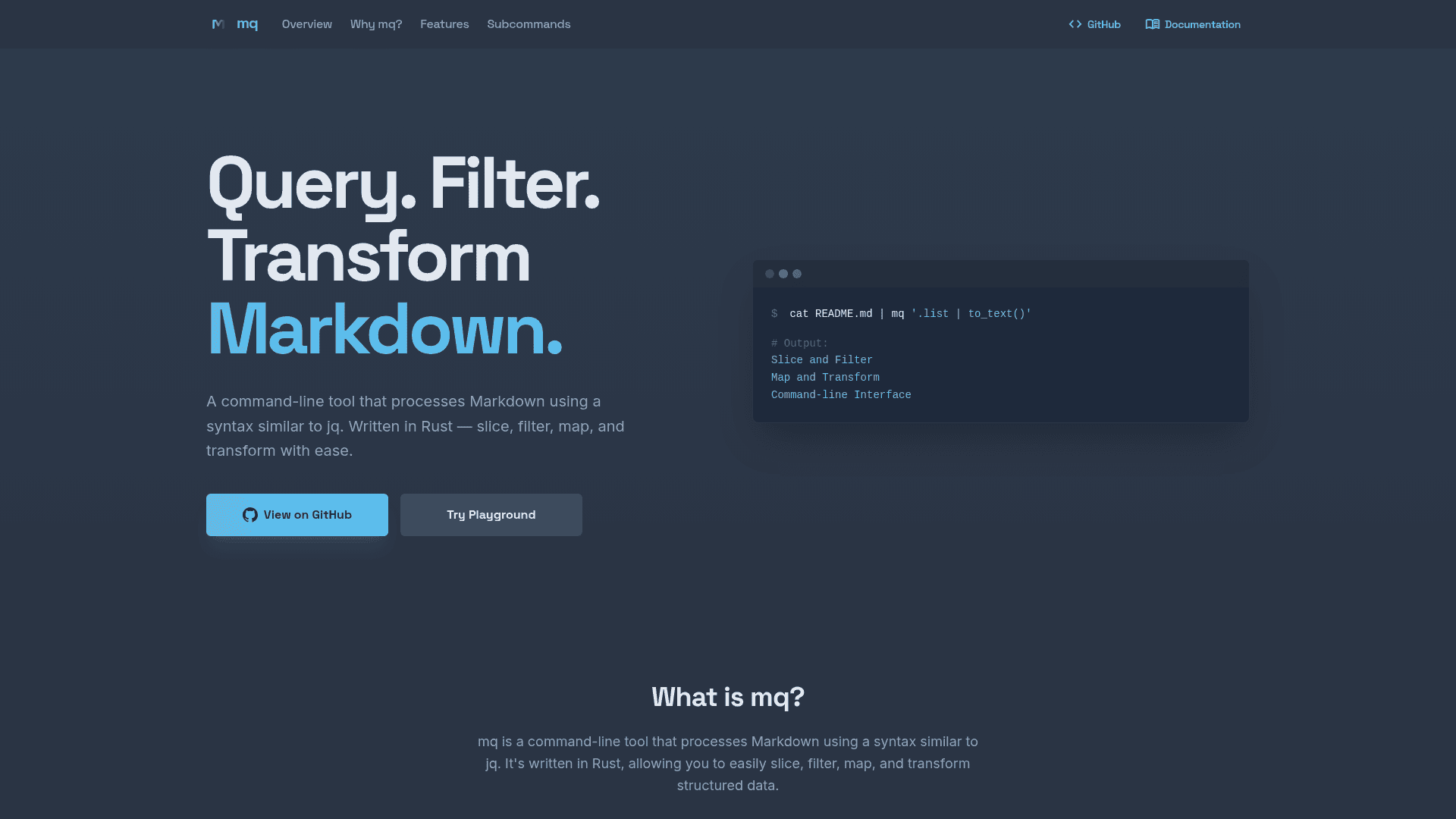
A jq-like command-line tool written in Rust that lets you query, filter, map, and transform Markdown documents using a familiar syntax.
At a Glance
Fully free and open-source under the MIT License. Download, use, modify, and distribute without restriction.
Engagement
Available On
Listed Jun 2026
About mq
mq is an open-source command-line tool created by Takahiro Sato (harehare) that brings jq-style querying to Markdown files. Written in Rust for sub-millisecond performance, it lets developers slice, filter, map, and transform structured Markdown content from the terminal. The project is under active development and released under the MIT License.
What It Is
mq treats Markdown documents as structured data — the same way jq treats JSON — and exposes a query language for extracting headings, code blocks, links, lists, tables, and arbitrary sections. You pipe a Markdown file into mq, write a query expression, and get back filtered or transformed Markdown, HTML, JSON, plain text, or other formats. The tool is especially positioned for LLM workflows, where Markdown is the dominant input and output format for language models.
Core Query Capabilities
The query language supports a rich set of selectors and transformations:
- Node selectors:
.h,.h(1),.h(1..3),.code("rust"),.link.url,.[][] - Filtering:
select(contains("name")),select(.code.lang != "js") - Aggregation:
-Aflag to aggregate multiple files;pluck(),section::section(),section::by_level() - Output formats: markdown, HTML, JSON, table, grep, raw, none
- In-place updates:
-U/--updateflag to rewrite the source file - Multi-format input: CSV, JSON, YAML, TOML, XML, HCL, CBOR, and more via auto-detected or forced
-Iflag
Ecosystem and Subcommands
mq ships with a growing set of official subcommands that compose via Unix pipes:
- mq-conv — converts PDF, DOCX, XLSX, and other formats into clean Markdown
- mq-crawler — web crawler that outputs structured Markdown from websites
- mq-tui — terminal Markdown viewer with syntax highlighting
- mq-check — type inference and checking for mq queries
- mq-lsp — Language Server Protocol implementation for IDE completion and hover
- mq-task — task runner that executes code blocks in Markdown files by section title
Custom subcommands can be added by placing any mq-<name> executable in ~/.local/bin/ or PATH.
Installation and Platform Support
mq supports multiple installation paths:
- Quick install script:
curl -sSL https://mqlang.org/install.sh | bash - Cargo:
cargo install mq-runfrom crates.io - Homebrew:
brew install mq(macOS and Linux) - Pre-built binaries: macOS (Apple Silicon), Linux x86_64/arm64, Windows (MSVC) via GitHub Releases
- Docker:
ghcr.io/harehare/mq:0.6.0 - GitHub Actions: official
harehare/setup-mq@v1action
IDE support includes a VSCode extension on the Visual Studio Marketplace and Open VSX Registry, a Neovim plugin, and a Zed extension. Language bindings for Elixir, Python, Ruby, Java, and Go are documented in the official book. A WebAssembly build (mq-web on npm) enables browser-side use, and an online playground at mqlang.org/playground requires no installation.
Update: v0.6.0
The latest release is v0.6.0, published on 2026-06-07. The GitHub repository shows active CI and audit workflows, a codecov integration, and CodSpeed performance benchmarking. The project was created in February 2025 and has accumulated 653 stars and 9 forks as of the latest data. The README notes the project is "under active development," signaling continued feature work and potential breaking changes.
Community Discussions
Be the first to start a conversation about mq
Share your experience with mq, ask questions, or help others learn from your insights.
Pricing
Open Source
Fully free and open-source under the MIT License. Download, use, modify, and distribute without restriction.
- Full CLI with all query, filter, and transform capabilities
- REPL support
- VSCode extension
- LSP support
- WebAssembly browser build
Capabilities
Key Features
- jq-like query syntax for Markdown
- Slice and filter Markdown nodes
- Map and transform Markdown content
- Command-line REPL for interactive queries
- VSCode extension and LSP support
- Experimental debugger (mq-dbg)
- External subcommand extensibility
- Multi-format input (CSV, JSON, YAML, TOML, XML, HCL, CBOR)
- Multiple output formats (markdown, HTML, JSON, table, grep, raw)
- In-place file update mode
- Parallel processing for multiple files
- WebAssembly build for browser use
- GitHub Actions integration
- Language bindings for Python, Ruby, Java, Go, Elixir
- mq-conv: convert PDF/DOCX/XLSX to Markdown
- mq-crawler: web crawler outputting Markdown
- mq-tui: terminal Markdown viewer
- mq-lsp: Language Server Protocol support
- mq-task: Markdown-based task runner
- Optimization levels for AST transformations