
multistack
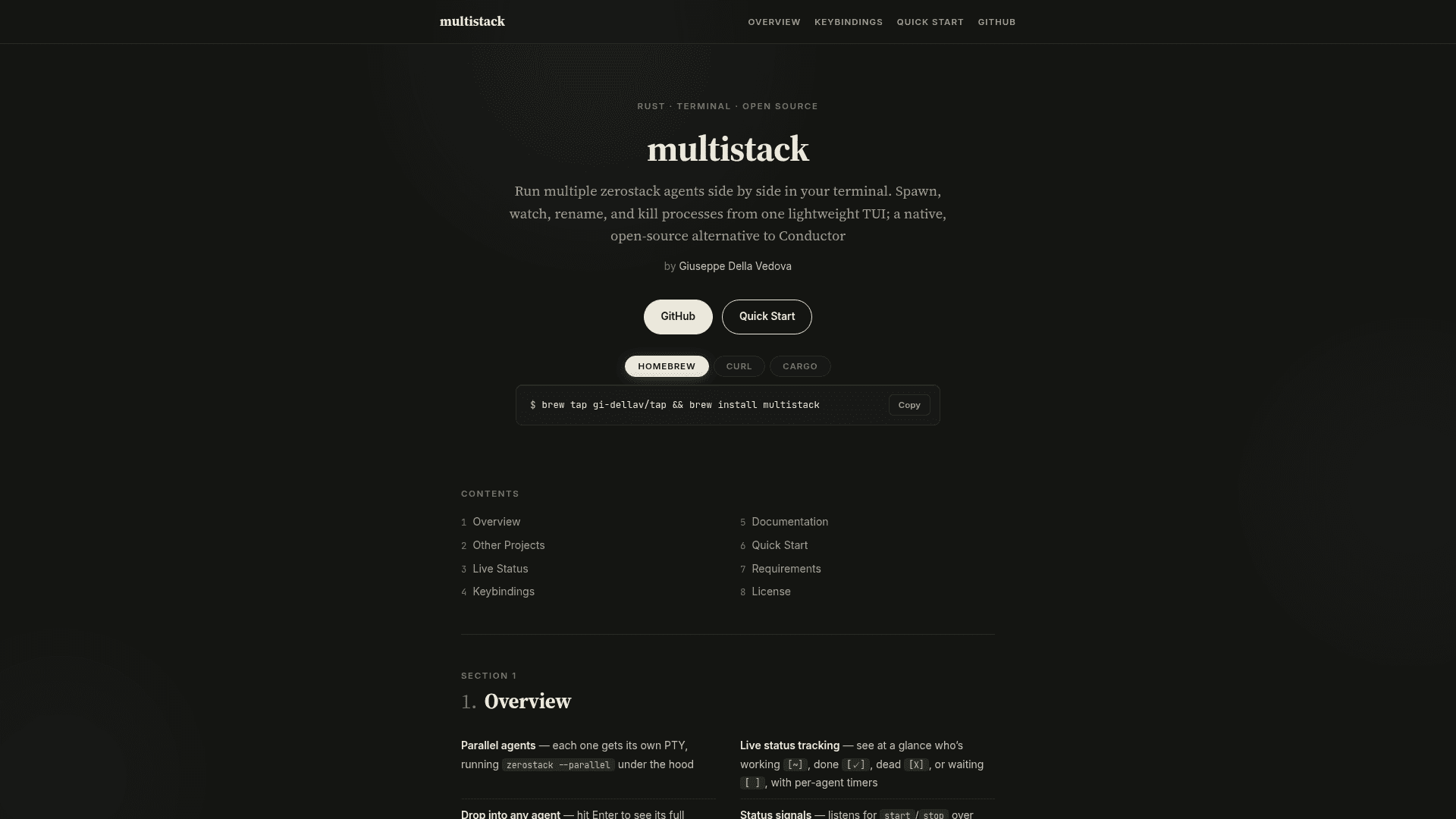
A lightweight open-source terminal TUI for running multiple zerostack AI coding agents side by side, with live status tracking, git worktree support, and process management.
At a Glance
Fully free and open source under GPL-3.0. Install via Homebrew, curl, or Cargo.
Engagement
Available On
Alternatives
Listed Sep 2026
About multistack
multistack is an open-source terminal user interface (TUI) written in Rust by Giuseppe Della Vedova, designed to manage multiple zerostack AI coding agents running in parallel. It is licensed under GPL-3.0 and positioned on its project page as a native, lightweight alternative to Conductor. The tool is installable via Homebrew, a curl script, or Cargo.
What It Is
multistack is a terminal multiplexer purpose-built for parallel AI agent workflows. Rather than managing generic processes, it is tightly coupled to the zerostack agent ecosystem: each spawned agent gets its own PTY running zerostack --parallel, and the TUI communicates with agents over Unix domain sockets to track lifecycle state in real time. It targets developers on Linux, BSD, and macOS who want to run many coding agents concurrently without leaving the terminal.
How the Agent Lifecycle Works
Each agent in multistack reports its state through a Unix socket protocol, and the TUI reflects those signals with color-coded glyphs:
[ ]gray — waiting, agent hasn't started yet[~]yellow — working, timer is running[?]cyan — blocked, waiting on a user permission prompt inside the agent[✓]green — finished, stop signal received[X]red — dead, process exited[!]magenta — git conflict, needs manual resolution
Timers freeze the moment an agent stops or conflicts, so elapsed time reflects actual work time. The [?] state requires zerostack carrying status-signal protocol v1.1, which adds blocked:<reason> and state:working signals; older zerostack builds simply never emit those lines and behave as before.
Key Workflow Features
- Parallel agents — spawn agents with
n(named, with git worktree) orN(no prompt, straight to TTY) orm(bare, no worktree) - Git worktree per agent — branch-per-task workflow created with a single keypress
- Projects — group agents by directory; jump between project headers with PageUp/PageDown
- Drop into any agent — press Enter to see full TTY output; all keystrokes pass through to the underlying process
- lazygit & shell integration — open
lazygitor$SHELLin the agent's worktree without leaving the TUI - Desktop notifications — fires when an agent finishes or hits a git conflict, even when the terminal is not in focus
- Directory picker — filterable file tree for adding projects
Architecture and Design
The project ships three documentation files: README.md for installation and keybindings, ARCHITECTURE.md for design decisions, and STATUS_SIGNAL.md describing the agent-to-UI socket protocol. The status socket design means timers and indicators stay accurate even across headless loop iterations where agents run without direct user interaction. multistack requires zerostack v1.5+ (built with the status-signals feature, which is the default from v1.5) and Rust 1.85+ (2024 edition).
Update: v1.1.4
The latest release is v1.1.4, published in September 2026 according to the GitHub metadata. The repository was created in June 2026 and has seen active development, with the last push in September 2026. The [?] blocked state and protocol v1.1 support are among the recent additions visible in the README, indicating the status-signal protocol is still evolving alongside zerostack's own release cadence.
Community Discussions
Be the first to start a conversation about multistack
Share your experience with multistack, ask questions, or help others learn from your insights.
Pricing
Open Source
Fully free and open source under GPL-3.0. Install via Homebrew, curl, or Cargo.
- Parallel zerostack agent management
- Live status tracking with Unix socket signals
- Git worktree per agent
- lazygit and shell integration
- Desktop notifications
Capabilities
Key Features
- Parallel agent management with individual PTYs
- Live status tracking with color-coded glyphs and per-agent timers
- Unix socket status signal protocol for accurate headless tracking
- Git worktree per agent for branch-per-task workflows
- Drop into any agent's full TTY with keystroke passthrough
- lazygit integration in agent or project worktree directory
- Shell ($SHELL) integration in agent or project worktree directory
- Desktop notifications on agent completion or git conflict
- Project grouping with directory picker and PageUp/PageDown navigation
- Rename, kill, and spawn agents from the TUI
- Scrollable help overlay with keybindings, statuses, and tips
- Homebrew, curl script, and Cargo installation options