Main Menu
  • Tools
  • Developers
  • Topics
  • Discussions
  • News
  • Blogs
  • Builds
  • Contests
Create
Sign In
    EveryDev.ai
    Sign inSubscribe
    Home
    Tools

    1,678+ AI tools

    • New
    • Trending
    • Featured
    • Compare
    Categories
    • Agents852
    • Coding826
    • Infrastructure375
    • Marketing347
    • Design291
    • Research273
    • Projects263
    • Analytics258
    • Integration156
    • Testing156
    • Data148
    • Security128
    • Learning124
    • MCP124
    • Extensions107
    • Communication102
    • Prompts90
    • Commerce86
    • Voice83
    • Web66
    • DevOps57
    • Finance17
    Sign In
    1. Home
    2. Tools
    3. YEN
    YEN icon

    YEN

    Command Line Assistants

    A GPU-accelerated, terminal-first IDE for macOS with native on-device speech-to-text, 72 curated themes, built-in email/calendar, and local-first privacy — no cloud, no account required.

    Visit Website

    At a Glance

    Pricing

    Free

    Full-featured GPU-accelerated terminal IDE for macOS. No account required, no cloud, free forever.

    Engagement

    Available On

    Windows
    macOS
    Linux
    Web
    API

    Resources

    WebsiteDocsllms.txt

    Topics

    Command Line AssistantsAgent HarnessSpeech Recognition

    Alternatives

    HorizonCrustBridle

    Developer

    YENSan Francisco, CAEst. 2014

    Listed Mar 2026

    About YEN

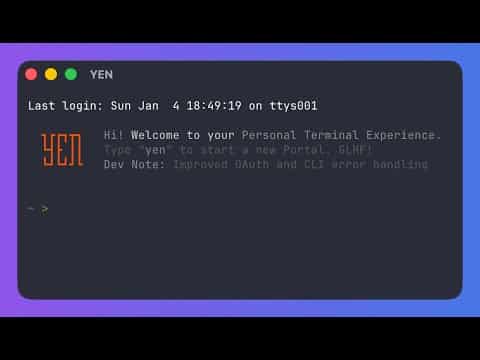
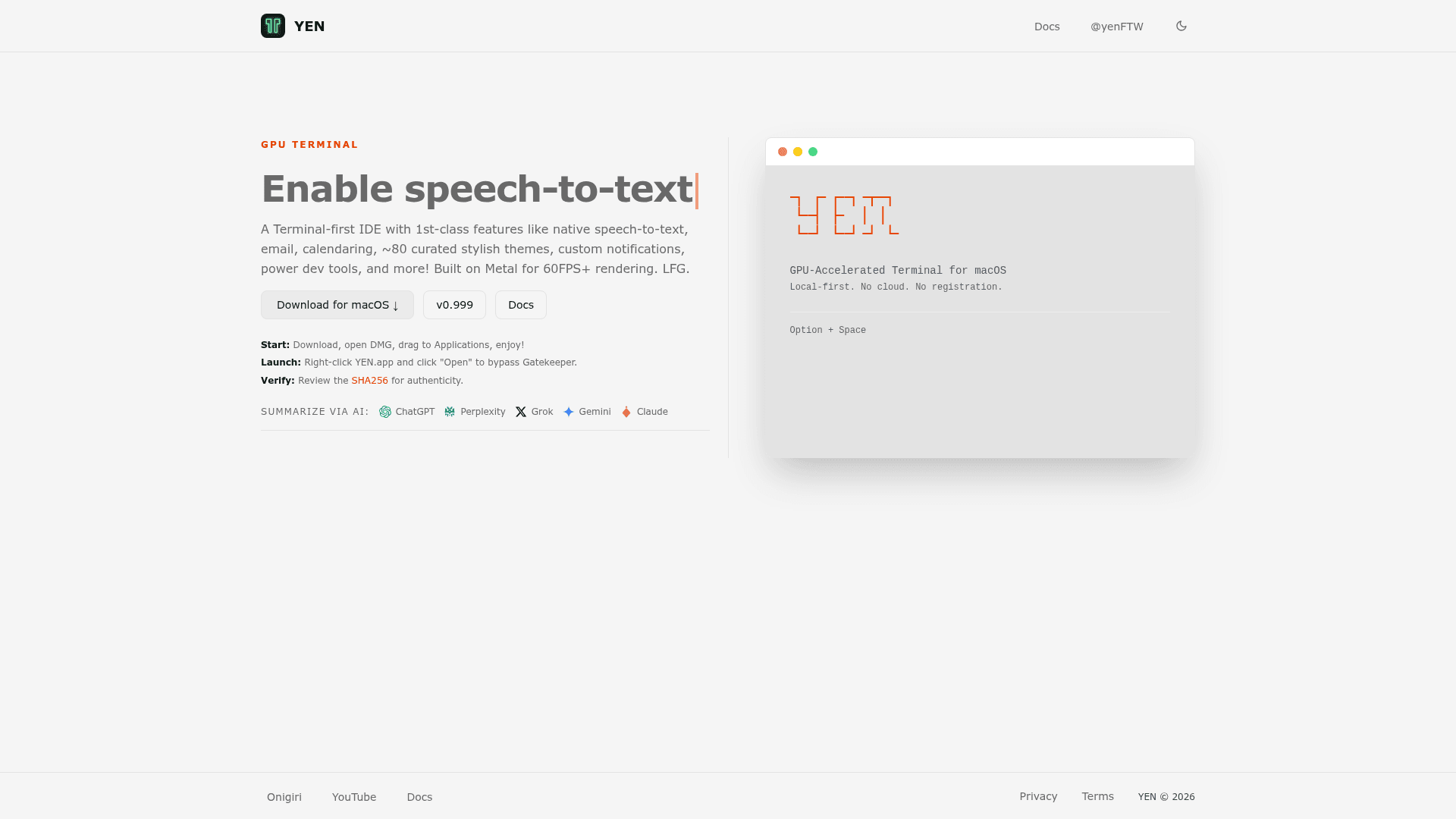
    YEN is a GPU-accelerated terminal IDE for macOS built on Metal for 60FPS+ rendering, designed around a local-first, no-cloud philosophy. It ships with native on-device speech-to-text (no AI services), a built-in file browser, Gmail and Google Calendar clients, global chat rooms, and 72 curated themes — all without requiring an account or sending data to the cloud. YEN takes a terminal-first approach to IDE workflows, adding editing and project capabilities around the terminal rather than bolting a terminal onto an editor.

    • GPU Rendering — Built on Metal for 60FPS+ performance; no Electron, no web views, lightweight install.
    • Native Speech-to-Text — Hold Option + Space in any macOS app; audio never leaves your Mac; supports 50+ languages via macOS Speech Recognition.
    • Terminal IDE Workflows — yen ide commands cover LSP lifecycle, project search, PR review, devcontainer control, encrypted terminal sharing, verification gates, and agent adapter orchestration.
    • 72 Curated Themes — Live preview and instant apply via Cmd + ,; comfort settings (font, cursor, opacity, padding) stay independent of theme switches.
    • Built-in Bundled Tools — Ships with fd, rg, fzf, zoxide, bat, jq, btop, fastfetch, and lazygit — zero Homebrew setup required.
    • File Browser — Terminal-native browser (Cmd + Shift + O) with syntax-highlighted previews, fuzzy find, git status indicators, and cd-on-quit.
    • Email & Calendar — Built-in Gmail client and Google Calendar TUI accessible via mail and calendar commands.
    • Global Chat — Built-in chat rooms (Lounge, Feedback, Show & Tell, Support) via the chat command.
    • Split Layouts & Tab Sidebar — 10 one-click split presets, persistent or transient tab rail, custom split pane labels, and full window state restoration.
    • Local-First Privacy — No required desktop account, no desktop telemetry, no AI watching your commands; website uses only anonymous aggregate analytics.

    To get started: download the DMG from yen.chat, drag YEN to Applications, right-click and select Open to bypass Gatekeeper, then run yen init zsh (or bash) in external shells to enable shell integration.
    YEN - 1

    Community Discussions

    Be the first to start a conversation about YEN

    Share your experience with YEN, ask questions, or help others learn from your insights.

    Pricing

    FREE

    Free Plan Available

    Full-featured GPU-accelerated terminal IDE for macOS. No account required, no cloud, free forever.

    • GPU Metal rendering at 60FPS+
    • Native on-device speech-to-text (50+ languages)
    • 72 curated bundled themes
    • Built-in file browser with syntax-highlighted previews
    • Bundled tools: fd, rg, fzf, zoxide, bat, jq, btop, fastfetch, lazygit
    View official pricing

    Capabilities

    Key Features

    • GPU-accelerated terminal rendering via Metal at 60FPS+
    • Native on-device speech-to-text (Option + Space, 50+ languages, no cloud)
    • Terminal-first IDE with yen ide workflow commands
    • 72 curated bundled themes with live preview
    • Built-in file browser with syntax-highlighted previews and cd-on-quit
    • Bundled tools: fd, rg, fzf, zoxide, bat, jq, btop, fastfetch, lazygit
    • Built-in Gmail client (compose, reply, forward, labels, search)
    • Built-in Google Calendar TUI (agenda, month, day, week views)
    • Global chat rooms (Lounge, Feedback, Show & Tell, Support)
    • Split pane layouts with 10 one-click presets
    • Tab sidebar (transient or persistent docked rail)
    • Quick Terminal global hotkey dropdown (Ctrl + `)
    • Scratchpad panel (Cmd + Shift + J)
    • Command palette (Cmd + Shift + P)
    • LSP lifecycle management and diagnostics
    • Encrypted terminal sharing with expiry and revoke
    • PR review workspace with inline comments
    • Devcontainer and VS Code inventory/import
    • Shell integration for bash, zsh, fish, elvish, nushell
    • Window state restoration across splits, tabs, and positions
    • Local weather via Open-Meteo with ASCII icons
    • Custom keybindings with conflict detection
    • Settings export/import
    • No account required, no desktop telemetry, local-first

    Integrations

    Gmail
    Google Calendar
    GitHub (PR review, notifications)
    Claude (agent adapter)
    Codex (agent adapter)
    VS Code (inventory/import)
    devcontainer
    upterm
    tmate
    Open-Meteo
    Sparkle (auto-updates)
    macOS Speech Recognition
    macOS SpeechAnalyzer / DictationTranscriber
    API Available
    View Docs

    Demo Video

    YEN Demo Video
    Watch on YouTube

    Reviews & Ratings

    No ratings yet

    Be the first to rate YEN and help others make informed decisions.

    Developer

    YEN Team

    YEN builds a GPU-accelerated, terminal-first IDE for macOS that prioritizes local-first privacy and developer speed. The product ships native on-device speech-to-text, built-in email and calendar clients, and a full suite of bundled developer tools — all without requiring a cloud account or sending data off-device. YEN releases new features weekly, taking a fundamentals-first approach that rejects unnecessary complexity and cloud lock-in.

    Founded 2014
    San Francisco, CA
    10 employees

    Used by

    Indie Hackers
    Early B2B Community Adopters
    Read more about YEN Team
    WebsiteX / Twitter
    1 tool in directory

    Similar Tools

    Horizon icon

    Horizon

    GPU-accelerated spatial terminal that places all your sessions on an infinite canvas with built-in AI agent panels, git integration, and workspace management.

    Crust icon

    Crust

    A TypeScript-first, Bun-native CLI framework with composable modules for building type-safe command-line interfaces.

    Bridle icon

    Bridle

    Bridle is an open-source TUI/CLI tool for managing configurations, profiles, and skill installations across AI coding harnesses like Claude Code, OpenCode, Goose, and Amp.

    Browse all tools

    Related Topics

    Command Line Assistants

    AI-powered command-line assistants that help developers navigate, search, and execute terminal commands with intelligent suggestions and context awareness.

    89 tools

    Agent Harness

    Infrastructure, orchestrators, and task runners that wrap around LLM coding agents — covering session management, context delivery, worktree isolation, architecture enforcement, and issue-to-PR pipelines.

    28 tools

    Speech Recognition

    AI tools that convert spoken language into text.

    28 tools
    Browse all topics
    Back to all tools
    Explore AI Tools
    • AI Coding Assistants
    • Agent Frameworks
    • MCP Servers
    • AI Prompt Tools
    • Vibe Coding Tools
    • AI Design Tools
    • AI Database Tools
    • AI Website Builders
    • AI Testing Tools
    • LLM Evaluations
    Follow Us
    • X / Twitter
    • LinkedIn
    • Reddit
    • Discord
    • Threads
    • Bluesky
    • Mastodon
    • YouTube
    • GitHub
    • Instagram
    Get Started
    • About
    • Editorial Standards
    • Corrections & Disclosures
    • Community Guidelines
    • Advertise
    • Contact Us
    • Newsletter
    • Submit a Tool
    • Start a Discussion
    • Write A Blog
    • Share A Build
    • Terms of Service
    • Privacy Policy
    Explore with AI
    • ChatGPT
    • Gemini
    • Claude
    • Grok
    • Perplexity
    Agent Experience
    • llms.txt
    Theme
    With AI, Everyone is a Dev. EveryDev.ai © 2026
    Sign in