
Muse Code
Meta's beta terminal coding agent for long-horizon work across large repositories. Runs parallel subagents in isolated git worktrees, records every step to a replay-exact local event log, and is powered by the co-trained Muse Spark 1.2 model.
At a Glance
Engagement
Available On
Listed Aug 2026
About Muse Code
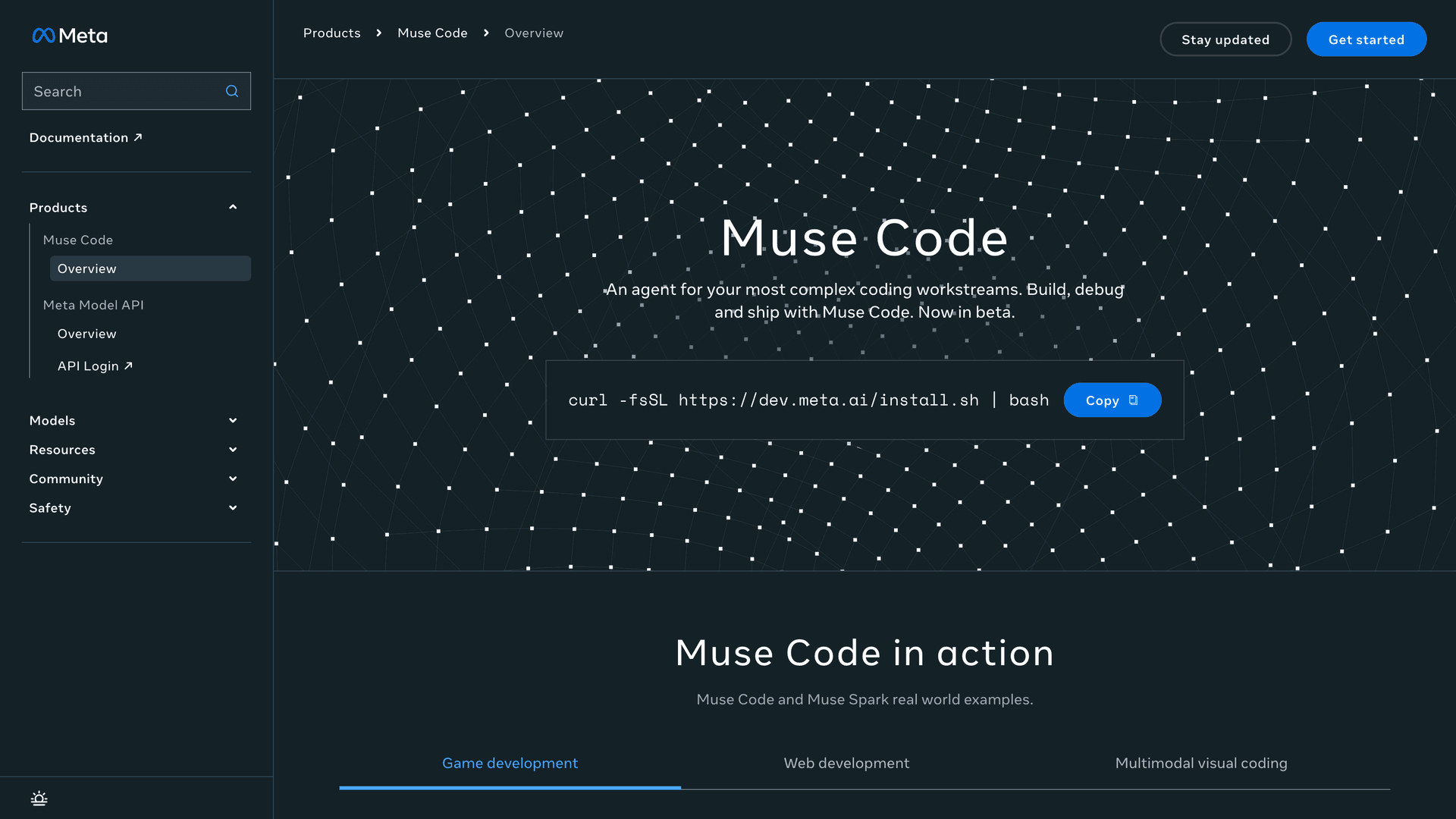
Muse Code is Meta's terminal coding agent, released in beta on August 5, 2026 by Meta Superintelligence Labs. It installs with a single shell command on macOS and Linux and is driven entirely from the command line, with no editor plugin or desktop application at launch. Meta's research post describes it as built for long-horizon software engineering: taking on complete tasks across large repositories by planning changes, writing code, and validating the results. It ships alongside Muse Spark 1.2, a coding-focused model Meta says it co-trained with the agent so the two are tuned to each other rather than paired after the fact.
What It Is
Muse Code is a harness, not a model. The agent runs a simple main loop alongside a set of background agents that stay active for the whole session instead of being spawned per task, which Meta says avoids redundant information gathering and reduces the steering needed on difficult multi-step work. The same binary runs two ways: an interactive terminal interface with slash commands, and a headless one-shot mode aimed at scripts and continuous integration. Meta's developer blog positions the agent as the best way to run Muse Spark 1.2, and the model as one it trained inside that runtime.
Parallel Subagents in Isolated Worktrees
A single job can fan out to several write-capable child agents working at once. With worktree isolation enabled, the runtime creates and owns a git worktree per child in detached HEAD state, checked out from the parent, so parallel edits cannot collide and the developer's working copy stays clean. Meta documents native tools for spawning, messaging, cancelling, and reading results from those children, plus terminal commands for inspecting and steering a running fan-out. Isolation requires a git repository; outside one, children share the lead agent's workspace.
The Event Log
Every model call, tool run, approval, and edit is appended to a local event log before the effect happens. Meta calls this single source of truth replay-exact and restart-safe: after a crash, a session resumes precisely where it stopped rather than repeating work. Subagents and observers write their own logs beneath the session directory, so a fan-out produces a tree of logs rather than one interleaved stream. Meta documents an export command that produces a self-contained JSON document offline, with a redaction mode that strips authentication headers, secret assignments, and tokens.
Approvals and Sandboxing
Approval prompts and an operating-system sandbox are both on by default. Containment is native rather than emulated, using Seatbelt on macOS and a bundled bubblewrap helper on Linux, granting write access to the workspace and a temporary directory while keeping the rest of the filesystem read-only. Compound shell commands are reviewed stage by stage rather than as a single line, and if the agent cannot confirm the sandbox is active it refuses to run shell commands at all. Hook commands and configured servers run outside that sandbox, which Meta's documentation calls out directly.
Skills and Goal Tracking
Muse Code ships with built-in skills that load lazily and fire only on explicit invocation, covering plan grounding with an approval gate, decision-forcing interviews, and a checklist of visual defaults to avoid in interface work. A separate goal command pins a durable objective and an acceptance check for the session, gated by a completion audit before the goal can be closed. The agent reads project-level and user-level skill directories and can import existing skill libraries from other terminal coding agents.
What to Watch
This is a beta, and the caveats are real. Meta has published no native Windows install path. The launch benchmark charts come from Meta's own harness, and early practitioner reports suggest Muse Spark 1.2 performs materially worse when driven from a third-party harness. The model identifier a session runs on also determines whether Meta may use prompts and completions to improve its products, which matters for repositories under confidentiality obligations.
Community Discussions
Be the first to start a conversation about Muse Code
Share your experience with Muse Code, ask questions, or help others learn from your insights.
Pricing
Contributor
Default tier a new Muse Code install starts on, selected by running the muse-spark-1.2-contributor model ID.
- $0.10 per million input tokens
- $0.002 per million cached input tokens
- $0.20 per million output tokens
- Rate limited by tokens in a rolling 5-hour window rather than by request count
- Meta may use prompts and completions to improve its products
- Available in select countries only
- Switch tiers in-session with the /model command
Standard
Standard Meta Model API pay-as-you-go pricing, selected by running the muse-spark-1.2 model ID.
- $1.25 per million input tokens
- $0.15 per million cached input tokens
- $4.25 per million output tokens
- Prompts and completions are not used to train Meta models
- No long-context premium
- Zero data retention available on request through Meta sales
Capabilities
Key Features
- Terminal coding agent that plans changes, writes code, and validates results across large repositories
- Persistent async background agents that stay active for the whole session instead of being spawned per task
- Parallel write-capable subagents, each isolated in its own git worktree in detached HEAD state
- Append-only local event log recording every model call, tool run, approval, and edit before the effect
- Replay-exact, restart-safe runtime that resumes a crashed session at the point it stopped
- Deterministic session export with a redaction mode for auth headers, secrets, and tokens
- Staged approval prompts that review compound shell commands one stage at a time
- OS-native sandbox using Seatbelt on macOS and a bundled bubblewrap helper on Linux
- Refuses to run shell commands when sandbox containment cannot be confirmed
- Interactive terminal UI with slash commands for inspecting and steering a running fan-out
- Headless one-shot execution mode for scripts and CI, with JSONL event streaming to stdout
- Built-in skills for plan grounding, decision-forcing interviews, and interface quality checks
- Goal command that pins a durable objective with an acceptance check and completion audit
- Project-level and user-level custom skill directories with import from other agent skill libraries
- Lifecycle hooks binding shell commands to session, prompt, tool, model, and subagent events
- Browser sign-in or API key authentication against a Meta developer account
- Powered by Muse Spark 1.2, a coding-focused model Meta co-trained with the agent