
nightmux
Self-hosted tool that drives terminal AI coding agents in tmux from Telegram or a dashboard and resumes work after usage limits reset.
At a Glance
Self-hosted nightmux core released under the MIT license; free to use, copy, modify and distribute. Agent CLI subscriptions or API usage are external costs.
Engagement
Available On
Alternatives
Listed Oct 2026
About nightmux
nightmux is an open-source, MIT-licensed Python tool that drives terminal AI coding agents such as Claude Code, Codex, Gemini, opencode, Cursor, Amp, Goose and Qwen Code inside tmux sessions. You control them from Telegram or a phone dashboard, and when an agent hits its usage limit the queue waits and resumes when the window resets, or hands the work to another agent. The latest release listed is v1.3.0.
What It Is
nightmux is a self-hosted agent-control layer that sits on top of tmux sessions on your own machine. Each project maps to a Telegram forum topic (or a chat in the dashboard) bound to a tmux session. Text, photos, files and voice notes you send are typed into the agent's prompt, and output and approval requests come back as messages with tap buttons. The README describes it as a single stdlib-only Python file with no dependencies, and says no relay sees your code.
Overnight workflow
The core job is keeping work moving unattended. nightmux reads the reset time of a usage limit, holds queued prompts, and re-sends the interrupted turn when the window reopens. Other documented commands cover scheduled starts (!at, !every), step queues (!shift, !plan), and !goal, which runs a check such as tests after every turn and sends failures back to the agent until it passes. A morning briefing summarizes what was done overnight.
Multiple agents and visibility
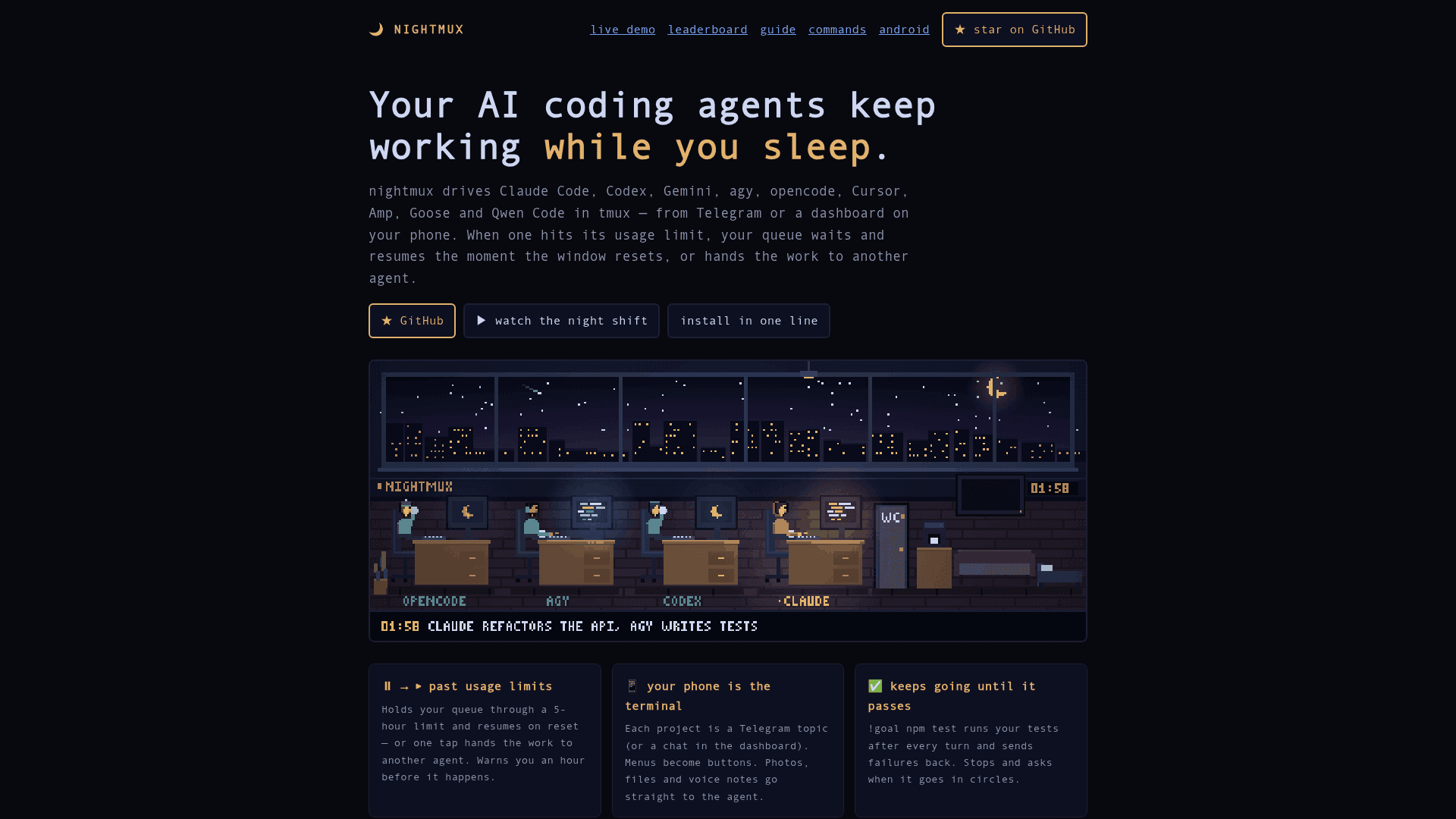
A topic can hold several agents, with commands for failover, consulting, pair reviews and racing two agents in separate worktrees. Usage tracking covers context percentage, limit windows, cost and stats. A dashboard, chat PWA, pixel-art office view and an Android app provide visibility, and a demo mode runs without a bot or keys.
Setup path and security model
Install is via a one-line installer, pipx, a git clone, or Docker, and setup handles the Telegram bot, allowlist, Claude Code hooks and a systemd or launchd service. Requirements listed are Python 3.8+, tmux and a terminal coding agent. The README warns that the bot token is effectively a shell on your machine, so allow_users is the key safeguard; the dashboard binds to 127.0.0.1 by default and risky approvals such as rm -rf or git push are not auto-approved.
Community Discussions
Be the first to start a conversation about nightmux
Share your experience with nightmux, ask questions, or help others learn from your insights.
Pricing
Open Source (MIT)
Self-hosted nightmux core released under the MIT license; free to use, copy, modify and distribute. Agent CLI subscriptions or API usage are external costs.
- MIT-licensed single-file Python core, no dependencies
- Runs on your own machine (Linux or macOS with tmux)
- Resumes agent queue after usage limits or hands off to another agent
- Telegram bot or dashboard-only mode
- Docker image and PyPI package available
Capabilities
Key Features
- Auto-resume after usage limits or hand-off to another agent
- Control agents from Telegram topics or a dashboard
- Menus rendered as buttons; photos, files and voice notes sent to agents
- !goal loop that reruns checks until tests pass
- Race agents in separate worktrees
- Scheduled and queued overnight work (!at, !every, !shift, !plan)
- Morning briefing with a GIF of the night
- Token and cost tracking with auto-compact
- Pixel-art office view and Android app
- Multi-server support and plugins
- Demo mode without bot or keys
- Opt-in autoyes that never approves risky commands