
Notion MCP Server
Official MCP server by Notion that lets AI agents read and write Notion pages, databases, and comments via the Notion API.
At a Glance
About Notion MCP Server
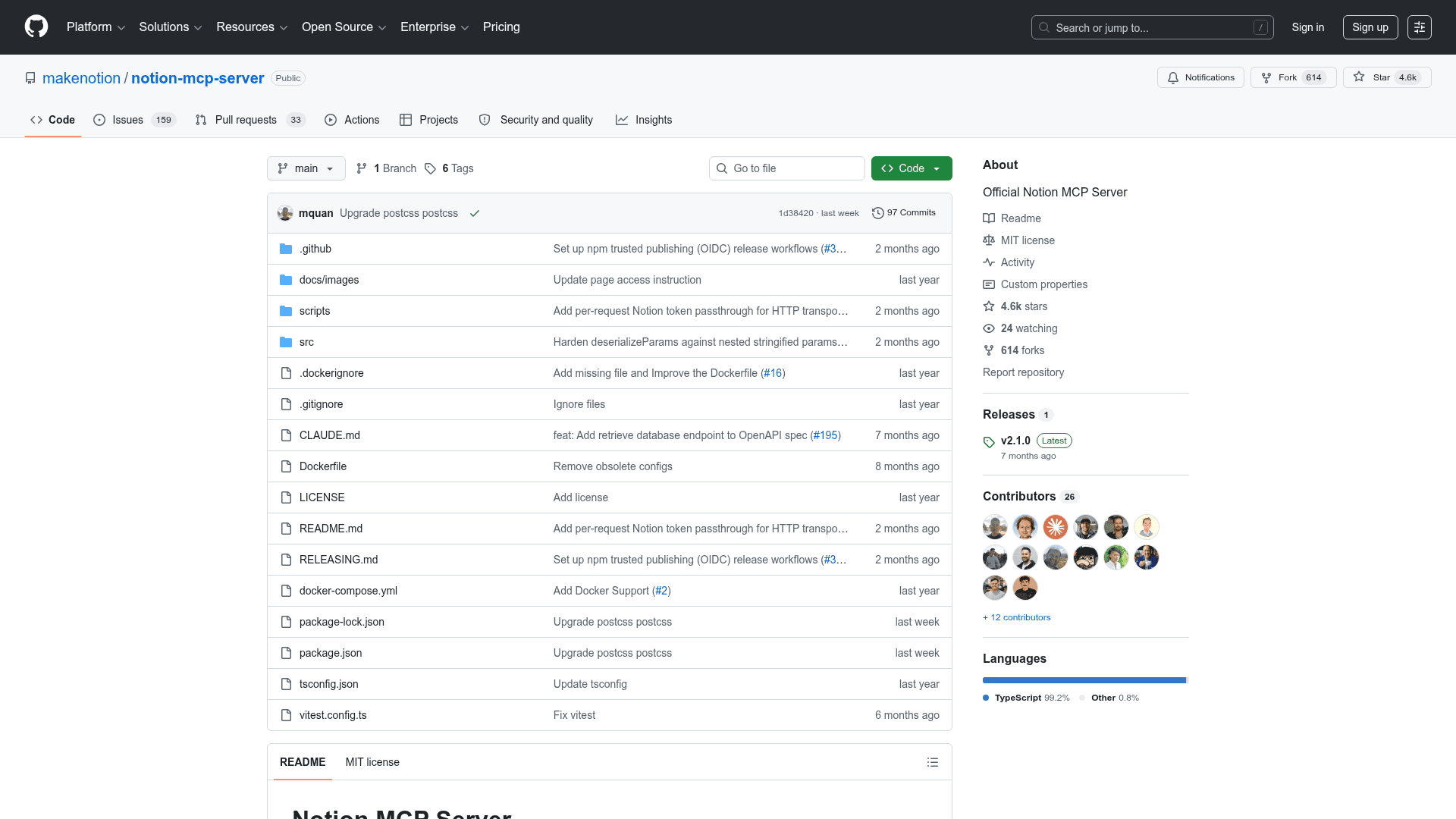
The Notion MCP Server is the official Model Context Protocol (MCP) server published by Notion Labs, Inc. under the MIT license. It bridges AI agents and clients like Claude Desktop, Cursor, Zed, and GitHub Copilot CLI to the full Notion API, enabling them to search, read, create, and edit pages, databases, and comments. The repository is written in TypeScript and is actively maintained on GitHub, with version 2.1.0 released in January 2026.
What It Is
The Notion MCP Server implements the Model Context Protocol specification on top of the Notion REST API. It exposes a set of tools that AI agents can call to interact with a connected Notion workspace — searching for pages, querying data sources (databases), creating and updating content, and posting comments. The server runs locally via npx or Docker, or can be deployed as a remote MCP server using Notion's hosted OAuth-based offering documented at developers.notion.com/docs/mcp.
Update: v2.1.0 and the v2.0.0 Breaking Changes
The latest release is v2.1.0 (published 2026-01-31). Version 2.0.0 was a significant breaking release that migrated to the Notion API version 2025-09-03, which introduced data sources as the primary abstraction for databases. Key changes in v2.0.0:
- Removed tools (3):
post-database-query,update-a-database,create-a-database - New tools (7):
query-data-source,retrieve-a-data-source,update-a-data-source,create-a-data-source,list-data-source-templates,move-page,retrieve-a-database - All database operations now use
data_source_idinstead ofdatabase_id - Total tool count is now 22 (up from 19 in v1.x)
The README also notes that Notion is prioritizing the remote MCP server (with OAuth) and may sunset this local repository in the future.
Page Content as Markdown
A standout feature introduced in recent versions is the ability to read and write Notion page content as enhanced Markdown rather than raw block JSON. This is described as significantly more token-efficient for AI agents:
retrieve-page-markdown— reads a full page as Markdown, with optional meeting-note transcript inliningupdate-page-markdown— edits page content using Markdown, supporting full replacement or targeted find-and-replace
These endpoints require Notion API version 2026-03-11 and the server automatically selects the correct API version per operation from the OpenAPI spec.
Transport and Deployment Options
The server supports two transport modes:
- STDIO (default): Standard input/output, compatible with Claude Desktop, Cursor, and most MCP clients
- Streamable HTTP: For web-based applications; runs on a configurable port with bearer token authentication, DNS rebinding protection, and optional per-request token passthrough for multi-tenant deployments
Installation options include npx, Docker Hub official image (mcp/notion), or building locally. Configuration is done via a JSON snippet added to the MCP client's config file, with NOTION_TOKEN as the recommended authentication method.
Setup Path
- Create an internal Notion integration at notion.so/profile/integrations and copy the token
- Grant the integration access to relevant pages or databases via the Access tab
- Add the MCP server config to your client (Cursor, Claude Desktop, Zed, or GitHub Copilot CLI) using
npx @notionhq/notion-mcp-serverwith theNOTION_TOKENenvironment variable - Optionally use Docker for a more isolated deployment
The README notes that security-conscious users can create read-only integration tokens by limiting capabilities to "Read content" only in the integration settings.
Community Discussions
Be the first to start a conversation about Notion MCP Server
Share your experience with Notion MCP Server, ask questions, or help others learn from your insights.
Pricing
Open Source
Free and open-source under the MIT license. Use, modify, and distribute freely.
- MIT licensed
- Full source code available
- 22 MCP tools for Notion API
- STDIO and HTTP transport modes
- Docker and npx support
Capabilities
Key Features
- 22 MCP tools for Notion API operations
- Read and write pages as Markdown (token-efficient)
- Query and manage data sources (databases)
- Search pages and databases
- Create and update pages and comments
- Move pages between parent locations
- STDIO and Streamable HTTP transport modes
- Bearer token authentication for HTTP transport
- Per-request token passthrough for multi-tenant deployments
- Docker and npx installation options
- Read-only integration token support
- Auto-versioned Notion API headers per operation