
MCP Connector for Obsidian
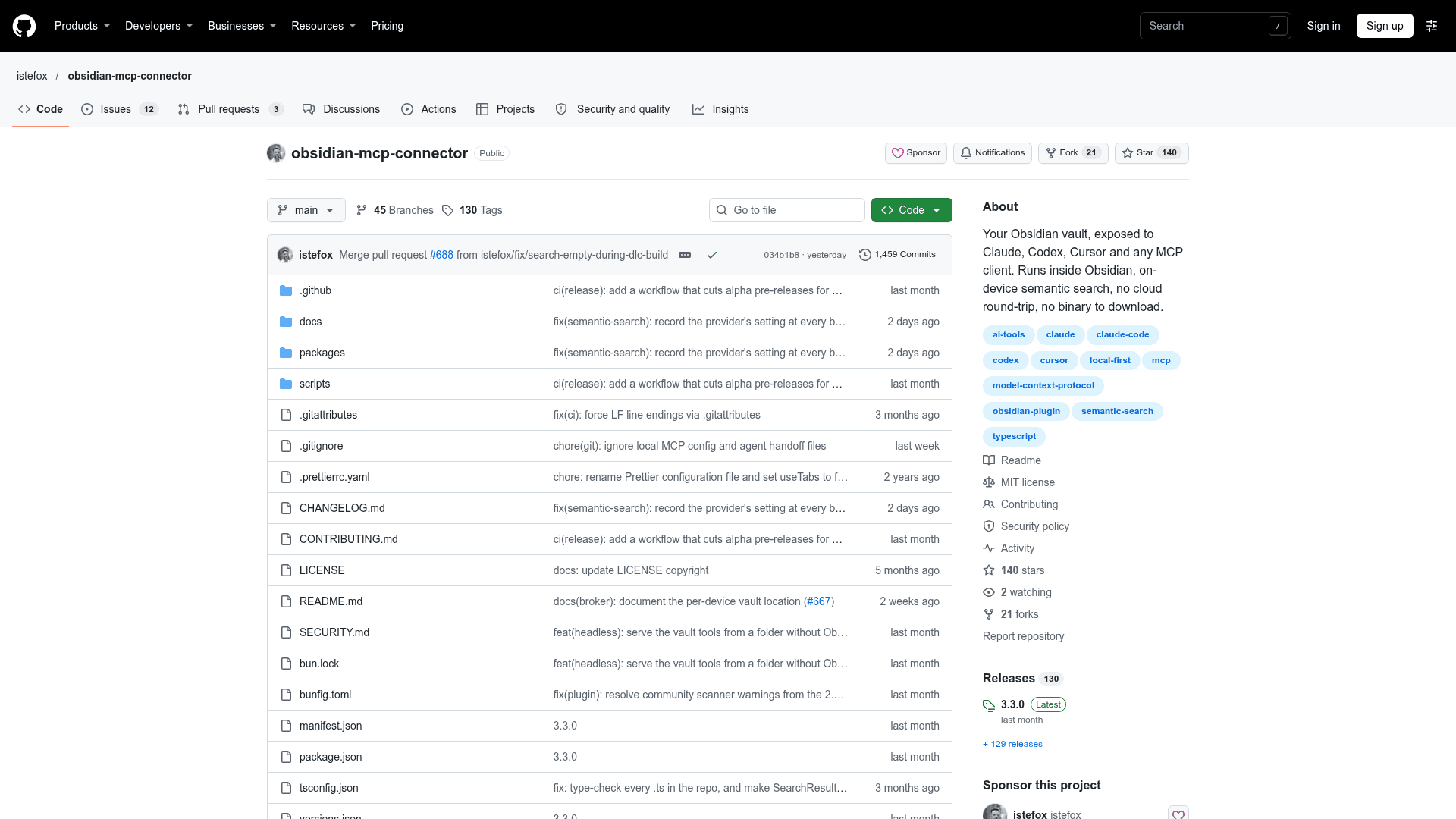
An Obsidian plugin that runs an MCP server inside Obsidian to expose your vault to Claude, Codex, Cursor and other MCP clients.
At a Glance
MCP Connector for Obsidian plugin, MIT-licensed, runs inside Obsidian on loopback with no cloud round-trip.
Engagement
Available On
Listed Nov 2026
About MCP Connector for Obsidian
MCP Connector for Obsidian is an open-source plugin by istefox that exposes an Obsidian vault to AI clients over the Model Context Protocol. The MCP server runs inside Obsidian on loopback, with no binary to download and no cloud round-trip. The README lists Claude Desktop, Claude Code, Cursor, Cline, Continue, Windsurf, VS Code and Codex as clients that can connect to the same endpoint.
What It Is
The plugin turns a vault into an MCP server. A shared broker on 127.0.0.1:27200 forwards requests by route to each open vault, so client configs stay valid when a vault's own port changes. Vault reads and writes go through Obsidian's own vault and metadata cache APIs. The README documents 66 tools: 63 vault tools plus 3 meta-tools. They cover files, the active file, search, structure, tasks, frontmatter, maintenance, periodic notes, canvas and template execution.
Search and Linking
Semantic search runs on-device with Transformers.js, using providers such as MiniLM-L6-v2 by default, Gemma 300M, Multilingual-E5-Base, or Smart Connections if installed. Plain-text search supports regex, case sensitivity and scoping. Search results can render as a ranked list in clients that support MCP Apps. Several tools return obsidian:// URIs so notes can be linked from outside Obsidian.
Access Control and Tool Loading
The vault holds up to 10 per-client bearer tokens, each with its own tool profile. The All, Core and Adaptive profiles control how many tool schemas a session loads, and an optional allowlist can cap a token's tools. Command execution is off by default and gated by an allowlist and confirmation modal. Folders can be hidden from all tools.
Connecting Clients and Headless Mode
Claude Desktop connects through a per-token .mcpb extension or a manual mcp-remote config. Claude Code, Codex and Cline use copied commands or config snippets. Codex has an installer with preview, backup and atomic write. A separate obsidian-mcp-headless server can serve the vault tools from a folder over stdio or HTTP without Obsidian running, and needs Node 24.11 or newer.
Prompts
MCP prompts are authored as markdown notes in a Prompts/ folder, with declared parameters and note embeds inlined before the prompt reaches the model.
Community Discussions
Be the first to start a conversation about MCP Connector for Obsidian
Share your experience with MCP Connector for Obsidian, ask questions, or help others learn from your insights.
Pricing
Open Source (MIT)
MCP Connector for Obsidian plugin, MIT-licensed, runs inside Obsidian on loopback with no cloud round-trip.
- MIT License
- MCP server runs inside Obsidian
- 66 tools
- On-device embeddings / semantic search
- Works with Claude Desktop, Claude Code, Cursor, Cline, Continue, Windsurf and VS Code
Capabilities
Key Features
- MCP server running inside Obsidian on loopback
- 66 tools covering files, search, tags, tasks, frontmatter, canvas and periodic notes
- On-device semantic search with selectable embedding models
- Rendered search results via MCP Apps
- Per-client bearer tokens with Core, Adaptive and All tool profiles
- Shared broker giving a stable client URL
- Claude Desktop .mcpb export and Codex config installer
- Markdown-authored MCP prompts with note embeds
- Opt-in gated Obsidian command execution
- Hidden folders excluded from all tools
- Headless mode serving a vault folder without Obsidian