
Terminal for Obsidian
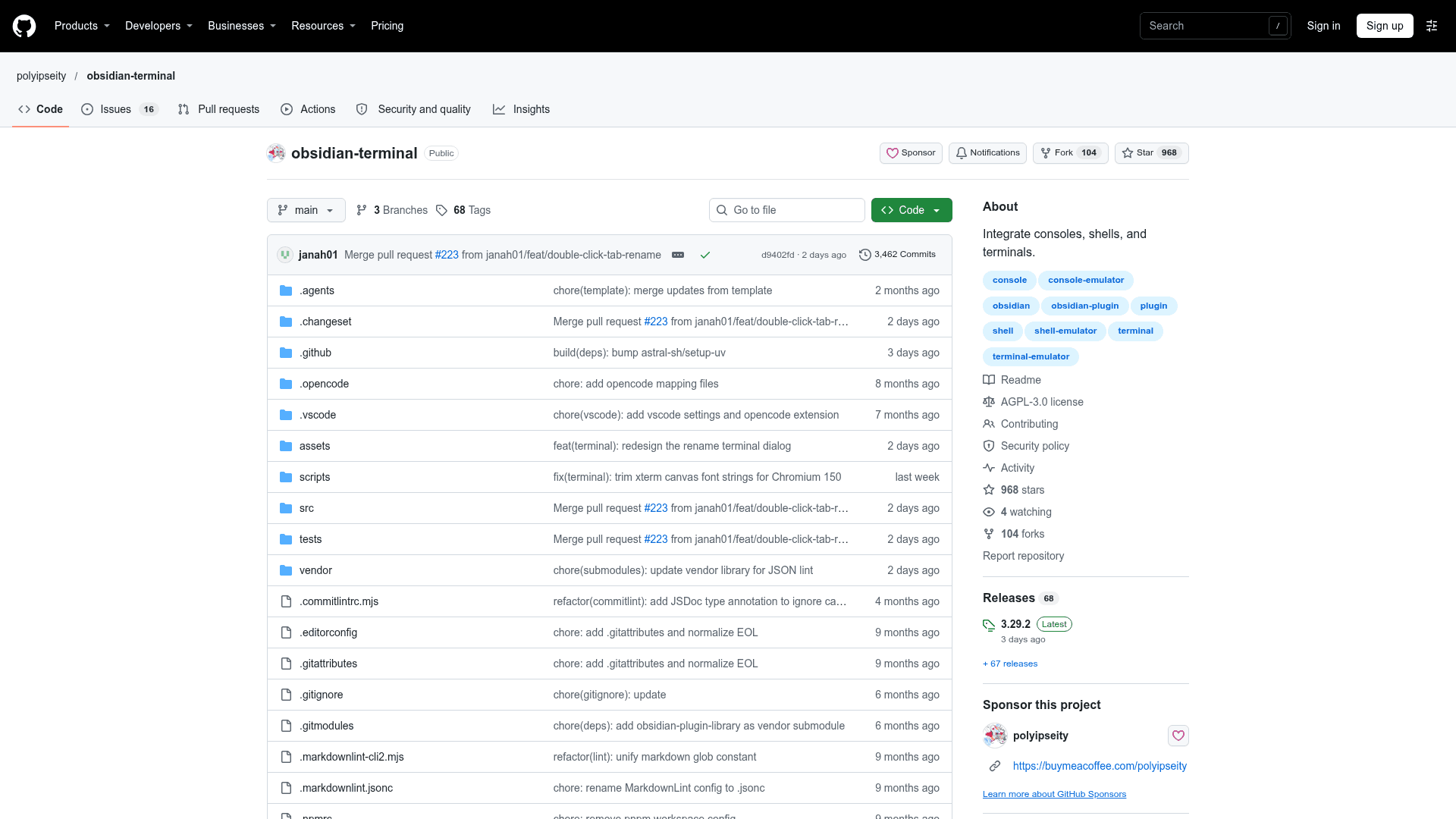
Obsidian plugin that integrates consoles, shells, and terminals into the Obsidian note-taking app.
At a Glance
Obsidian Terminal plugin licensed under AGPL-3.0, free to install from community plugins or build from source.
Engagement
Available On
Alternatives
Listed Nov 2026
About Terminal for Obsidian
Terminal for Obsidian is an open-source plugin by polyipseity that embeds shells and terminals inside Obsidian, or launches external terminal emulators from it. It is installable from Obsidian's community plugins, and the latest listed release is 3.29.2.
What It Is
The plugin adds terminal functionality to Obsidian. Users define profiles for shells such as Bash, PowerShell, Command Prompt, Zsh, or WSL for integrated terminals, and for terminal emulators such as Windows Terminal, GNOME Terminal, iTerm2, or xterm for external ones. It also provides an emulated developer console that works on all platforms.
How It Works
Terminals can be opened from a ribbon button, file and folder context menus, the command palette, or a profile selection modal. Integrated terminals can save and restore their history, search within output, save history to a file, and accept dragged files or folders whose paths are escaped for the profile's shell. Keyboard shortcuts are built in and customizable, and while a terminal has focus, Obsidian hotkeys are intercepted by default (this can be turned off).
Windows Backends and Python
On Windows, the default ConPTY backend needs no pip packages. The ConHost backend's resizer needs Python 3.9 or above with a few packages. The plugin falls back to ConHost if ConPTY cannot be confirmed.
Customization
Appearance is customized through xterm.js terminal options in a profile's data editor, with global defaults available in settings. Terminal tabs can show program status (idle, working, needs input, finished, error) reported through the OSC 7501 escape sequence. Experimental features are listed separately in settings and are off by default.
Platform Notes
The README says the plugin is much less useful on mobile, where its main use is opening a developer console. It reads environment variables and system PATH information to locate shells and Python, as documented in its security section.
Community Discussions
Be the first to start a conversation about Terminal for Obsidian
Share your experience with Terminal for Obsidian, ask questions, or help others learn from your insights.
Pricing
Open Source
Obsidian Terminal plugin licensed under AGPL-3.0, free to install from community plugins or build from source.
- Start external terminals from Obsidian
- Integrate terminals into Obsidian
- Emulated developer console usable on all platforms
- Multiple terminal profiles
- Built-in keyboard shortcuts
Capabilities
Key Features
- Start external terminals from Obsidian
- Integrated terminals inside Obsidian
- Emulated developer console on all platforms
- Multiple terminal profiles
- Built-in customizable keyboard shortcuts
- Save and restore integrated terminal history
- Find in terminal
- Save terminal history as file
- Customizable terminal appearance via xterm.js options
- Program status shown on terminal tabs
- Drag and drop file paths into terminals