
open-sheet
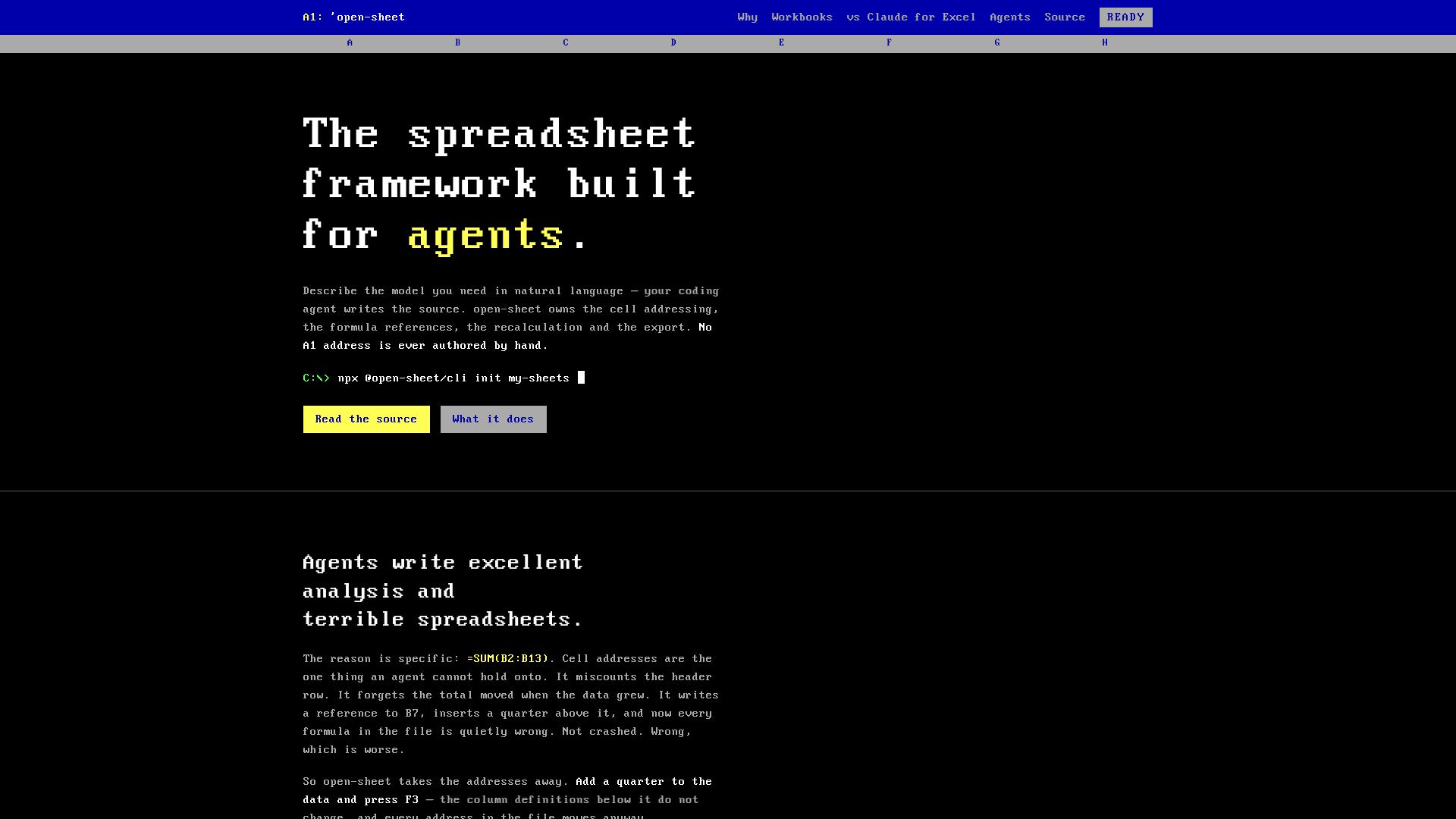
A spreadsheet framework built for AI agents that eliminates hand-authored cell addresses by letting agents write TypeScript/React source that compiles to live .xlsx files with real formulas.
At a Glance
Fully free and open source under the MIT License. Install via npm and use without restrictions.
Engagement
Available On
Alternatives
Listed Aug 2026
About open-sheet
open-sheet is an open-source TypeScript framework that lets AI coding agents generate spreadsheets without ever writing a cell address. Instead of producing brittle =SUM(B2:B13) formulas that break when rows shift, agents describe the model in code and open-sheet resolves all coordinates at compile time, exporting a live .xlsx with real formulas, conditional formatting, defined names, and print settings. The project is MIT-licensed and published on npm under @open-sheet/core, @open-sheet/cli, and @open-sheet/mcp.
What It Is
open-sheet is a spreadsheet compiler for agent pipelines. You write column definitions and data in TypeScript/React — using references like r.cell('revenue') and r.prev().cell('revenue') instead of A1 coordinates — and the framework places every block on the grid, resolves every reference, and emits a .xlsx that recalculates in Excel, Google Sheets, and LibreOffice. The core insight is that cell addresses are the one thing an agent cannot reliably hold onto: insert a row and every hard-coded reference in the file becomes silently wrong. open-sheet removes that failure mode by owning all coordinates itself.
How the Address-Free Model Works
The framework's central abstraction is a reference API that never exposes grid coordinates to the author:
r.cell('revenue')— the revenue cell in the current rowr.prev().cell('revenue')— the same column, one row upref('pl').column('revenue')— the full revenue column from another blockref('assumptions').get('growth')— a scalar assumption emitted as an Excel defined name
These resolve to A1 only after layout has placed every block. Scalar assumptions become Excel defined names in the exported file, so a recipient opening the workbook reads =B4*growth rather than =B4*B2. Adding a row to the data array causes every reference to re-resolve automatically — no formula editing required.
Architecture: One Formula Tree, Two Backends
Every formula is an expression AST with two consumers: serialize() writes an Excel formula string into the .xlsx, and evaluate() computes the number shown in the browser viewer. The project validates both backends in CI by exporting a workbook without cached results, recalculating it in LibreOffice, and diffing the output against the framework's own evaluator. The homepage states that 127 functions are whitelisted and that a disagreement fails the build. When the evaluator cannot compute a cell it emits #NOT_EVALUATED rather than a plausible-looking number, making failures visible rather than silent.
Agent-Native Workflow
The scaffolder (npx @open-sheet/cli init my-sheets) creates a workspace with five agent skills covering authoring, block placement, formatting, recipient capabilities, and print setup. An MCP server (@open-sheet/mcp) exposes the same operations over Streamable HTTP so any agent framework can drive the dev server programmatically; stale writes are refused with a 409 rather than silently overwriting work. Inspect mode lets a reviewer click any cell in the browser viewer to see its source line, resolved formula, and computed value, and leave comments for the agent to apply.
Update: v0.1.8 — Six Rounds of Real Workbooks
The latest release is @open-sheet/core@0.1.8, published on 2026-08-20 and described as "six rounds of real workbooks." The homepage ships six dogfood workbooks — a departmental budget variance report, a SaaS KPI dashboard, a fixed asset register, an FY26 budget, and two Taiwanese business documents — totalling 171 live formulas across six files, none of which contain a hand-authored cell address. The GitHub README notes the project is in early development and directs users to follow milestones; the npm packages are live and the npx @open-sheet/cli init path is the recommended entry point. The project follows in the lineage of open-slide (presentations) and open-doc (documents) as the third medium in that agent-document framework family.
Community Discussions
Be the first to start a conversation about open-sheet
Share your experience with open-sheet, ask questions, or help others learn from your insights.
Pricing
Open Source
Fully free and open source under the MIT License. Install via npm and use without restrictions.
- Full framework: compiler, placement, references, formula engine
- CLI scaffolder (npx @open-sheet/cli init)
- MCP server (@open-sheet/mcp)
- Live .xlsx, CSV, HTML, and PDF export
- Browser viewer with inspect mode
Capabilities
Key Features
- Address-free formula authoring — no A1 coordinates in source files
- Reference API: r.cell(), r.prev(), ref().column(), ref().total(), ref().get()
- Auto-placement with Stack and Row layout primitives
- Live .xlsx export with real formulas, not baked values
- CSV, HTML, and PDF export alongside .xlsx
- Conditional formatting, defined names, frozen panes, print areas
- Browser viewer with inspect mode showing source line and resolved formula
- MCP server over Streamable HTTP for agent-driven automation
- Agent skills: /create-sheet, /sheet-authoring, /current-sheet, /apply-comments
- Cross-engine formula validation against LibreOffice in CI
- #NOT_EVALUATED on unresolvable cells — never a plausible wrong number
- Excel defined names for scalar assumptions (e.g. =B4*growth)
- Data validation dropdowns with prompt and refusal messages
- Cell protection: unlocks input cells, locks derived cells
- Excel Table output so appended rows inherit derived columns
- Cell provenance notes shown on hover
- 127 whitelisted functions verified against a real spreadsheet engine
- pnpm + Turbo monorepo with TypeScript throughout