Openbroca
AI voice dictation app for Mac that turns spoken words into clean text in whatever app you are using.
At a Glance
3,000 free text units each week with every feature in the Mac app; no card or checkout required.
Engagement
Available On
Alternatives
Listed Nov 2026
About Openbroca
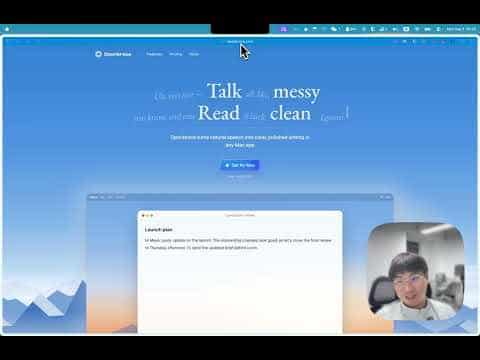
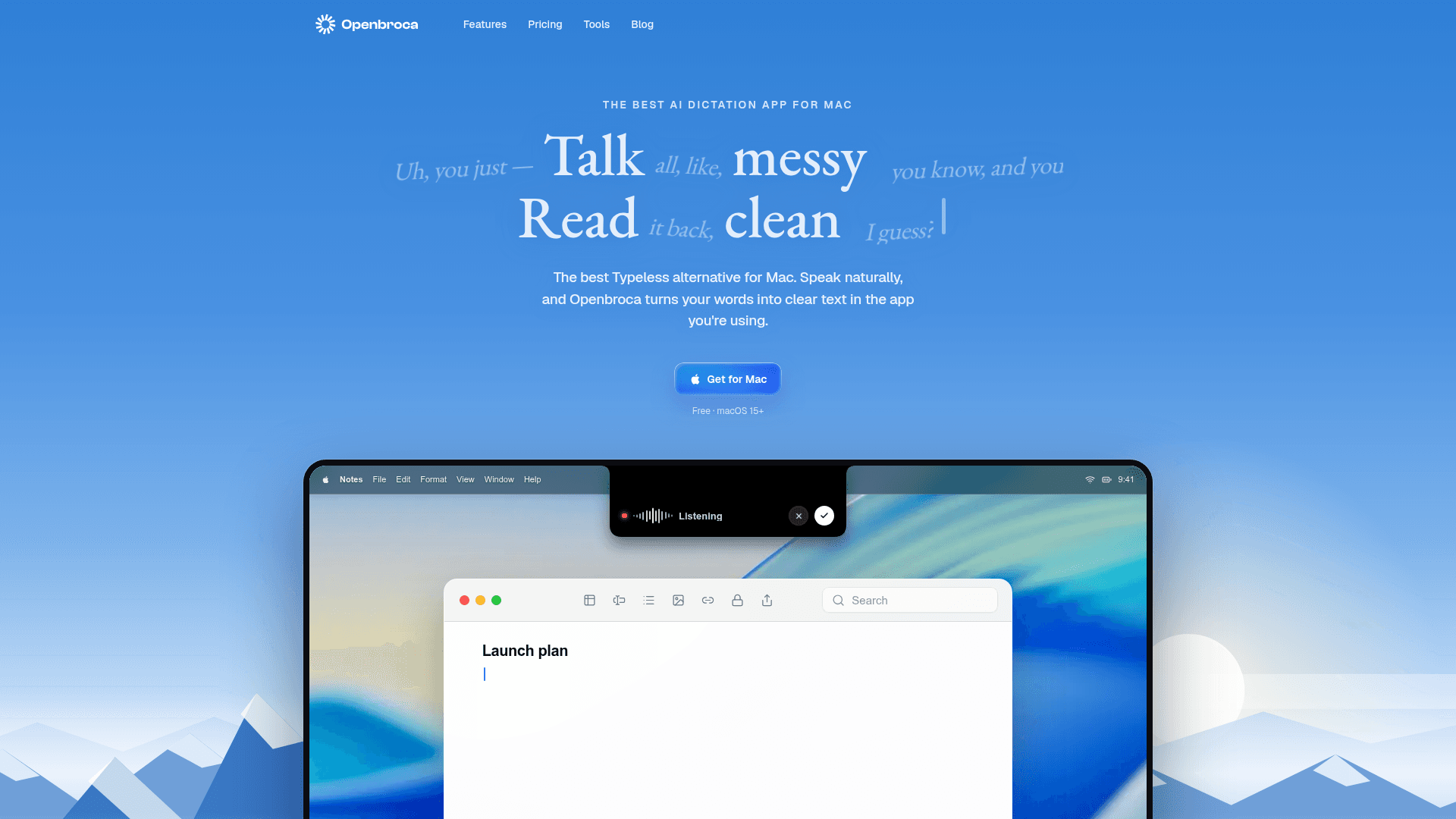
Openbroca is an AI voice dictation app for Mac. Press a shortcut, speak, and it inserts clear text into the field you are using. It is a universal Apple silicon and Intel build that requires macOS 15 or later.
What It Is
Openbroca is a native Mac voice-to-text tool. You press ⌥ Space to start or stop dictation, or hold it while you talk, and the app cleans up filler words and hesitations and types the result at your cursor in emails, messages, notes, docs, and AI prompts.
How the workflow works
Setup involves allowing microphone access and text insertion. Preferences let you set the microphone, shortcuts, and translation language. A personal dictionary stores names, terms, and preferred spellings, and Openbroca can learn from corrections you make right after dictation. Optional Screen Context helps recognize names and terms visible on screen.
Languages and recovery
The site states dictation in 30 languages with automatic language detection, and translation into 28 output languages placed at your cursor. A separate shortcut recalls your previous transcript; if direct insertion is unavailable, the text is copied so you can paste it, and you can retry a recording.
Processing model
Openbroca uses cloud speech recognition and text cleanup, so it needs an internet connection and does not work offline. The site states that it stores no audio. A Windows waitlist is open for release updates.
Community Discussions
Be the first to start a conversation about Openbroca
Share your experience with Openbroca, ask questions, or help others learn from your insights.
Pricing
Free
3,000 free text units each week with every feature in the Mac app; no card or checkout required.
- Every feature in the Mac app
- 3,000 free text units each week
- No card or checkout required
- Requires macOS 15 or later
Unlimited
Removes the weekly quota entirely; choose an auto-renewing subscription or a one-time payment for a fixed period.
- No weekly limit on dictation
- Everything in Free
- Recurring or one-time access
- One-time Monthly and Yearly options also available
Capabilities
Key Features
- Global shortcut (⌥ Space) to start, stop, or hold-to-talk dictation
- Cleans up filler words into ready-to-send text
- Text insertion in any Mac app at the cursor
- Personal dictionary with automatic learning from corrections
- Optional Screen Context for recognizing names and terms on screen
- Dictation in 30 languages with automatic language detection
- Translation into 28 output languages
- Recall previous transcript and retry recordings
- Dictation history
- Universal Apple silicon and Intel build
Demo Video