
OpenCode
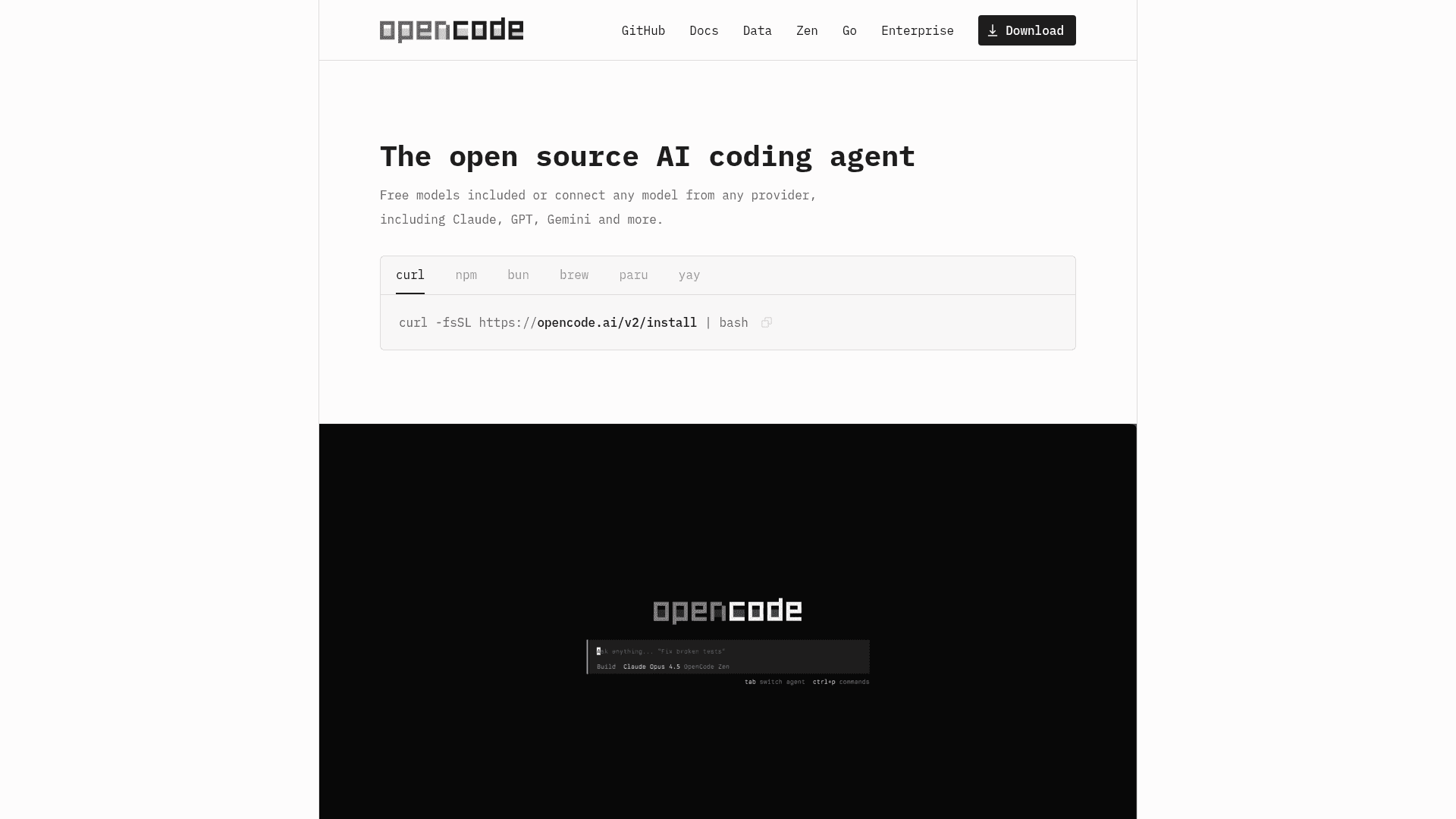
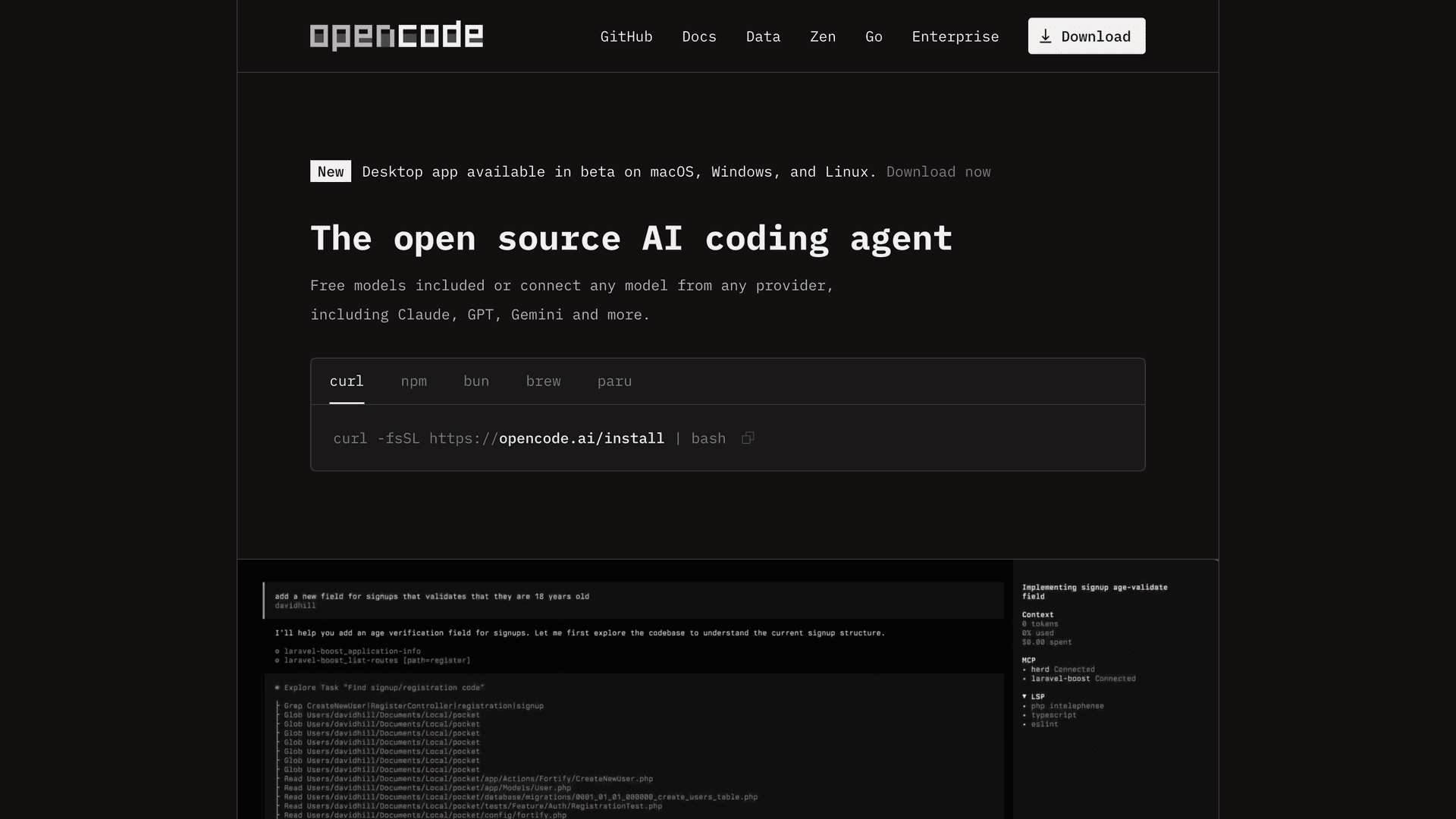
Open source AI coding agent available as a terminal interface, desktop app, and IDE extension that works with 75+ LLM providers.
At a Glance
The MIT-licensed OpenCode agent is free to use, modify and distribute. Bring your own provider key or compatible existing subscription; model-provider charges and limits apply separately. Optional OpenCode Go and Zen managed-model services are not required.
Engagement
Available On
Updated Oct 2026
About OpenCode
OpenCode is an open source AI coding agent from Anomaly that helps developers write code from the terminal, a desktop app, or an IDE extension. It connects to LLM providers through API keys or existing subscriptions, and the repository is MIT licensed. The desktop app is marked as beta in the README.
What It Is
OpenCode is a coding agent that works on a local project. A user installs the opencode binary, configures a provider, runs it inside a project directory, and uses /init to have it analyze the codebase and create an AGENTS.md file describing the project structure and coding patterns. From there the user can ask questions about the code, request features, make direct edits, and revert changes with /undo and /redo.
Agents and Workflow
OpenCode includes two built-in agents that you switch between with the Tab key. The build agent is the default, full-access agent for development work. The plan agent is read-only: it denies file edits by default and asks permission before running bash commands, which suits exploring unfamiliar codebases or planning changes. A general subagent handles complex searches and multistep tasks and can be invoked with @general. The docs suggest drafting a plan first, iterating on it, then switching to build mode. Images can be dragged into the terminal as reference.
Models and Providers
The homepage says OpenCode supports 75+ LLM providers through Models.dev, including local models. Users can log in with a GitHub Copilot account or a ChatGPT Plus/Pro account. OpenCode Zen is a curated set of models that the OpenCode team says it has tested and benchmarked for coding agents. The homepage also lists LSP integration and multi-session parallel agents.
Updated October 21, 2026: OpenCode discontinued session sharing in v1.19.1 on October 15, 2026. Existing share links and session-sharing commands no longer work, and importing sessions from share URLs is unsupported (release notes).
Setup Path
Installation options include an install script, npm, Bun, pnpm, Yarn, Homebrew, Arch packages, Chocolatey, Scoop, Mise, Nix, and Docker. The docs recommend a modern terminal emulator such as WezTerm, Alacritty, Ghostty, or Kitty. Customization covers themes, keybinds, formatters, custom commands, and a config file. The site states that OpenCode does not store users' code or context data, and it offers an enterprise option with SSO and internal AI gateway integration.
Community Discussions
Be the first to start a conversation about OpenCode
Share your experience with OpenCode, ask questions, or help others learn from your insights.
Pricing
Open Source
The MIT-licensed OpenCode agent is free to use, modify and distribute. Bring your own provider key or compatible existing subscription; model-provider charges and limits apply separately. Optional OpenCode Go and Zen managed-model services are not required.
- Full terminal TUI interface
- Desktop app (beta)
- IDE extension
- 75+ LLM providers
- GitHub Copilot login
Go
Optional managed-model subscription, separate from the free OpenCode agent. Each model has its own monthly dollar allowance: 20% can be used per five-hour window and 50% per week. Allowances and token rates vary by model; this is not unlimited usage.
- Managed access to a curated model lineup
- API-key access for OpenCode and compatible coding agents
- Per-model monthly allowances with five-hour and weekly caps
- Optional paid Zen-balance fallback after caps, when enabled
Go Plus
Optional managed-model subscription, separate from the free OpenCode agent. Higher per-model allowances than Go. Each model has its own monthly dollar allowance: 20% can be used per five-hour window and 50% per week. Allowances and token rates vary by model; this is not unlimited usage.
- Managed access to a curated model lineup
- API-key access for OpenCode and compatible coding agents
- Per-model monthly allowances with five-hour and weekly caps
- Optional paid Zen-balance fallback after caps, when enabled
Enterprise
Enterprise deployment with SSO integration, internal AI gateway support, and team management. Contact sales for pricing.
- SSO integration
- Internal AI gateway support
- No data or context stored
- No licensing restrictions or ownership claims
- Team trial and organization-wide deployment
Capabilities
Key Features
- Terminal UI, desktop app (beta), and IDE extension
- 75+ LLM providers via Models.dev including local models
- Build and plan built-in agents with Tab switching
- General subagent for complex searches
- Automatic LSP loading
- Multi-session parallel agents
- Login with GitHub Copilot or ChatGPT Plus/Pro
- /init generates AGENTS.md
- /undo and /redo commands
- Image input as prompt reference
- Custom themes, keybinds, formatters, and commands
- OpenCode Zen curated models
- Enterprise SSO and internal AI gateway integration