
OpenComputerUse
Background computer use for AI agents, delivered as an MCP server that drives desktop apps, phones and emulators without taking over your screen.
At a Glance
MIT-licensed OpenComputerUse MCP server, free to use, copy, modify and distribute.
Engagement
Available On
Alternatives
Listed Oct 2026
About OpenComputerUse
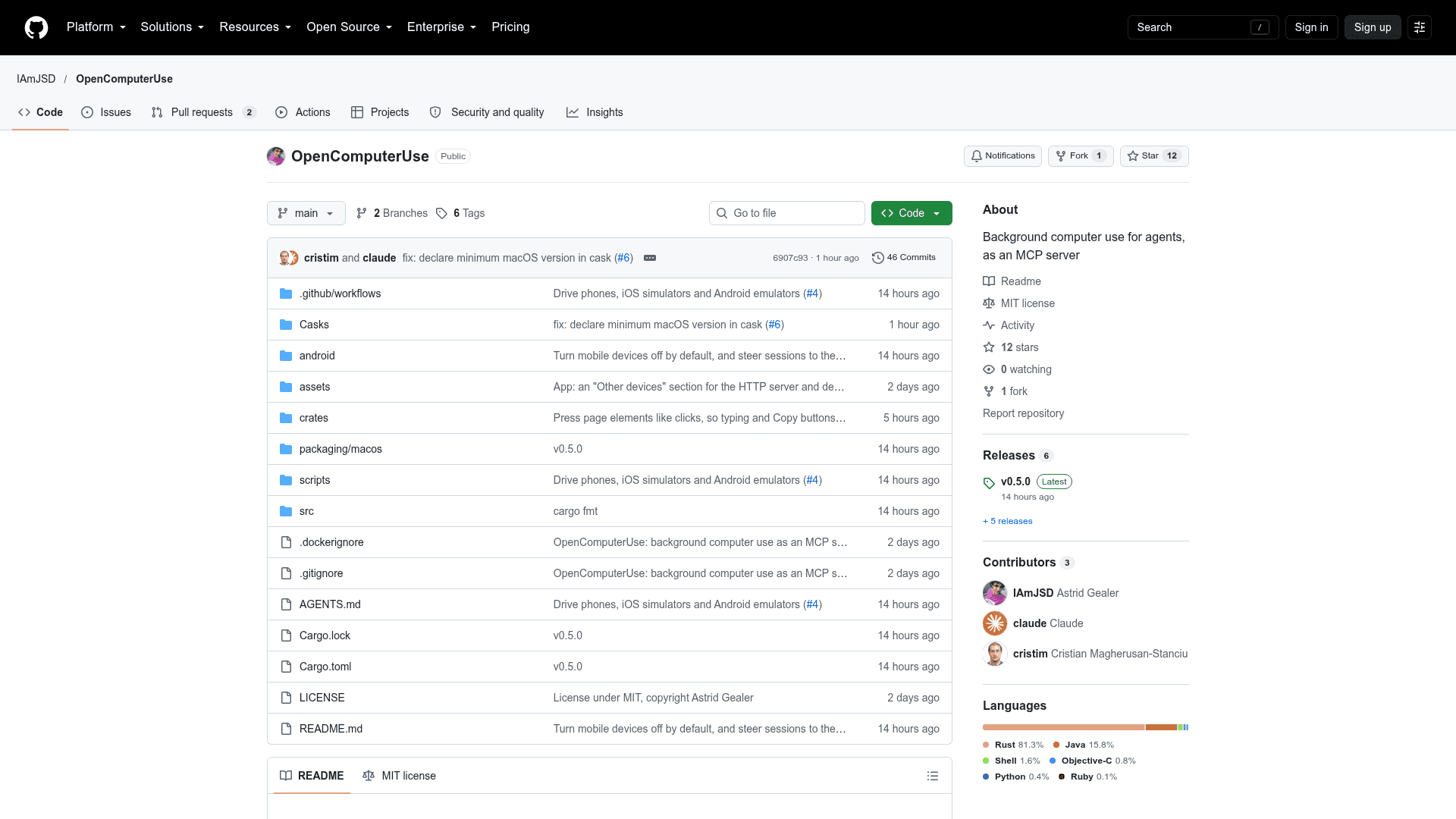
OpenComputerUse is an open-source MCP server, written in Rust, that lets agents operate applications in the background. An agent starts a session with an app, receives a session id, drives the app with that id, then ends the session. The app works behind your other windows, and your pointer, keyboard focus and frontmost app stay where they are. The repository is MIT licensed, and the latest listed release is v0.5.0.
What It Is
It is a computer-use layer for MCP clients. Tools cover starting and ending sessions, taking screenshots (including of covered windows), reading the accessibility UI tree, clicking, dragging, scrolling, typing text, pressing key chords, setting element values, and running element actions. Every action returns a fresh screenshot unless disabled, and sessions end when the MCP server exits.
Platform Support
On macOS, a companion app holds the Accessibility and Screen Recording permissions, uses ScreenCaptureKit for screenshots and the Accessibility API for the element tree, and draws a halo and gliding cursor over the window being driven. On Linux, each session gets a private Xvfb display with input via XTEST. The accessibility tree is not yet available there, so element actions and recipes are unavailable. On Windows, apps launch inside a kill-on-close Job Object and are driven with UI Automation and window messages.
Phones, Simulators and Emulators
When turned on in settings, the same tools drive Android phones and emulators over adb, iOS simulators, and paired iPhones and iPads through WebDriverAgent on macOS. Android 11 or later uses a helper on a private virtual display so the phone's own screen is left alone. An Android app can also make a phone a host that other devices drive over HTTP.
Recipes and Remote Use
run_recipe runs a fixed list of steps by sending each window's interactive elements to a decision model, with no branching and no text generation. The supported models are TypeSafe Jev and Cloudflare Clef-flash. If a step cannot be placed, the recipe stops and returns a screenshot and tree so the caller can take over. An optional HTTP API on port 8642, intended for use over Tailscale or a trusted network, lets other devices drive a computer using per-device keys, a skill file and a hosts file.
Client Setup
Installation is via Homebrew cask or a DMG on macOS, and plain server binaries on Linux and Windows. An opencomputeruse install command registers the server with Claude Code, Claude Desktop, Codex, OpenCode and Kimi Code.
Community Discussions
Be the first to start a conversation about OpenComputerUse
Share your experience with OpenComputerUse, ask questions, or help others learn from your insights.
Pricing
Open Source
MIT-licensed OpenComputerUse MCP server, free to use, copy, modify and distribute.
- MIT License
- Background computer use as an MCP server
- macOS install via Homebrew or DMG; plain binaries for Linux and Windows
- Source code on GitHub
Capabilities
Key Features
- Background app sessions that keep your pointer, focus and frontmost app unchanged
- Screenshots of covered windows with optional accessibility tree
- Click, drag, scroll, type and key chord actions
- Element actions and value setting via UI tree
- Recipes run by a decision model
- Android, iOS simulator and device control
- HTTP API with per-device keys for remote use
- Android phone as a host
- One-command install into MCP clients
- Self-updating macOS app