
OpenSuperBot
Self-hosted platform for always-on AI teammates that each get their own computer, with a bring-your-own-model setup.
At a Glance
Self-hosted OpenSuperBot (formerly OpenGrokBot) under the MIT license; bring your own model key and hardware.
Engagement
Available On
Listed Nov 2026
About OpenSuperBot
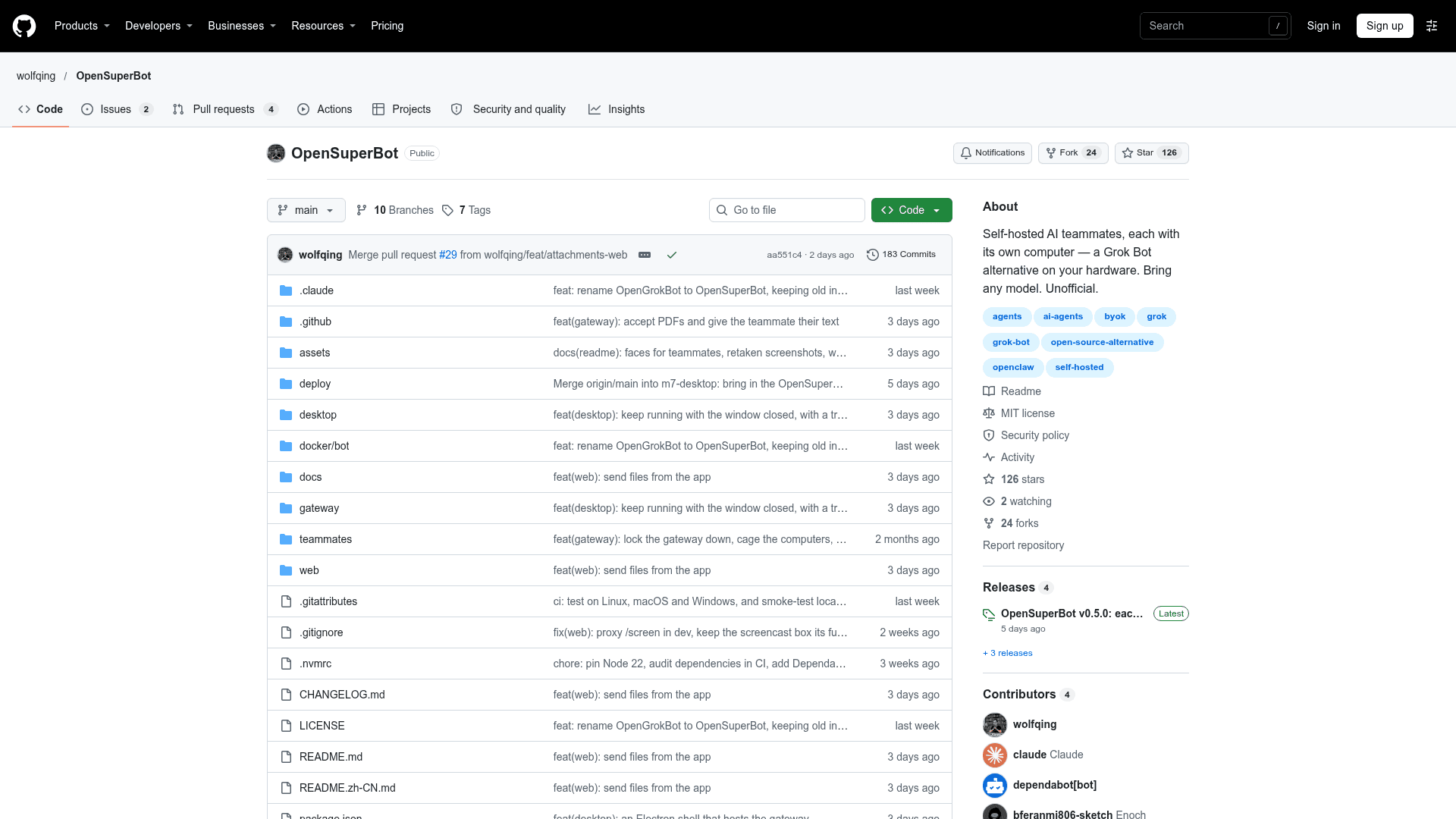
OpenSuperBot (formerly OpenGrokBot) is an MIT-licensed, self-hosted gateway for running always-on AI teammates, each with a computer of its own. It runs on your own hardware with your own model keys, and is positioned as an unofficial self-hosted alternative to xAI's Grok Bot. The latest listed release is v0.5.0.
What It Is
OpenSuperBot is a single gateway process plus a dense web client for managing a crew of AI teammates. Each teammate is a folder with a SOUL.md (identity) and an AGENTS.md (working rules and hard boundaries), a thread in the sidebar, and its own computer. That computer is a Docker container, or without Docker a local computer made of a background browser profile and a folder on macOS, Linux or Windows. Each teammate can use a different model: Claude, OpenAI, Gemini, Grok, DeepSeek, Kimi, Qwen, GLM, MiniMax, a local Ollama, or any OpenAI-compatible endpoint.
How teammates work
Teammates read and write files, run shell commands in their workspace, and drive a real Chromium browser (goto, extract, click, type, scroll, screenshot), so login-walled sites and forms work. At a login wall the bot asks you to take over its browser screen and sign in, and the session persists in its profile, so credentials never pass through chat or the gateway config. Work is reported in a consistent ✓ system → result · count format. Routines can be created from conversation as cron jobs, webhook-triggered jobs, or read-only watch routines. Shared Markdown skills in a skills folder are available to every teammate, and attachments such as images, PDFs and text files can be handed to a bot.
Approvals, memory and crew
Anything leaving the workspace is held as a draft with Approve/Discard, and standing approvals can be granted for single destinations. Memory rules are written to each bot's MEMORY.md and shown as visible diff chips. Group threads let several teammates answer in parallel, with a chief of staff closing with a dispatch table. Bot-to-bot handoffs via allowlist are off by default and capped at two hops. An optional daily token budget can cap each teammate.
Setup path
It requires Node 22+ and pnpm; Docker is optional. A stub model lets you try every path with no API key, and a first-run setup wizard handles model keys, browser, Docker and sandbox checks. For always-on use, it can be built and started as one process, with launchd, systemd and Windows Task Scheduler templates. Local-computer commands are off by default and run in an OS sandbox (Seatbelt on macOS, bubblewrap on Linux) when enabled; Windows local computers have no command sandbox. A first slice of recorded workflow traces exists, while replay is not yet included.
Community Discussions
Be the first to start a conversation about OpenSuperBot
Share your experience with OpenSuperBot, ask questions, or help others learn from your insights.
Pricing
Open Source (self-hosted)
Self-hosted OpenSuperBot (formerly OpenGrokBot) under the MIT license; bring your own model key and hardware.
- MIT-licensed
- Self-hosted gateway with a computer of its own for each bot (Docker container or local browser and folder)
- Any model provider via your own key (Claude, OpenAI, Gemini, Grok, DeepSeek, Kimi, Qwen, GLM, MiniMax, local Ollama, or OpenAI-compatible)
- Model/inference and hosting costs are external
Capabilities
Key Features
- Per-teammate computer via Docker container or local browser profile and folder
- Web client with sidebar of teammates and group threads
- Draft-and-hold approvals with standing approvals
- Visible memory rules in MEMORY.md
- Cron and webhook routines created from conversation
- Real Chromium browser control with takeover login
- Shell and file tools in sandboxed workspace
- Shared Markdown skills
- Allowlisted bot-to-bot handoffs
- File attachments
- Per-teammate model selection
- Optional daily token budget
- Recorded workflow traces (first slice)