
EveryDev.ai
Subscribe
Home
Tools

4,288+ AI tools

  • New
  • Trending
  • Featured
  • Rate tools
  • Compare
  • Arena
Categories
  • Agents3186
  • Coding2210
  • Infrastructure966
  • Projects660
  • Marketing625
  • Research579
  • MCP518
  • Design497
  • Analytics490
  • Testing382
  • Security360
  • Data320
  • Integration242
  • Prompts239
  • Communication225
  • Extensions210
  • Voice191
  • Learning188
  • Commerce167
  • DevOps145
  • Web99
  • Finance34
AI Tools by Topic
  • AI Coding Assistants
  • Agent Frameworks
  • MCP Servers
  • AI Prompt Tools
  • Vibe Coding Tools
  • AI Design Tools
  • AI Database Tools
  • AI Website Builders
  • AI Testing Tools
  • LLM Evaluations
Follow Us
  • X / Twitter
  • LinkedIn
  • Reddit
  • Discord
  • Threads
  • Bluesky
  • Mastodon
  • YouTube
  • GitHub
  • Instagram
Get Started
  • Users
  • Rate Tools
  • About
  • Editorial Standards
  • Corrections & Disclosures
  • Community Guidelines
  • Advertise
  • Contact Us
  • Newsletter
  • Submit a Tool
  • Start a Discussion
  • Write A Blog
  • Share A Build
  • Terms of Service
  • Privacy Policy
Explore with AI
  • ChatGPT
  • Gemini
  • Claude
  • Grok
  • Perplexity
Agent Experience
  • llms.txt
Theme
With AI, Everyone is a Dev. EveryDev.ai © 2026
    1. Home
    2. Tools
    3. paste-preview
    paste-preview icon

    paste-preview

    IDE Plugins

    A Claude Code plugin that shows thumbnails of pasted images and opens an annotation editor on paste.

    Visit Website

    At a Glance

    Pricing
    Open Source

    paste-preview Claude Code plugin released under the MIT License, free to use, copy, modify and distribute.

    Engagement

    Available On

    Windows
    macOS
    Linux
    API
    CLI

    Resources

    WebsiteDocsGitHubllms.txt

    Topics

    IDE PluginsAI Coding AssistantsImage

    Alternatives

    WOZCODEFigPromptSourcegraph Cody
    Developer
    Yu Lun HsuKata builder. Same form, every day, until it blooms. Researc…

    Listed Oct 2026

    About paste-preview

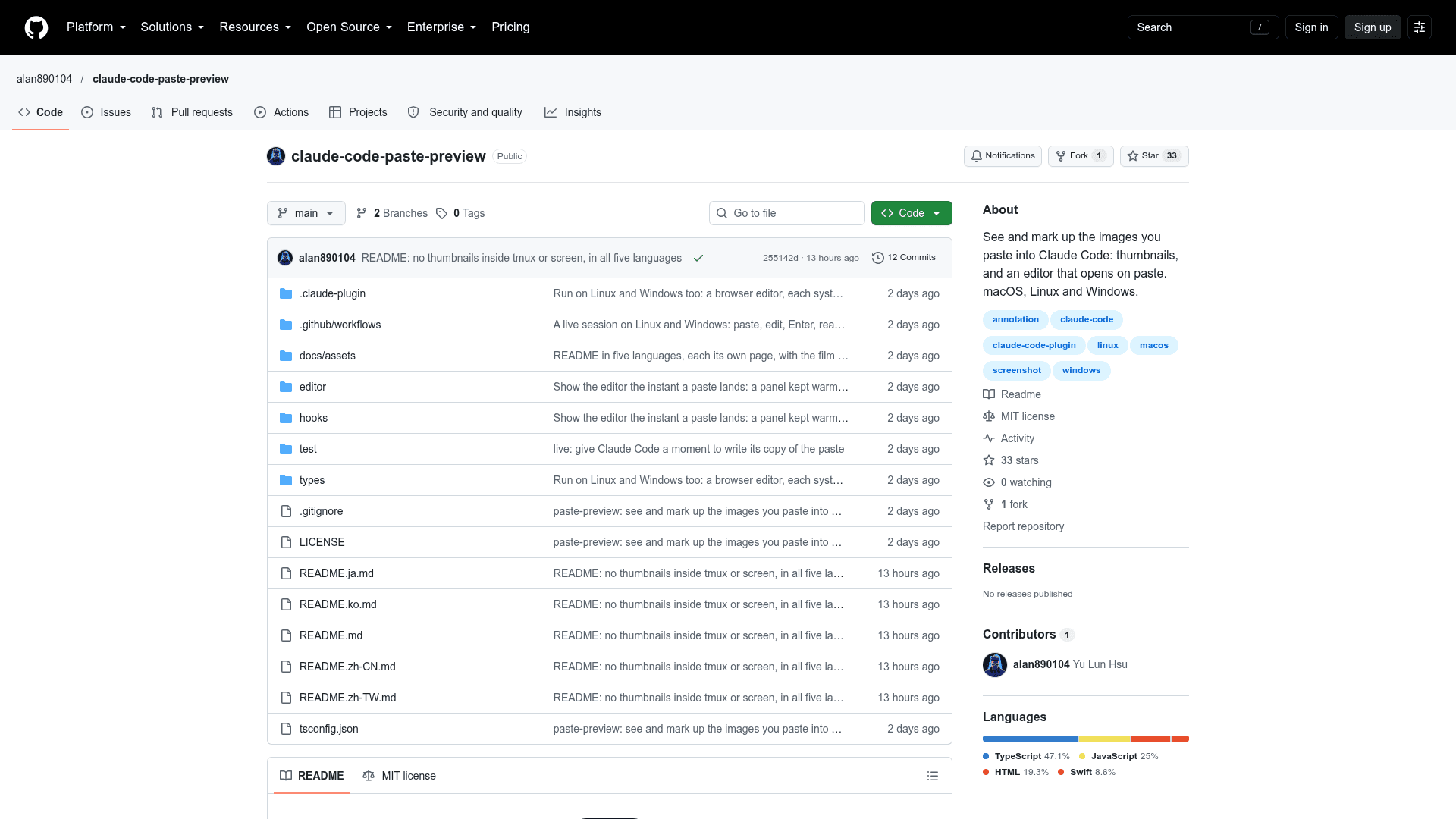
    paste-preview is an MIT-licensed Claude Code plugin by alan890104 that shows thumbnails of images pasted into the terminal prompt and opens a markup editor the moment an image is pasted. It runs on macOS, Linux and Windows and requires Claude Code 2.1.291 or newer.

    What It Is

    In the terminal, a pasted image appears only as a label such as [Image #1]. This mod displays each pasted image as a thumbnail above the prompt, labelled Image #N, and shows thumbnails in the transcript for sent prompts. Thumbnails need a terminal that supports the kitty graphics protocol, such as Ghostty or kitty; other terminals show Image #N with an Edit button instead.

    Editing Before Sending

    The editor offers pen, ellipse, box, arrow, text, crop, rotate, seven colours and undo, with keyboard shortcuts for each tool. Enter confirms the edit and Esc keeps the picture as pasted. An existing picture can be reopened with the Edit button under its thumbnail. On macOS the editor is a native floating panel that works over a full-screen terminal; on Linux and Windows it opens as a browser app window.

    How the Edited Image Reaches Claude

    A plugin cannot change an image in a message, only drop one. At Enter the mod drops the original image block and adds a note for Claude naming the edited file, which Claude then reads. If the mod cannot identify the right block, it drops nothing, so Claude receives both images rather than the wrong one.

    Setup Path

    Install from within a Claude Code session with the plugin install command and the marketplace alan890104/claude-code-paste-preview. It takes effect without a restart. macOS needs the Xcode Command Line Tools for the native panel; Linux and Windows need Node.js 18 or newer. The editor and labels follow the system language in English, Traditional Chinese, Simplified Chinese, Japanese and Korean.

    Limits

    On Linux and Windows the browser-window editor may switch desktops over a full-screen terminal. Transcript thumbnails cover only the current session, and inside tmux or GNU screen thumbnails are not shown, though the editor still works.
    paste-preview - 1

    Community Discussions

    Be the first to start a conversation about paste-preview

    Share your experience with paste-preview, ask questions, or help others learn from your insights.

    Pricing

    OPEN SOURCE

    Open Source (MIT)

    paste-preview Claude Code plugin released under the MIT License, free to use, copy, modify and distribute.

    • Thumbnails of pasted images above the prompt and in the transcript
    • Image editor: pen, ellipse, box, arrow, text, crop, rotate, seven colours, undo
    • Native floating panel on macOS; browser app window on Linux and Windows
    • Requires Claude Code 2.1.291 or newer (mods are an early-access feature)
    • MIT License

    Capabilities

    Key Features

    • Thumbnails of pasted images above the prompt
    • Thumbnails in the session transcript
    • Editor opens automatically on paste
    • Pen, ellipse, box, arrow and text tools
    • Crop and rotate
    • Seven colours and undo
    • Edit button to reopen a picture
    • Native floating panel on macOS over full-screen terminals
    • Browser app window editor on Linux and Windows
    • Localized in five languages
    • Sends the edited image to Claude instead of the original

    Integrations

    Claude Code
    Ghostty
    kitty
    Google Chrome
    Microsoft Edge
    Node.js
    API Available
    View Docs

    Ratings & Reviews

    No ratings yet

    Be the first to rate paste-preview and help others make informed decisions.

    Rate other tools you’ve used

    Developer

    Yu Lun Hsu

    Kata builder. Same form, every day, until it blooms. Researcher, and founder of Torch Finance.

    Read more about Yu Lun Hsu
    WebsiteGitHub
    1 tool in directory

    Similar Tools

    WOZCODE icon

    WOZCODE

    A Claude Code plugin that cuts AI coding costs by 25–50% and speeds up tasks 5–10x by reducing token usage and API roundtrips.

    FigPrompt icon

    FigPrompt

    AI-powered tool that generates production-ready Figma plugins from plain English descriptions, no coding required.

    Sourcegraph Cody icon

    Sourcegraph Cody

    Cody is an AI coding assistant by Sourcegraph that uses advanced codebase context and the latest LLMs to help developers understand, write, and fix code faster.

    Browse all tools

    Related Topics

    IDE Plugins

    AI-enhanced plugins for integrated development environments.

    34 tools

    AI Coding Assistants

    AI tools that help write, edit, and understand code with intelligent suggestions.

    947 tools

    Image

    AI tools that generate or edit still images — illustrations, photos, logos, icons, and graphics — from text prompts, references, or existing images.

    85 tools
    Browse all topics
    Back to all toolsSuggest an edit
    ratings
    discussions