
pi-box
Native desktop app that runs the pi coding agent inside a sandboxed WASM-based Alpine Linux VM with a chat UI, terminal, and workspaces.
At a Glance
Native desktop app wrapping AgentVM, with package.json declaring the MIT license. No LICENSE file is evident on the GitHub repo.
Engagement
Available On
Listed Nov 2026
About pi-box
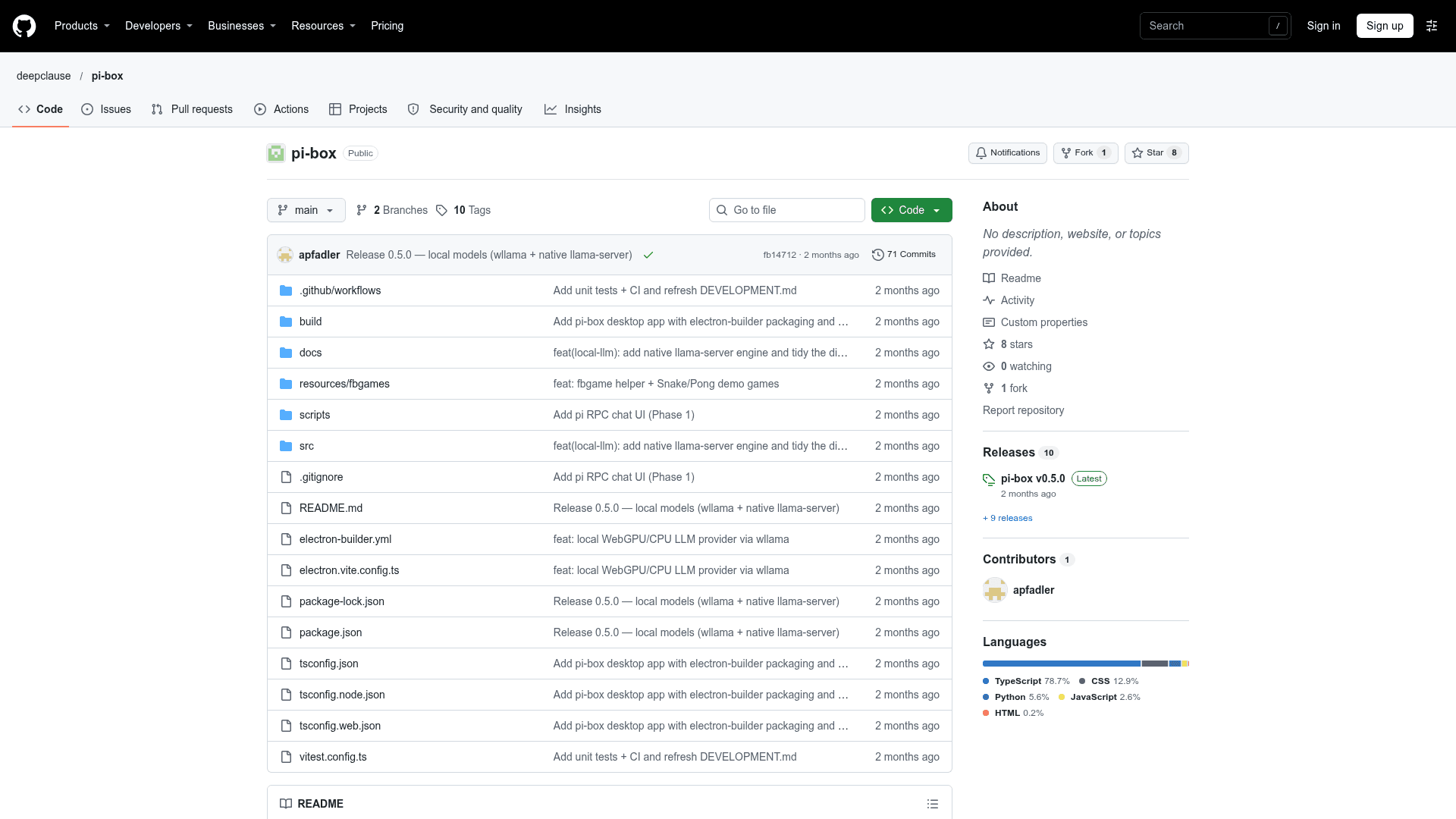
pi-box is a desktop app for macOS, Linux and Windows from the deepclause organization. It wraps AgentVM, a lightweight WASM-based Alpine Linux VM with the pi coding agent installed, and adds a chat interface, terminal and workspace management. The repository labels its status as prototype, and the latest release listed is v0.5.0.
What It Is
pi-box is an Electron app (React and TypeScript) that boots AgentVM in a Node worker thread and mounts a host folder into the VM as a workspace at /workspace. A headless pi --mode rpc process runs inside the VM, and the app's chat UI talks to it over a guest TCP bridge. The result is a Claude-Desktop-style interface for pi, with the agent's work confined to the VM and the mounted workspace.
Chat, Sessions and Sign-in
The chat view shows streaming replies, thinking blocks, live tool cards, model and thinking pickers, and token and context stats. Images can be attached inline, while PDF, text, docx and xlsx files are copied into the workspace for pi to read. A / command palette lists extension, prompt and skill commands. Multiple pi sessions per workspace can be created, switched, renamed, deleted, forked, cloned and exported. Provider sign-in supports API keys and OAuth (for example Claude Pro/Max, GitHub Copilot, OpenAI Codex), with credentials written to the workspace's .pi/auth.json.
Terminal, Screen and VM Controls
A tmux-based terminal supports truecolor, inline images, clickable hyperlinks and clipboard copy/paste, and lets users run the pi TUI or install extensions. A Screen tab shows the VM's virtual framebuffer with keyboard and mouse forwarding, and guest audio plays through the app. Network controls include a runtime on/off toggle, TCP port forwarding and ordered outbound firewall rules. A per-workspace persistent ext4 overlay root keeps changes such as apk add across restarts. An optional local LLM can serve pi as an OpenAI-compatible provider, using either wllama or a native llama-server.
Tradeoffs to Know
Starting pi under emulation takes about 30 seconds, and longer with extensions installed. The VM is single-hart, so one pi process runs at a time, and switching workspaces restarts the VM. The macOS and Windows builds are unsigned and not notarized, and AgentVM itself is described as experimental.
Community Discussions
Be the first to start a conversation about pi-box
Share your experience with pi-box, ask questions, or help others learn from your insights.
Pricing
Open Source (MIT declared)
Native desktop app wrapping AgentVM, with package.json declaring the MIT license. No LICENSE file is evident on the GitHub repo.
- package.json declares license MIT (GitHub shows no license file)
- Chat UI for pi coding agent
- Terminal (tmux)
- Multiple pi sessions per workspace
- Workspaces mounted into the VM
Capabilities
Key Features
- Chat UI for pi with streaming replies, thinking blocks and live tool cards
- Image and file attachments (PDF, text, docx, xlsx)
- Native provider sign-in with API keys and OAuth
- Multiple pi sessions per workspace with fork, clone and export
- tmux terminal with truecolor, inline images and clipboard support
- Screen tab showing VM framebuffer with keyboard and mouse input
- Guest audio via virtio-snd with mute toggle
- Workspaces mounted from host folders with file tree view
- Network toggle, TCP port forwarding and outbound firewall rules
- Persistent root filesystem per workspace
- Optional local LLM via wllama or native llama-server