
Pi for iOS
Runs the Pi coding agent natively on iPhone using a Bun JavaScript runtime and a Ghostty Metal-rendered terminal.
At a Glance
Self-built Pi for iOS app released under the MIT License; requires the user's own OpenRouter API key (external cost).
Engagement
Available On
Alternatives
Listed Nov 2026
About Pi for iOS
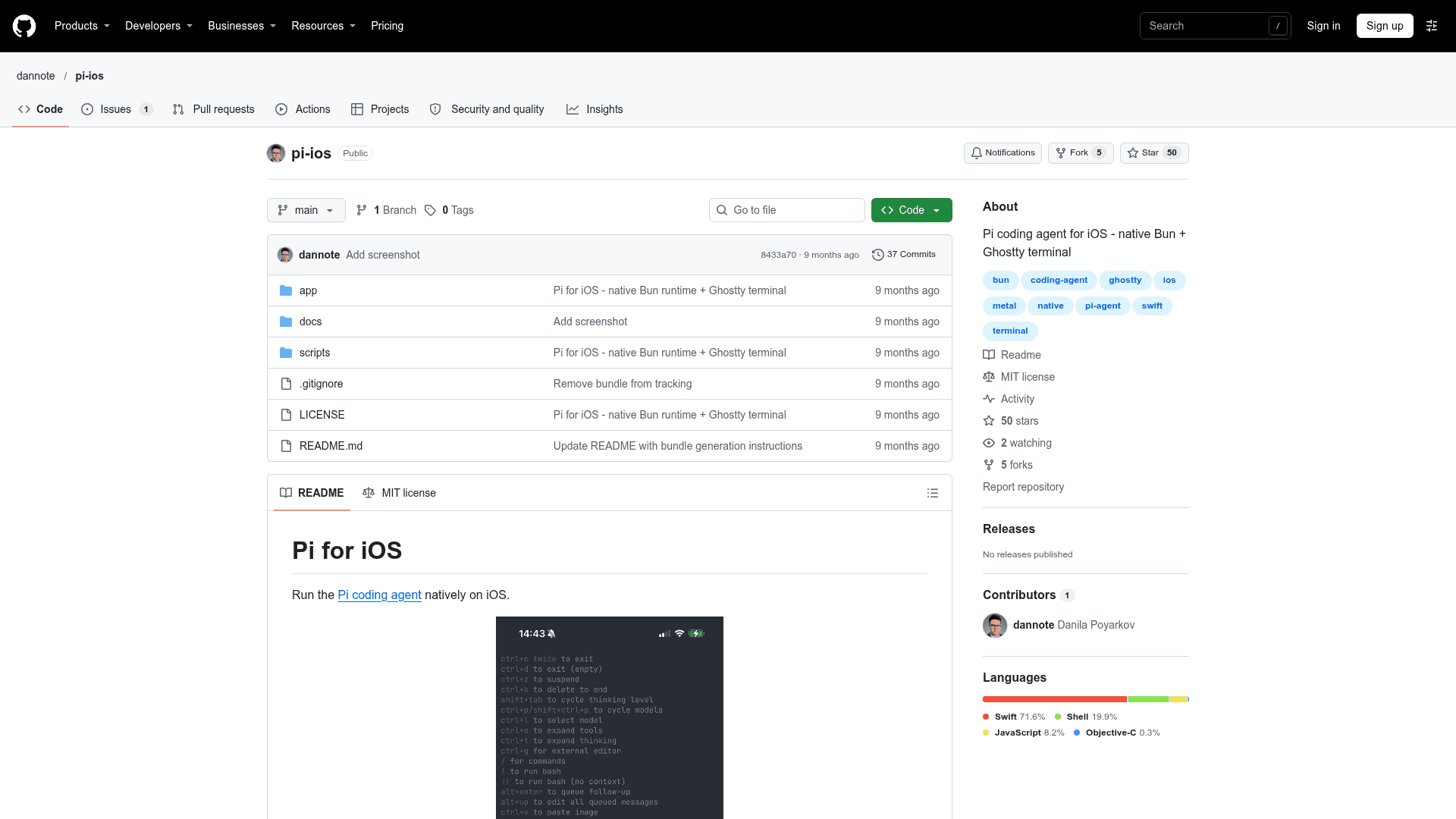
Pi for iOS is an open-source project by dannote that runs the Pi coding agent natively on iPhone. It embeds a port of the Bun runtime and Ghostty's GPU-rendered terminal inside a SwiftUI app. It is built from source in Xcode and uses an OpenRouter API key for model access.
What It Is
Pi for iOS is a native iOS app that hosts the Pi coding agent in an on-device terminal. According to the README, it uses no WebView and no remote execution, so the agent runtime runs locally on the device. Model calls go through OpenRouter, which requires an API key supplied in a config.json file in the app's Documents folder.
How It Works
The app stacks several layers. A SwiftUI interface contains a terminal view and keyboard accessory, and a bridge pipes stdin and stdout between the terminal and the runtime. Ghostty provides Metal-based terminal rendering through a manual termio backend for iOS. Bun runs on JavaScriptCore with the C_LOOP interpreter, since JIT is not available on iOS, and executes the bundled Pi agent JavaScript with its interactive mode and tools.
Setup Path
Installation is from source: clone the repo, download or build the vendor libraries (JavaScriptCore from WebKit, Bun's iOS port, and Ghostty), generate the Pi bundle from the pi-coding-agent project, generate the Xcode project with xcodegen, and build to a device. The API key can be placed in config.json using devicectl from a Mac or the Files app on the iPhone.
Known Limitations
The README documents that JavaScript runs in interpreter mode, about 10x slower than JIT, and that WebAssembly and the CPU sampling profiler are disabled because they require JIT. The interpreter also uses more memory than JIT. Requirements are iOS 17.0+ and an arm64 iPhone.
Community Discussions
Be the first to start a conversation about Pi for iOS
Share your experience with Pi for iOS, ask questions, or help others learn from your insights.
Pricing
Open Source
Self-built Pi for iOS app released under the MIT License; requires the user's own OpenRouter API key (external cost).
- MIT License
- Build from source with Xcode
- Requires iOS 17.0+ and arm64 iPhone
- Requires user-supplied OpenRouter API key (external cost)
- Runs locally on device
Capabilities
Key Features
- Runs the Pi coding agent natively on iOS
- Bun JavaScript runtime via JSC C_LOOP interpreter
- Ghostty Metal GPU-accelerated terminal renderer
- Local execution with no WebView or remote execution
- Tool use and file operations from the Pi agent
- OpenRouter API key configuration via config.json
- SwiftUI app with terminal view and keyboard accessory