
Pinky
Open-source desktop app that lets MCP agents operate a real iPhone or Android phone with human approvals, or runs tasks itself with a model you choose.
At a Glance
Free and open source app under the Apache-2.0 license, with no account to create. Model/inference costs for the AI model you choose are external.
Engagement
Available On
Alternatives
Listed Nov 2026
About Pinky
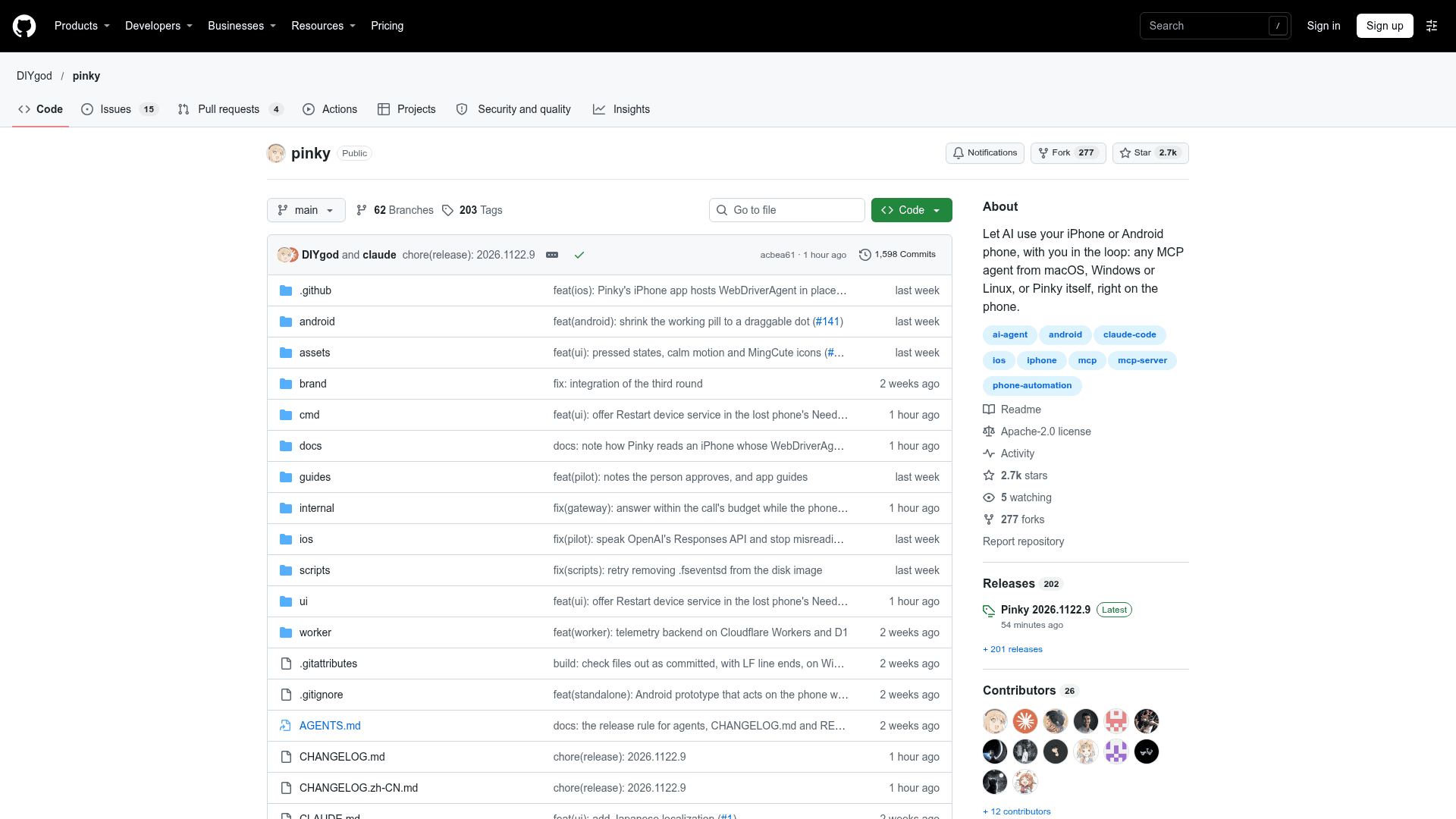
Pinky is an open-source app, published by DIYgod on GitHub under Apache-2.0, that lets an AI agent operate a real iPhone or Android phone while a person watches, approves risky steps, takes over and reviews what happened. Agents such as Claude Code, Claude Desktop, Codex or Cursor connect over MCP; Pinky can also run tasks itself with a model the user chooses. The README labels the project pre-alpha, and the latest release listed is v2026.1122.9.
What It Is
Pinky is a native desktop app for macOS, Windows and Linux that sits between an agent and a phone. It drives Android phones over adb and iPhones through Apple's developer services, and exposes them to any MCP-capable agent over stdio or HTTP. Simulators and emulators can also act as phones. Approval rules run in Pinky's gateway rather than in the agent's instructions, so an agent cannot approve its own steps.
How Approvals and Safety Work
Payments, trades and transfers wait for a click in Pinky's window by default. Settings can also hold sends, orders, deletions, calls, installs and settings changes, or every step. Banking, wallet and password-manager apps are hidden from agents, and agents cannot type into password or one-time-code fields. One-time codes are masked in what agents read. Users can take over at any time, and each run is recorded with step descriptions, screenshots and a screen recording that can be exported as an HTML report. These records stay on the user's computer.
Ask Pinky and Pinky on the Phone
Without an agent of your own, Pinky can do a task itself using an API key for a service such as DeepSeek, Qwen, Kimi, GLM, OpenRouter, Anthropic, OpenAI, Gemini, Ollama or LM Studio. Tasks can be scheduled, and Pinky can suggest notes to remember, which it keeps only if you accept. Pinky's own app on Android and iPhone can run tasks on the phone with no computer, including on a hidden background screen on Android 13 and later.
Phone Support and Setup
Android 10 to 17 connects over USB or Wi-Fi, with Tailscale for reaching a phone away from home. iPhones on iOS 17.4 or later are supported: iOS 27 and later needs nothing installed on the phone, while iOS 17.4 to 26 uses Pinky's iPhone app, installed once from a Mac with Xcode. Settings › Agents connects supported agents in one click.
Community Discussions
Be the first to start a conversation about Pinky
Share your experience with Pinky, ask questions, or help others learn from your insights.
Pricing
Open Source
Free and open source app under the Apache-2.0 license, with no account to create. Model/inference costs for the AI model you choose are external.
- Apache-2.0 license
- No account to create
- Runs on macOS, Windows and Linux
- Drives Android and iPhone over MCP
- Pinky's app on the phone
Capabilities
Key Features
- Operate real iPhones and Android phones from any MCP agent
- Approval gateway for payments and other risky steps
- Hidden background screen on Android 13+
- Take over and Stop all controls
- Screen recordings and exportable HTML reports
- Blocked banking, wallet and password-manager apps
- One-time code masking
- Ask Pinky built-in agent with user-chosen model
- Scheduled tasks and memory notes
- Pinky app on Android and iPhone for computer-free tasks
- Unlock locked phones from the computer via saved PIN
- Wi-Fi and Tailscale connections
- iOS Simulator and Android emulator support
- Approvals from a browser via web mirror