
A framework for building pixel-perfect graphical applications that run inside the terminal using a TypeScript React API.
At a Glance
About Pixel
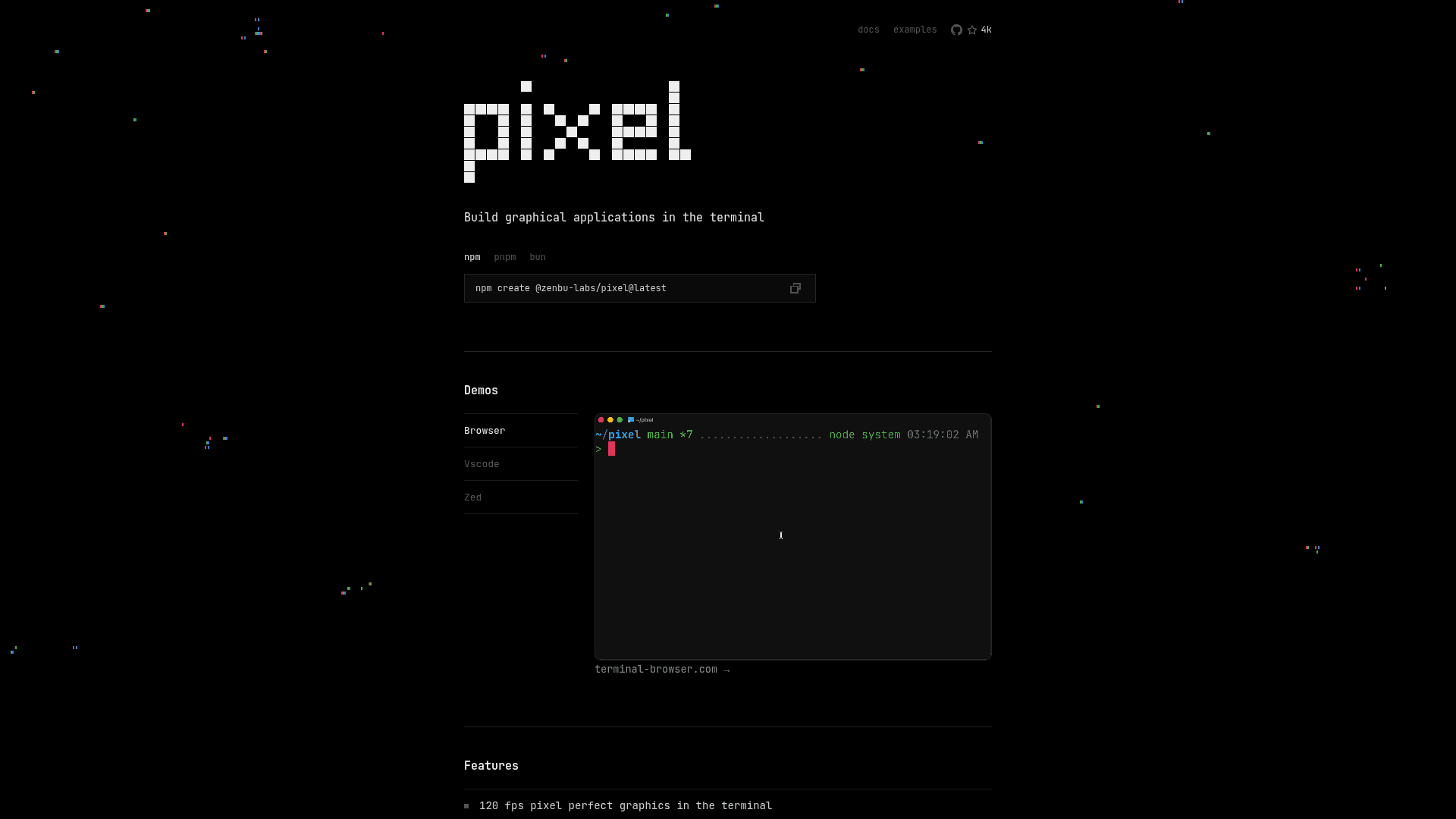
Pixel is a toolkit from zenbu-labs for building graphical applications that render inside the terminal. It exposes a TypeScript React API and includes a built-in Chromium WebView component. The project site lists demos such as a browser and a VS Code running in the terminal.
What It Is
Pixel lets developers build graphical interfaces that display in supported terminal emulators rather than in a separate window. The site states it delivers 120 fps pixel-perfect graphics, can be embedded inside existing TUIs, and works across platforms. Projects are scaffolded with npm create @zenbu-labs/pixel@latest, and npm, pnpm and bun are shown as install options.
Demos and Related Projects
The site links to demos built with Pixel: a browser, VS Code, and Zed examples. It lists terminal-browser (a real browser inside your terminal) and terminal-code (VS Code inside your terminal) as projects that use it. Example code is published in the repository.
Platform and Terminal Support
Pixel supports macOS (Apple Silicon and Intel) and Linux (arm64 and x64). Native Windows support is a work in progress, though it can be used on Windows through WSL. Supported terminals listed include Ghostty, iTerm2, xterm.js, Konsole, WezTerm, Warp, VS Code, Cursor, and several others. The site also lists agent-friendly dev tools among its features.
Community Discussions
Be the first to start a conversation about Pixel
Share your experience with Pixel, ask questions, or help others learn from your insights.
Pricing
Pixel — MIT license
Pixel’s own LICENSE grants use, modification, distribution, and commercial use without a software license fee, subject to retaining the notice. Compute and hosting remain your responsibility.
- TypeScript React API
- Native terminal graphics engine
- Chromium WebView component
- Developer inspection and profiling tools
Capabilities
Key Features
- 120 fps pixel-perfect graphics in the terminal
- Embeddable inside existing TUIs
- Built-in Chromium WebView component
- Cross-platform
- TypeScript React API
- Agent-friendly dev tools