
Pixlie
A command-line companion with interactive TUI for seamless project interaction, supporting multiple LLMs and real-time collaboration.
At a Glance
Free and open source
Engagement
Available On
Alternatives
Listed Jan 2026
About Pixlie
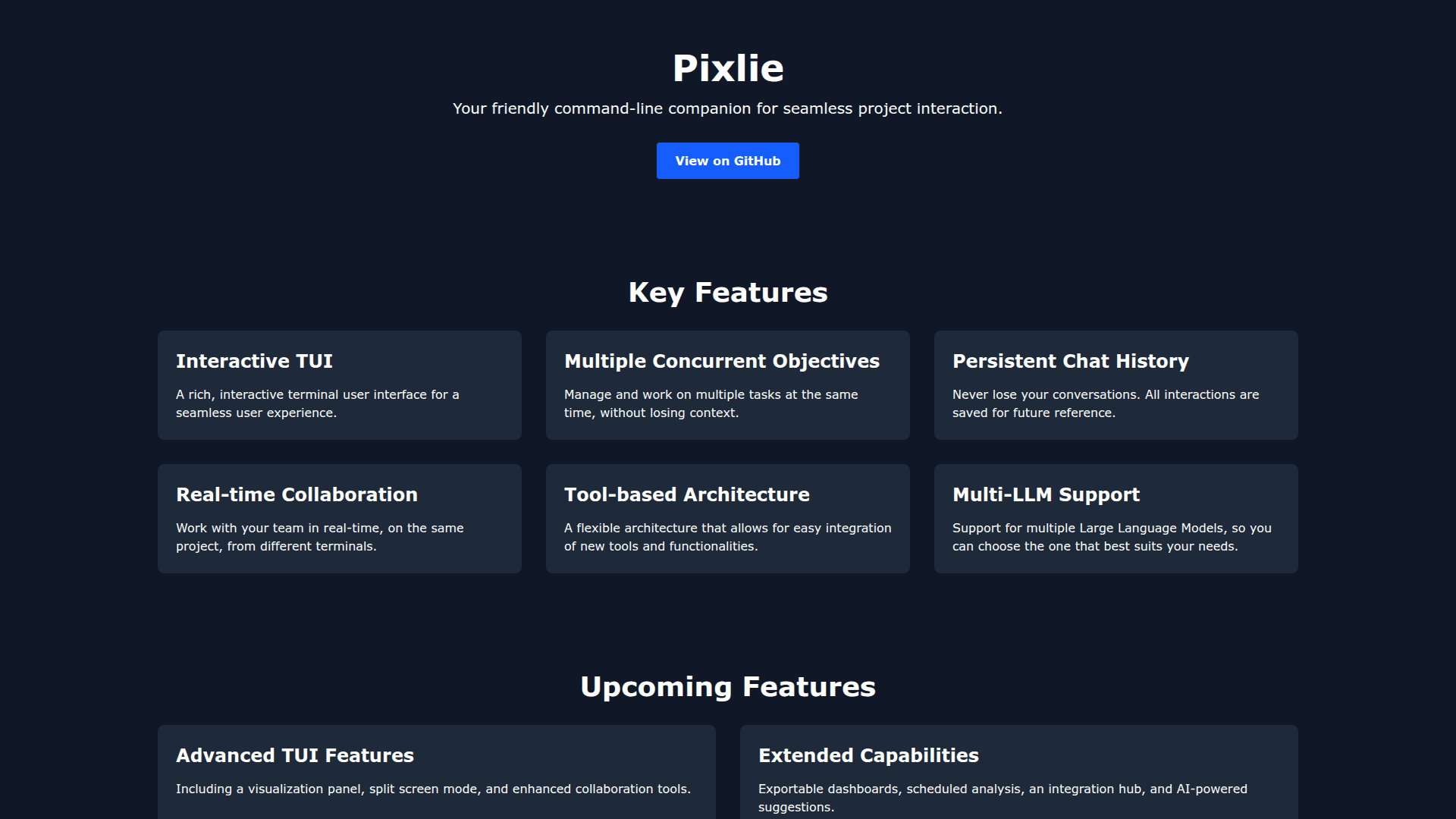
Pixlie is a command-line tool designed to provide a friendly and interactive terminal user interface (TUI) for seamless project interaction. It enables developers to manage multiple concurrent objectives, maintain persistent chat history, and collaborate with team members in real-time from different terminals. The tool supports multiple Large Language Models (LLMs), allowing users to choose the model that best fits their needs.
Key Features:
- Interactive TUI - Provides a rich, interactive terminal user interface for an enhanced user experience when working on projects.
- Multiple Concurrent Objectives - Manage and work on multiple tasks simultaneously without losing context, improving productivity and workflow efficiency.
- Persistent Chat History - All interactions are automatically saved for future reference, ensuring you never lose important conversations or context.
- Real-time Collaboration - Work with team members in real-time on the same project from different terminals, enabling seamless teamwork.
- Tool-based Architecture - A flexible architecture that allows for easy integration of new tools and functionalities as your needs evolve.
- Multi-LLM Support - Choose from multiple Large Language Models to find the one that best suits your specific requirements and use cases.
Getting Started:
To begin using Pixlie, start a new session by running the pixlie command in your terminal. You can then interact with your project using commands like ls to list files or help glob to get help on specific commands. The tool is available as open source on GitHub, making it easy to install, customize, and contribute to the project.
Community Discussions
Be the first to start a conversation about Pixlie
Share your experience with Pixlie, ask questions, or help others learn from your insights.
Pricing
Open Source
Free and open source
- Interactive TUI
- Multiple Concurrent Objectives
- Persistent Chat History
- Real-time Collaboration
- Tool-based Architecture
Capabilities
Key Features
- Interactive TUI
- Multiple Concurrent Objectives
- Persistent Chat History
- Real-time Collaboration
- Tool-based Architecture
- Multi-LLM Support