
wallfacer
A terminal session manager for Claude Code, Cursor CLI, Kiro CLI, and Codex that lets you name, tag, search, resume, or delete AI coding sessions from a TUI or CLI.
At a Glance
Fully free and open-source under the MIT license. Install via Homebrew or go install.
Engagement
Available On
Listed Aug 2026
About wallfacer
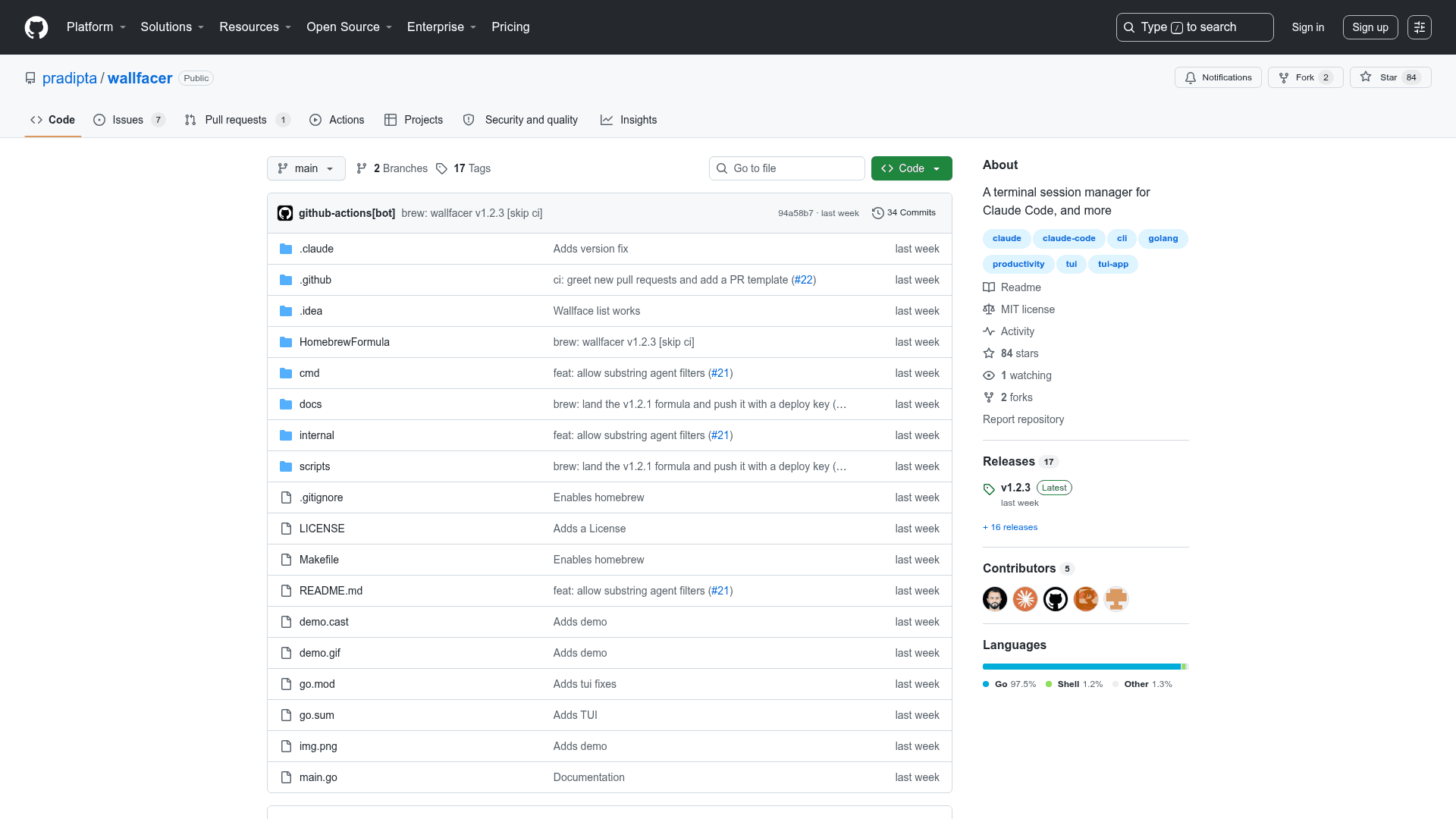
wallfacer is an open-source terminal session manager built in Go by Pradipta, released under the MIT license. It indexes AI coding sessions from Claude Code, Cursor CLI, Kiro CLI, and Codex into a single unified view, letting you organize and navigate sessions you would otherwise lose track of across dozens of untitled transcript files. The project reached v1.2.3 as of August 2026 and is available via Homebrew or go install.
What It Is
wallfacer solves a concrete problem: every major AI coding agent stores its sessions in its own opaque directory structure — Claude Code uses JSONL files under ~/.claude/projects/, Cursor CLI buries chats in hash-named directories, Kiro CLI uses a flat folder, and Codex files rollouts by date. After a few weeks, you have dozens of transcripts you can't tell apart. wallfacer scans all four locations, reads just the head of each file for metadata, and keeps your own overlay of titles, tags, and projects in a local SQLite database — without ever modifying the agents' files.
How It Works
wallfacer operates as a read-only indexer of agent session directories. It stores user-defined metadata (titles, tags, project groupings) in its own SQLite database at ~/.local/share/wallfacer/, so deleting the database loses only the overlay, never a conversation. Sync is incremental for performance with hundreds of sessions. The rm command moves sessions to wallfacer's own trash; only --purge permanently deletes. For agents like Kiro CLI and Cursor CLI that spread one session across multiple files, the whole set travels together on delete.
Two Front Ends, One Index
wallfacer ships as a single binary with two modes:
- TUI (
wallfacerwith no arguments): a full-screen interactive browser with a session list on the left and a detail pane on the right. Supports fuzzy filtering, project/tag/agent cycling filters, inline rename/tag/project editing, and session launch/resume. - CLI (
wallfacer <command>): one-shot subcommands for scripting —new,resume,list,search,show,rename,tag,project,rm, andsync. All commands support--jsonoutput for piping.
Both modes read and write the same SQLite index, so changes made in the TUI are immediately visible to CLI commands and vice versa.
Multi-Agent Support
wallfacer currently supports four AI coding agents side by side:
- Claude Code — sessions under
~/.claude/projects/ - Cursor CLI — chats under
~/.cursor/chats/ - Kiro CLI — sessions under
~/.kiro/sessions/cli/ - Codex — rollouts under
~/.codex/sessions/
Agents are pluggable adapters, and the roadmap lists opencode as the next planned addition. The --agent filter accepts case-insensitive substrings, so filtering by kiro or cursor works without exact matching.
Update: v1.2.3
The latest release is v1.2.3, published on August 1, 2026. The project was created in late July 2026 and has seen rapid iteration. The roadmap includes full-text search across session content via SQLite FTS5, a wallfacer restore command for un-trashing sessions from the CLI, Markdown transcript export, per-project/week stats, and a longer-term desktop app built on Wails and xterm.js using the same Go internals. A daily update check queries GitHub for newer releases and surfaces the result in the TUI footer or on stderr for subcommands, with no blocking network calls; it can be disabled via WALLFACER_NO_UPDATE_CHECK=1.
Community Discussions
Be the first to start a conversation about wallfacer
Share your experience with wallfacer, ask questions, or help others learn from your insights.
Pricing
Open Source
Fully free and open-source under the MIT license. Install via Homebrew or go install.
- Full TUI session browser
- CLI subcommands with --json output
- Multi-agent support (Claude Code, Cursor CLI, Kiro CLI, Codex)
- Session naming, tagging, and project grouping
- Fuzzy search across all session metadata
Capabilities
Key Features
- Unified view of all AI coding sessions across Claude Code, Cursor CLI, Kiro CLI, and Codex
- Full-screen TUI browser with fuzzy filtering and detail pane
- CLI subcommands with --json output for scripting
- Rename, tag, and group sessions into projects
- Search across titles, first prompts, directories, projects, and tags
- Launch new sessions or resume existing ones from any directory
- Safe deletes with trash; --purge for permanent deletion
- Multi-agent support with per-agent filtering
- Read-only indexing — never modifies agent files
- Local SQLite database for metadata overlay
- Incremental sync for fast performance with hundreds of sessions
- Pluggable agent adapter interface
- Daily update check with non-blocking GitHub release lookup
- Homebrew and go install support
- Pre-built binaries on releases page