
PPT Master
Open-source agent workflow that turns documents or topics into natively editable PowerPoint decks with real shapes, charts, tables and animations.
At a Glance
Free and open-source core under the MIT License; the only cost is your own AI model usage.
Engagement
Available On
Alternatives
Listed Nov 2026
About PPT Master
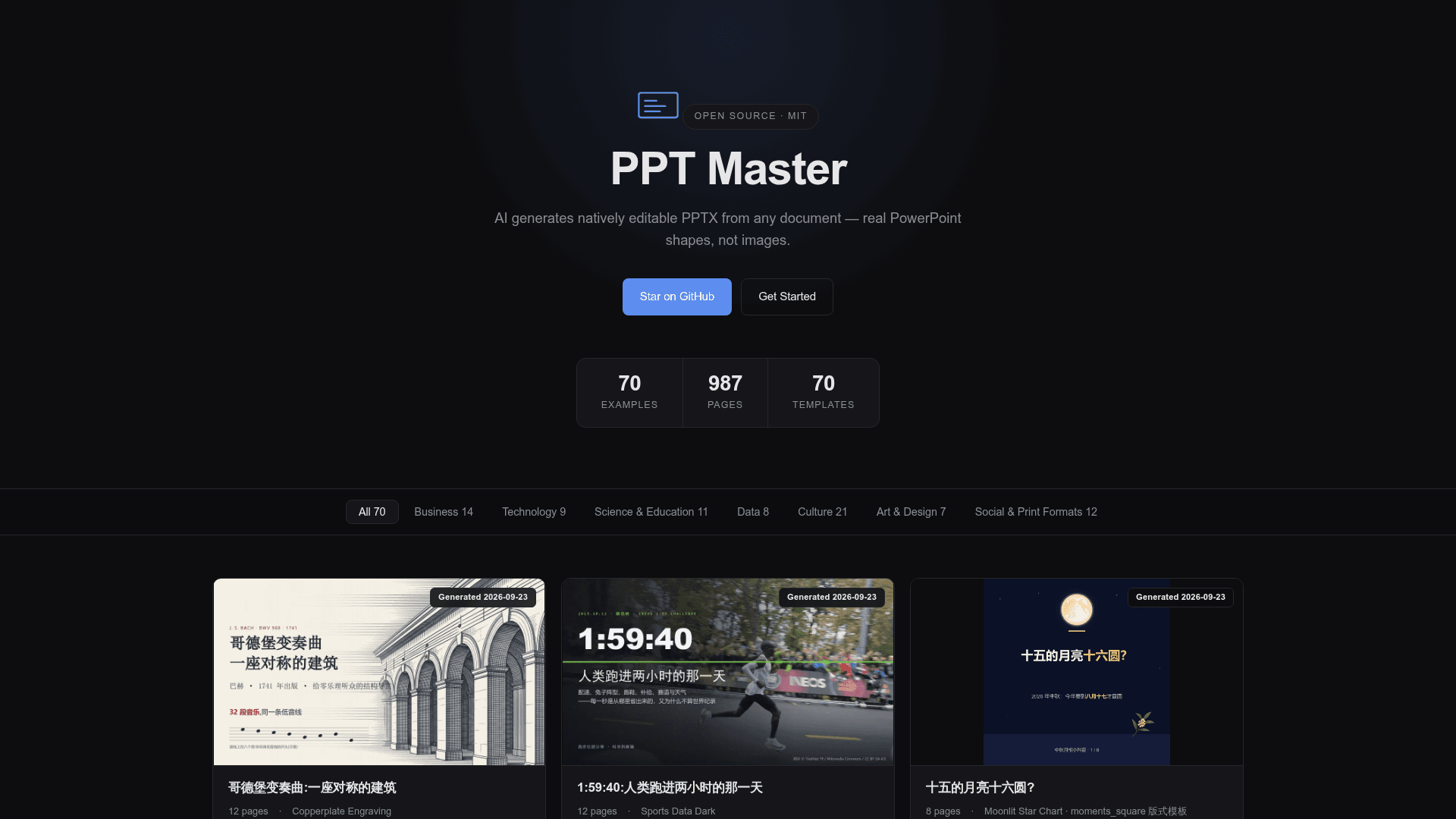
PPT Master is an open-source workflow (a "skill") by Hugo He that runs inside agent-capable AI tools and generates natively editable PowerPoint files from source documents or a bare topic. The project describes its output as real PowerPoint shapes, connectors, data-backed charts and tables rather than flattened images. It is MIT licensed, and the latest release listed is v6.7.0.
What It Is
PPT Master is a presentation-generation pipeline driven by an AI agent such as Claude Code, Cursor, Codex CLI or similar tools. Users supply a PDF, DOCX, web page, images or pasted text, and the agent analyses the content, designs the deck, builds SVG pages and exports a .pptx file. The README states that the pipeline runs locally apart from communication with the AI model, and that no specific model or platform is required.
How the Workflow Runs
By default the agent first confirms a design spec (template, format, page count) before authoring; a quick mode skips confirmation and goes straight to generation and export. Output lands in an exports folder as native DrawingML, with page previews written alongside. A flag produces data-backed PowerPoint chart and table objects with Edit Data, saved as a separate file, and formulas compile to editable OMML equations.
Other Routes and Media
Beyond new decks, the README lists distilling reusable brand, style and layout templates from references, filling an existing .pptx with new content while preserving its design, and adding native transitions, animations and narration generated from speaker notes. Images can come from AI generation backends or web image search (Openverse, Wikimedia Commons, and optionally Pexels and Pixabay), with credit lines added when licences require them.
Examples and Setup
The examples gallery lists dozens of generated decks across languages and formats, including Chinese, German, Hebrew, Arabic and Japanese decks, plus square, vertical and A4 canvases such as WeChat and Xiaohongshu formats. Setup requires Python 3.10+ and pip install -r requirements.txt, via git clone, ZIP download or a skill marketplace install. The README advises that a capable large-context model is recommended and that some polishing of the result remains with the user.
Community Discussions
Be the first to start a conversation about PPT Master
Share your experience with PPT Master, ask questions, or help others learn from your insights.
Pricing
Open Source (MIT)
Free and open-source core under the MIT License; the only cost is your own AI model usage.
- MIT License
- Free and open source; no PPT subscription
- Data stays local apart from AI model communication
- Works with any agent-capable AI IDE (Claude, GPT, Gemini, Kimi, etc.)
- AI model usage costs are external (bring your own model)
Capabilities
Key Features
- Native editable PowerPoint output (shapes, connectors, text, fills)
- Data-backed native charts and tables with Edit Data
- Editable OMML formulas
- Slide masters and layouts via template route
- Fill existing .pptx with new content while preserving design
- Native transitions, animations and speaker notes
- Audio narration from speaker notes
- Multiple canvas formats including 16:9, 4:3, A4, WeChat and Xiaohongshu
- AI image generation and web image search
- Source conversion from PDF, DOCX, HTML, EPUB, spreadsheets and CSV
- Quick generation mode