Pyxl
Web-based AI image generator that turns text prompts into images such as realistic art, characters, and abstract concepts.
At a Glance
About Pyxl
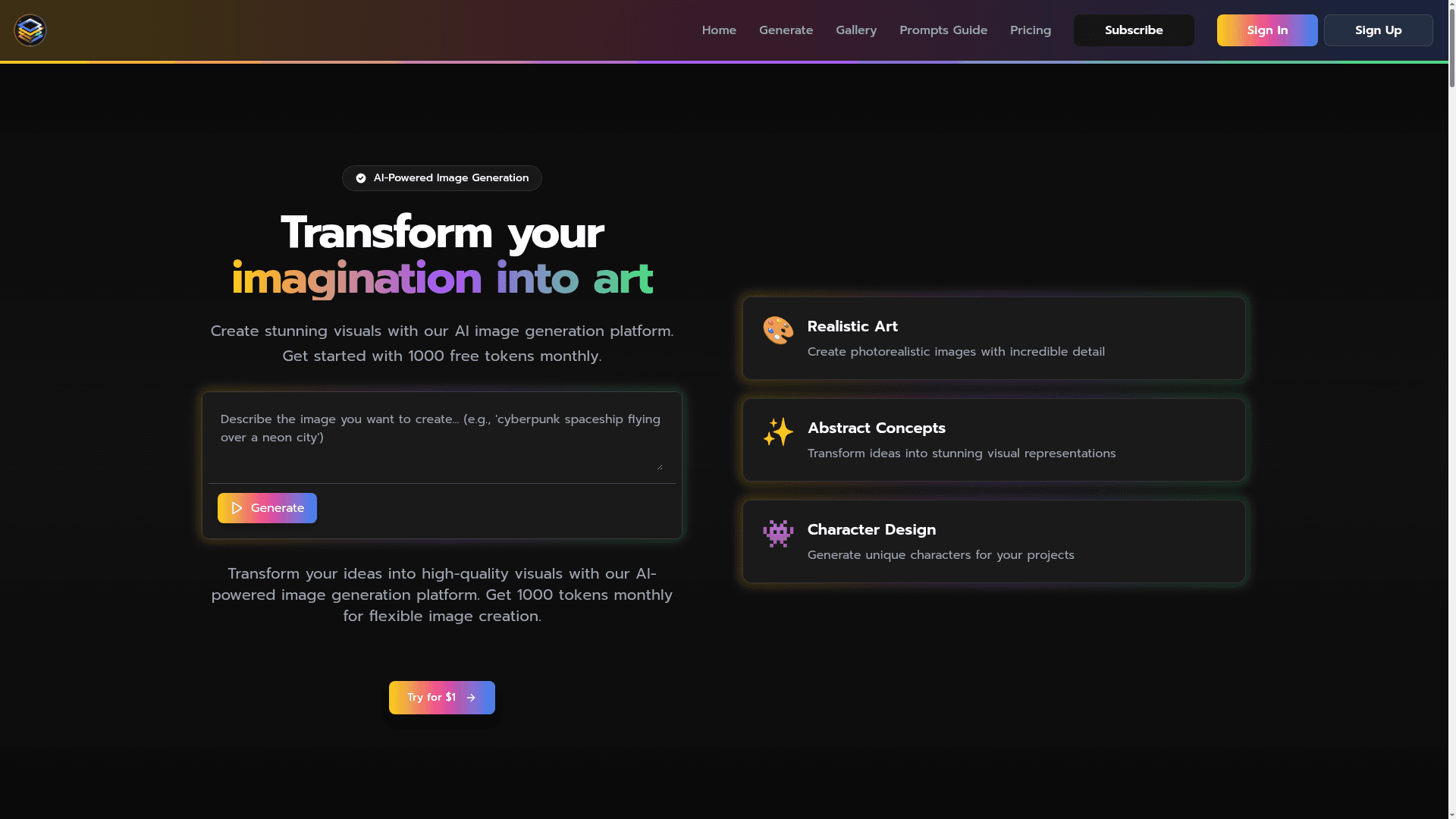
Pyxl is a web-based AI image generation platform operated under the name Pixl AI. Users describe the image they want in text and the platform generates it. The site presents use cases for designers, entrepreneurs, content creators, and marketers.
What It Is
Pyxl is a text-to-image generator. You write a prompt, and the platform creates a matching image. The homepage shows style examples including anime characters, cyberpunk cityscapes, fantasy worlds, and magical creatures, and the site also has a gallery and a prompts guide for writing effective prompts.
How the Workflow Looks
The workflow starts at the Generate page, where a user enters a descriptive prompt. The homepage says results arrive in seconds and that images can be refined with detailed prompts and repeated edits. A token allowance is used for generation, and the site says generated images can be downloaded.
Who It Targets
The site markets the tool to UI/UX designers and graphic artists, entrepreneurs visualizing product concepts, content creators making social graphics, and marketers producing campaign visuals. These are vendor-stated use cases.
Community Discussions
Be the first to start a conversation about Pyxl
Share your experience with Pyxl, ask questions, or help others learn from your insights.
Pricing
Pro Plan
Monthly subscription with 1000 tokens per month; first week for $1 via the automatically applied promo code TRIAL.
- 1000 tokens per month
- Unlimited image generation
- High resolution up to 2048x2048
- Text-to-image generation
- Image-to-image transformation
- Upscale images 2-4x in resolution
- Upload images as generation seed
- Advanced settings (CFG, steps, seed control)
- Multiple artistic styles
- Image history and gallery
- Download and share images
- Commercial usage rights
- First week for $1, then $19.99 per month
Capabilities
Key Features
- Text-to-image generation
- Gallery of example styles
- Prompts guide
- Detailed prompt control
- Repeated image refinement
- High-resolution output
- Image download
- Monthly token allowance