EveryDev.ai
Subscribe
Home
Tools

5,153+ AI tools

  • New
  • Trending
  • Featured
  • Rate tools
  • Compare
  • Arena
Categories
  • Agents2616
  • Coding1923
  • Infrastructure904
  • Projects719
  • Research646
  • MCP613
  • Analytics497
  • Marketing497
  • Design422
  • Testing411
  • Data378
  • Security329
  • Integration259
  • Communication250
  • Prompts247
  • Extensions219
  • Commerce171
  • Voice171
  • DevOps168
  • Web123
  • Learning114
  • Finance35
AI Tools by Topic
  • AI Coding Assistants
  • Agent Frameworks
  • MCP Servers
  • AI Prompt Tools
  • Vibe Coding Tools
  • AI Design Tools
  • AI Database Tools
  • AI Website Builders
  • AI Testing Tools
  • LLM Evaluations
Follow Us
  • X / Twitter
  • LinkedIn
  • Reddit
  • Discord
  • Threads
  • Bluesky
  • Mastodon
  • YouTube
  • GitHub
  • Instagram
Get Started
  • Users
  • Rate Tools
  • About
  • Editorial Standards
  • Corrections & Disclosures
  • Community Guidelines
  • Advertise
  • Contact Us
  • Newsletter
  • Submit a Tool
  • Start a Discussion
  • Write A Blog
  • Share A Build
  • Terms of Service
  • Privacy Policy
Explore with AI
  • ChatGPT
  • Gemini
  • Claude
  • Grok
  • Perplexity
Agent Experience
  • llms.txt
Theme
With AI, Everyone is a Dev. EveryDev.ai ©
    1. Home
    2. Tools
    3. QuixiDesk
    QuixiDesk icon

    QuixiDesk

    Conversational Agents

    A native Rust, open-source desktop AI workspace and alternative to Claude Desktop with 17 pluggable LLM providers and built-in MCPs.

    Visit Website

    At a Glance

    Pricing
    Open Source

    QuixiDesk is a native Rust desktop app released under the MIT License. Users bring their own LLM provider credentials.

    Engagement

    Available On

    Windows
    macOS
    Linux
    API
    CLI

    Resources

    WebsiteGitHubllms.txt

    Topics

    Conversational AgentsMCP IntegrationBrowser Automation

    Alternatives

    Craft AgentsOpen CoworkThunderbolt
    Developer
    Quixi AI

    Listed Oct 2026

    About QuixiDesk

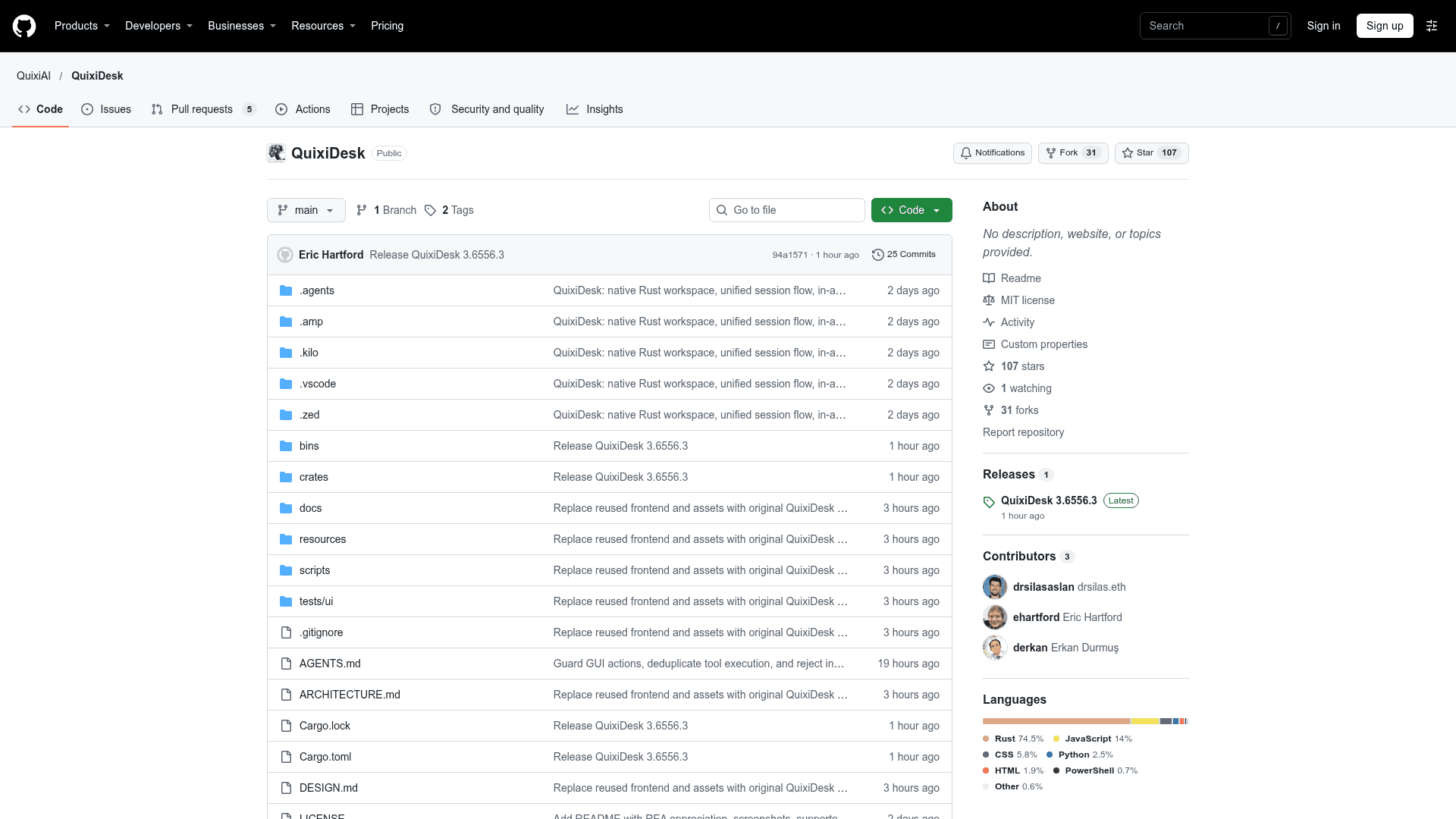
    QuixiDesk is an open-source desktop application from QuixiAI, released under the MIT License. It is built in native Rust on tao + wry rather than Electron and Node.js, and combines chat and task sessions in one workspace. It connects to 17 cloud, OAuth, and local LLM providers and ships with built-in MCP tools for browser and computer use.

    What It Is

    QuixiDesk is a desktop AI workspace that the README presents as an alternative to Claude Desktop. It reuses the desktop workspace UI on a single-process native Rust engine that uses the system webview (WKWebView on macOS, WebKitGTK on Linux, WebView2 on Windows). Users attach local workspace folders, set file-modification permissions, and run multi-turn streaming sessions in one view without separate Chat, Cowork, or Code modes.

    Providers and Built-In MCPs

    A Provider Manager supports OpenRouter, custom OpenAI-compatible endpoints, OpenAI (OAuth or API key), xAI Grok, Anthropic, Google Gemini, DeepSeek, Groq, Mistral, Together AI, Fireworks AI, Perplexity, Cohere, and Cerebras. It also auto-detects local servers such as Ollama, LM Studio, and llama.cpp/LocalAI.

    Built-in MCPs need no manual setup. They include a docked in-app browser with multi-tab navigation and accessibility element inspection, and macOS computer use (screen capture, cursor and keyboard control, window inspection). Pre-bundled workspace and productivity MCPs cover file index, git, shell, AppleScript, PDF, memory, fetch, GitHub, Office365, and scheduled tasks. The UI ships in 11 languages.

    Setup Path and Platform Scope

    QuixiDesk is built from source with the stable Rust toolchain on macOS 14+, Debian/Ubuntu Linux, or Windows 10/11. macOS can package an ad-hoc signed app bundle. The README states there is no MSI or Windows installer workflow yet. Native computer-use and folder-picker integration is macOS-specific, and Linux and Windows builds do not currently provide the same capabilities. Providers are configured in the app after launch.
    QuixiDesk - 1

    Community Discussions

    Be the first to start a conversation about QuixiDesk

    Share your experience with QuixiDesk, ask questions, or help others learn from your insights.

    Pricing

    OPEN SOURCE

    Open Source

    QuixiDesk is a native Rust desktop app released under the MIT License. Users bring their own LLM provider credentials.

    • MIT License
    • Native Rust runtime (tao + wry)
    • 17 pluggable LLM providers
    • Built-in In-App Browser Use & Computer Use MCPs
    • Unified task/chat workspace

    Capabilities

    Key Features

    • Native Rust runtime without Electron or Node.js
    • 17 pluggable LLM providers via a Provider Manager
    • Unified chat and task workspace with local folder access and permissions
    • Built-in in-app browser with accessibility element inspection
    • macOS computer use with screen capture and keyboard/mouse control
    • Pre-bundled MCPs for workspace, AppleScript, PDF, memory, fetch, GitHub, Office365 and scheduled tasks
    • Auto-detection of local providers (Ollama, LM Studio, llama.cpp/LocalAI)
    • 11 built-in UI languages
    • Conversation recovery snapshots on save failure
    • Disposable test profiles

    Integrations

    OpenRouter
    OpenAI
    Anthropic
    xAI Grok
    Google Gemini
    DeepSeek
    Groq
    Mistral AI
    Together AI
    Fireworks AI
    Perplexity
    Cohere
    Cerebras
    Ollama
    LM Studio
    llama.cpp
    LocalAI
    GitHub
    Office365
    API Available

    Ratings & Reviews

    No ratings yet

    Be the first to rate QuixiDesk and help others make informed decisions.

    Rate other tools you’ve used

    Developer

    Quixi AI

    Read more about Quixi AI
    WebsiteGitHub
    1 tool in directory

    Similar Tools

    Craft Agents icon

    Craft Agents

    Open-source desktop app for working with AI agents across multiple model providers, with connections to APIs, MCP servers, local files and a built-in browser.

    Open Cowork icon

    Open Cowork

    Open-source AI agent desktop app for Windows and macOS with sandbox isolation, Skills, MCP connectors, and multi-model support.

    Thunderbolt icon

    Thunderbolt

    An open-source, cross-platform, extensible AI client that gives enterprises complete control over their AI infrastructure with self-hosting, model-agnostic support, and MCP integration.

    Browse all tools

    Related Topics

    Conversational Agents

    AI chatbots and virtual assistants that can engage in natural dialogue.

    341 tools

    MCP Integration

    Tools for integrating MCP with existing AI systems and applications.

    149 tools

    Browser Automation

    AI-powered agents that autonomously navigate and interact with web applications to automate repetitive tasks, extract data, fill forms, and perform web-based workflows using intelligent understanding of page structure and content.

    185 tools
    Browse all topics
    Back to all toolsSuggest an edit
    ratings
    discussions