
Remocn Studio
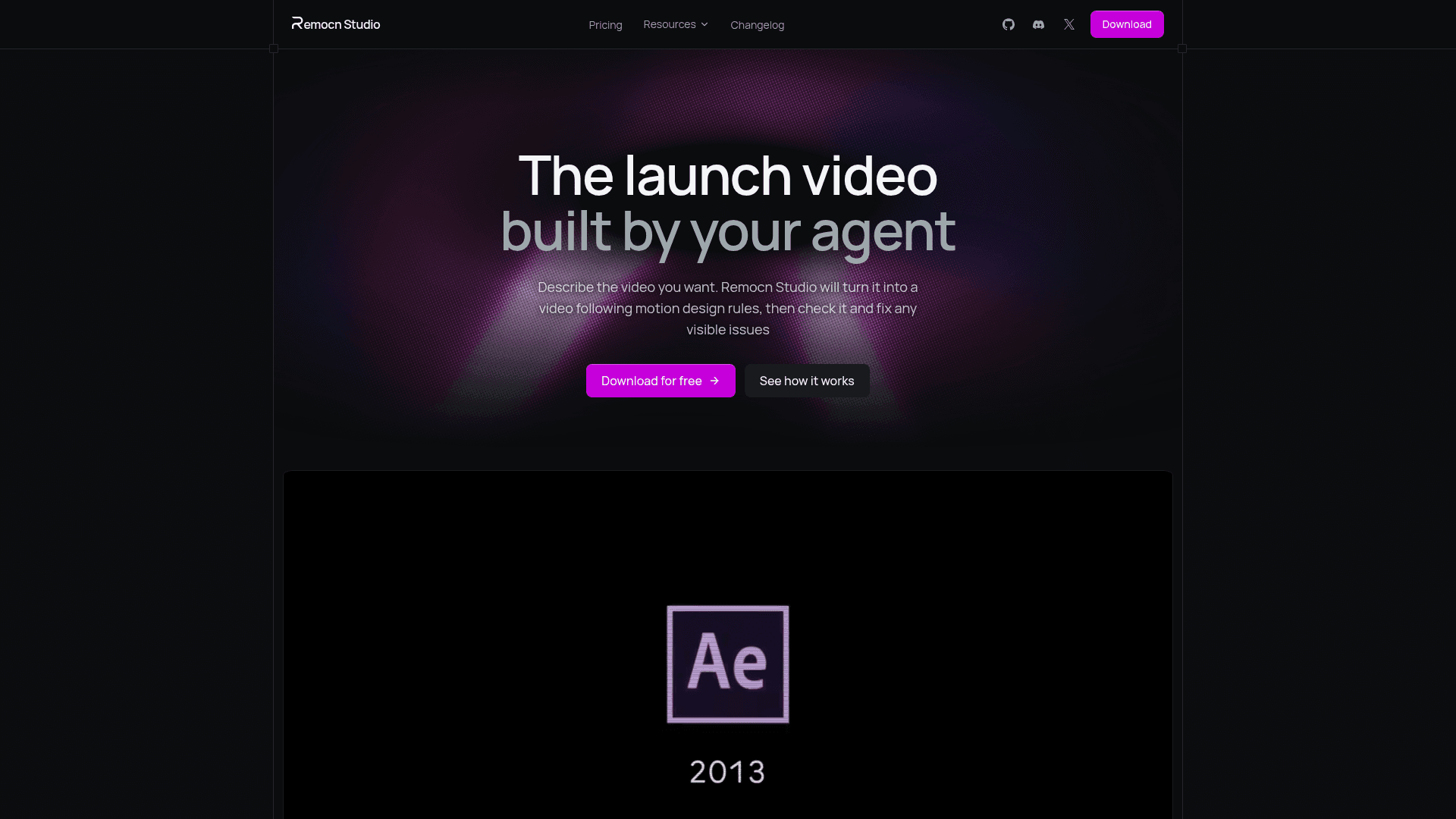
Desktop app where your own coding agent builds videos as editable Remotion projects you can preview live and export to mp4.
At a Glance
Full desktop app, every feature unlocked for everyone, MIT-licensed open source. Runs on your own coding-agent subscription (external cost).
Engagement
Available On
Alternatives
Listed Oct 2026
About Remocn Studio
Remocn Studio is a desktop app from Remocn in which a coding agent builds videos from a plain-language description. Each video is created as a real Remotion project in a folder on the user's disk, with a live preview and export to formats such as MP4, WebM, GIF or ProRes. The source is released under the MIT License.
What It Is
Remocn Studio is an agent-driven video creation tool. There is no timeline or keyframe editing: the user writes prompts, points at elements in the preview and gives notes. The agent writes the motion design as code, and the studio drives the command-line tool of a coding agent already installed and signed in on the computer (Claude Code, Codex, GitHub Copilot or Grok), so no separate API key is needed.
How a Video Gets Made
The README describes a seven-stage pipeline: analysis, brand, script, motion, build, choreography and review. At each stage the agent writes a document into the project (such as analysis.md, script.md or review.md) that the user can read or edit. A bundled set of motion design skills covers easing, pacing and typography animation, and a design_check step measures rendered frames for readability, timing and handoffs before a video is called done.
Directing the Agent
Users can give notes by typing, by clicking an element in the preview to open a properties pane for type, spacing and easing, or by dragging a Snapshot box over the frame to send a crop into the chat. An asset library stores clips, images and audio for reuse, and animations can be saved as components. Export presets cover wide, vertical and square formats for YouTube, Shorts, Reels, TikTok and Instagram Feed.
Ownership and Setup
Projects are ordinary Remotion projects that can be opened in an editor or committed to git. The README states there is no telemetry, crash reports are opt-in, and file edits stay inside the project folder, with permission cards for shell commands or outside paths. It runs on macOS (Apple silicon or Intel) and on Linux (x86_64 or aarch64, glibc 2.35+), and is installed via .dmg, .AppImage, .deb or .rpm releases.
Community Discussions
Be the first to start a conversation about Remocn Studio
Share your experience with Remocn Studio, ask questions, or help others learn from your insights.
Pricing
Free
Full desktop app, every feature unlocked for everyone, MIT-licensed open source. Runs on your own coding-agent subscription (external cost).
- The full desktop app for macOS
- Runs on your Claude Code, Codex, Copilot, or Grok subscription
- Live preview while the agent works, and mp4 export in every platform's shape
- Asset library for your footage, images, audio, and brand files
- Stock footage and photos, searched from inside the app
Capabilities
Key Features
- Seven-stage video production pipeline
- Built-in motion design skills
- Live preview while the agent works
- Inspect: click an element to edit its properties
- Snapshot: drag a box over the frame into chat
- Asset library for clips, images and audio
- Stock footage and photo search
- Saved reusable animation components
- Project brand via DESIGN.md or name and colors
- Design check on rendered frames
- Export to MP4, WebM, GIF or ProRes up to 4K
- Platform export presets for wide, vertical and square
- Output is a standard Remotion project on disk
- Permission cards for shell commands and outside paths