
Revise
Revise is an AI-powered word processor that lets you write, edit, and proofread documents with a built-in AI agent supporting GPT, Claude, and Grok models.
At a Glance
About Revise
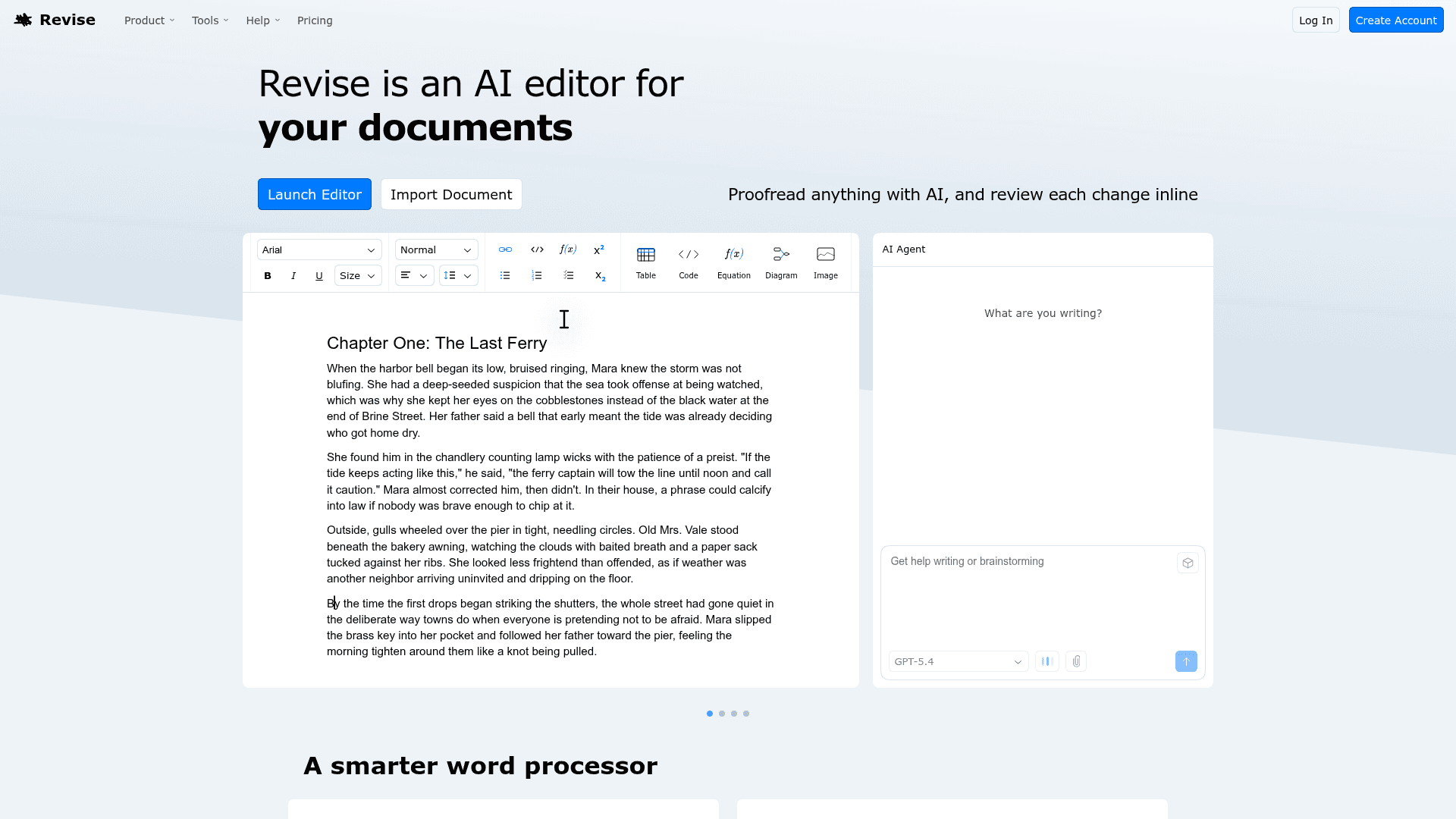
Revise is an AI-powered document editor that combines a full-featured word processor with an integrated AI agent, offering a "Google Docs meets Cursor" experience. It supports real-time collaboration, visual revision history, and inline proofreading powered by leading AI models from OpenAI, Anthropic, and xAI. Users can import Word documents, Google Docs, and PDFs, then proofread, rewrite, translate, summarize, or paraphrase content with AI assistance. The AI agent proposes changes inline so users stay in control of every edit.
- AI Agent — Work side-by-side with a built-in agent that can brainstorm, draft, edit, rewrite, and even search the web for citations.
- Multi-Model Support — Choose between the latest models from OpenAI (GPT), Anthropic (Claude), and xAI (Grok) directly within the editor.
- Inline Proofreading — AI-suggested spelling, grammar, and style changes are shown inline so you can review and accept each one individually.
- Visual Revision History — Go back to any point in a document's history and visualize exactly what changed between any two versions.
- Document Import & Export — Import Word (.docx), Google Docs, HTML, Markdown, and PDFs; export back to Word or PDF.
- PDF Content Extraction — Convert PDFs into rich text documents using multimodal LLMs, with limits varying by plan.
- Real-Time Collaboration — Invite others to work together in the same document simultaneously.
- Personalized Preferences — Revise learns your writing style, tone preferences, pronouns, and formatting rules the more you use it.
- Saved Prompts — Fine-tune and save custom prompts for one-click reuse across documents.
- Rich Text Editing — Full formatting support including headers, lists, tables, images, code blocks, equations, and diagrams.
To get started, create a free account at revise.io, open the editor, and either start a new document or import an existing one. Use the AI Agent panel to issue instructions, or select text and apply a saved prompt for instant edits.
Community Discussions
Be the first to start a conversation about Revise
Share your experience with Revise, ask questions, or help others learn from your insights.
Pricing
Free
Good for getting started with basic AI usage.
- Online word processor with real-time collaboration
- Low monthly AI usage
- Revision history
- Import 5 PDF pages
Plus
For everyday editing with more AI usage.
- 30× more AI usage
- Extended AI editing
- Import 200 PDF pages
- Email support
Pro
For heavy usage with the most powerful models.
- 100× more AI usage
- Most powerful models
- Import 1,000 PDF pages
- Priority email support
- Extra Usage (pay-as-you-go after limit)
Capabilities
Key Features
- AI agent for brainstorming, drafting, editing, and rewriting
- Multi-model support: GPT, Claude, Grok
- Inline proofreading with accept/reject changes
- Visual revision history
- Real-time collaboration
- PDF content extraction via multimodal LLMs
- Import Word (.docx), Google Docs, HTML, Markdown, PDF
- Export to Word and PDF
- Personalized writing preferences memory
- Saved custom prompts
- Web search for citations
- Rich text editing (tables, images, code, equations, diagrams)
- Spelling and grammar suggestions
- Tone change, paraphrase, simplify, translate, summarize tools