
A fast desktop terminal for coding agents with per-tab agent status, session resume, a git panel and AI commit messages.
At a Glance
Rift terminal for coding agents, licensed under Apache License 2.0; free to use, modify and distribute.
Engagement
Available On
Listed Nov 2026
About Rift
Rift is an open-source desktop terminal built for people who run several coding agents at once, such as Claude Code, Codex, Gemini CLI and GitHub Copilot CLI. It shows each agent's status on its vertical tab and restores every tab and agent session after a restart. It runs on Windows, macOS and Linux and is built with Tauri 2, xterm.js and Solid.
What It Is
Rift is a terminal emulator organized around vertical, groupable tabs. Each tab can show the agent's icon and state (working, done, waiting for permission, or interrupted), the conversation title, the git branch with its changes, and the folder. New tabs open in the current tab's folder. Without an agent installed, Rift works as a plain terminal.
The README states that speed takes priority over features, and it reports benchmark figures measured on Windows with 20 tabs of 10,000 lines of scrollback: main-thread tab switching under 16 ms (p95) and about 30 ms from key press to tab on screen. The repository ships a benchmark script (npm run bench).
How agent integration works
On first launch, Rift offers an Enable option for each supported agent. It adds hooks to that agent's settings file, shows the exact file first, keeps other settings, and writes a .bak copy. After that, sessions get status icons, notifications and per-tab resume.
- Notifications fire when a session finishes or needs attention, and a shortcut jumps to the next tab that needs you.
- An optional built-in MCP server lets agents list other agents, message them, or start a new agent in a background tab.
- Claude Code tabs show context-window usage, and the top bar shows 5-hour and weekly plan usage.
- Agents can be started in a new git worktree on a new branch in one click.
Panels around the terminal
- A files panel opens files in sub-tabs with syntax highlighting, editing, and a Markdown reader.
- A git panel shows diffs, commits, pushes, pulls, branch switching and history, and generates Conventional Commit messages from the diff using the agent you use.
- A prompts panel stores next prompts per repo.
- A terminals panel provides extra shells for a tab.
- Panels can be arranged by drag and drop, and shortcuts can be rebound.
Setup path
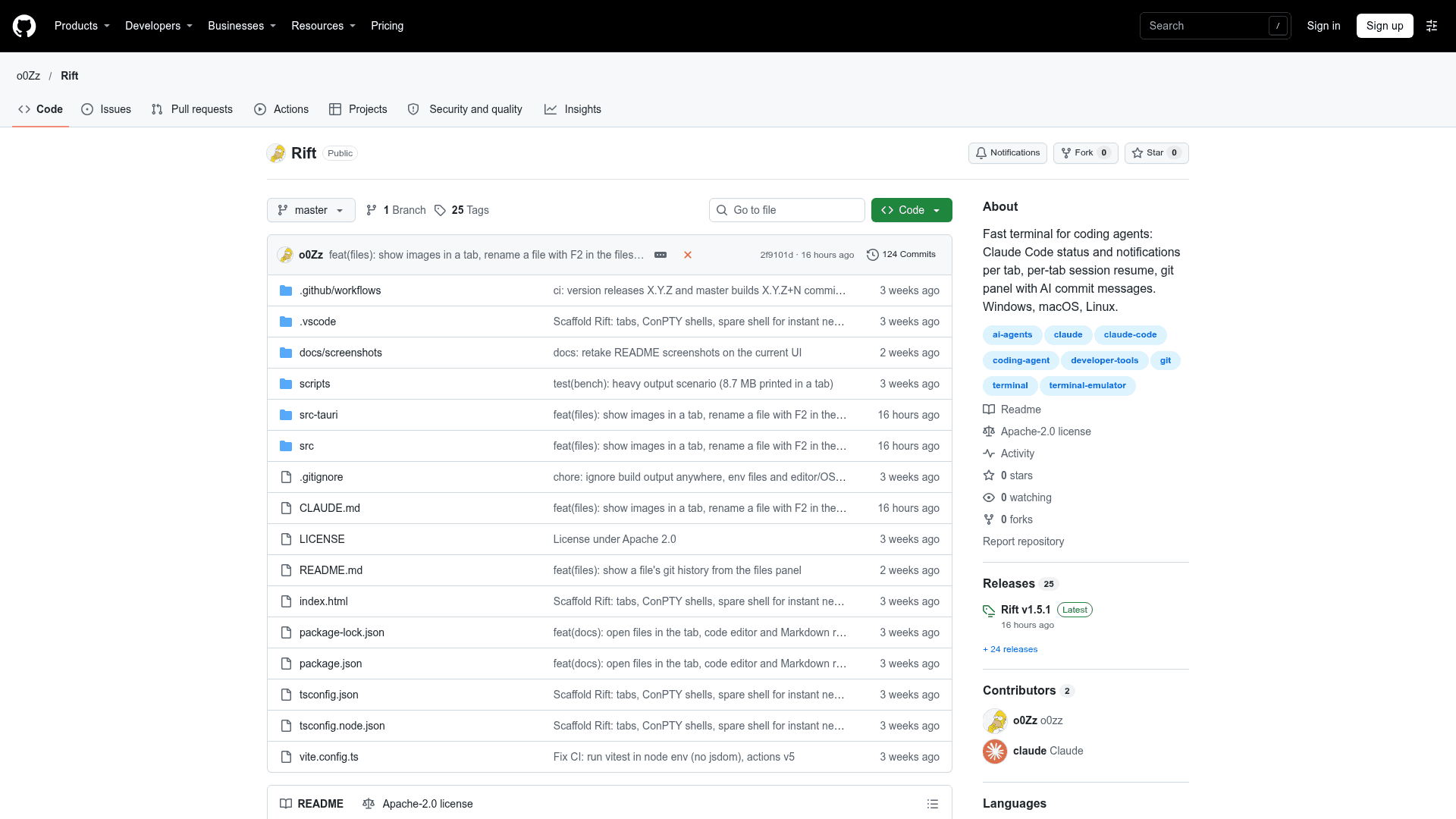
Installers are published on GitHub Releases: an .exe for Windows 10/11, a universal .dmg for macOS (not yet signed), and an AppImage or .deb for Linux. Installed copies auto-update from GitHub Releases. Building from source requires Node.js 22+ and stable Rust, plus the Tauri system packages on Linux.
Community Discussions
Be the first to start a conversation about Rift
Share your experience with Rift, ask questions, or help others learn from your insights.
Pricing
Open Source
Rift terminal for coding agents, licensed under Apache License 2.0; free to use, modify and distribute.
- Apache License 2.0
- Windows, macOS and Linux
- Vertical tabs with named groups
- Agent status on every tab (Claude Code, Codex, Gemini CLI, Copilot CLI)
- Per-tab session resume
Capabilities
Key Features
- Vertical tabs with named, colored, collapsible groups
- Per-tab agent status: working, done, waiting for permission, interrupted
- Per-tab agent session resume and scrollback restore after restart
- Notifications and jump-to-next-tab-that-needs-you
- Built-in MCP server for agent-to-agent messaging
- Claude Code context window and plan usage display
- Git worktree launch for parallel agents
- Git panel with diffs, commits, push/pull, branches and history
- AI-generated Conventional Commit messages
- Files panel with in-tab editor and Markdown reader
- Prompts panel for queued prompts per repo
- Extra terminals panel and VS Code-style panel layout
- Rebindable shortcuts and dark/light/system themes
- Auto-update from GitHub Releases