
TUIOS
A terminal multiplexer and window manager with tiling panes, persistent daemon sessions, and an Inbox for coding agents.
At a Glance
TUIOS core terminal window manager and multiplexer, released under the MIT License.
Engagement
Available On
Listed Nov 2026
About TUIOS
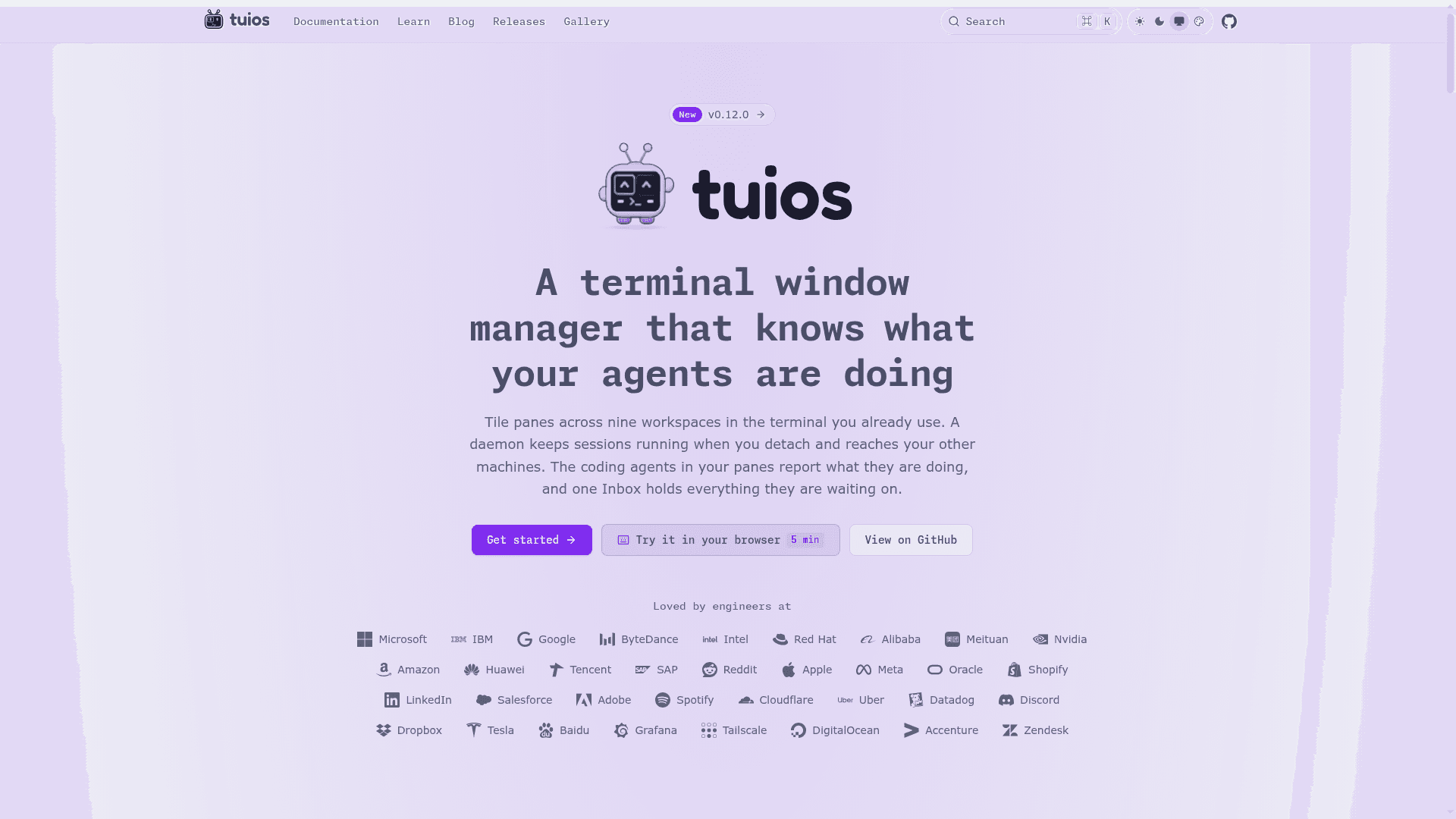
TUIOS (Terminal UI Operating System) is an MIT-licensed terminal window manager written in Go by Gaurav-Gosain. It runs many shells inside one terminal, with tiling or floating windows, nine workspaces, and a daemon that keeps sessions alive after you detach. Panes running coding agents report whether the agent is working, waiting, or done.
What It Is
TUIOS is a terminal multiplexer and window manager with a vim-style modal interface: a window management mode for arranging panes and a terminal mode for typing into one. It runs inside the terminal you already use and is built on the Charm stack (Bubble Tea v2, Lipgloss v2). Running tuios starts a background daemon if needed and attaches to a session; closing the terminal leaves the session running so you can reattach later, locally or over SSH.
Layout and Sessions
BSP tiling is the default, with preselection, swapping, and resizing. Master-stack and a niri-style scrolling layout are also available, as is floating mode with mouse-draggable windows. Window layout and working directories return after a daemon restart or reboot, though running programs and scrollback do not. Layout templates can be saved and loaded, and sessions or individual panes can run on other machines reached over ssh.
Working with Coding Agents
TUIOS detects agent CLIs such as Claude Code and Codex in a pane and shows their state in the pane title and the sidebar rail. One Inbox lists approvals, questions, errors, and finished turns across sessions so you can answer from where you are. You can review an agent's diff and send notes back, and fan one prompt out to several agents, each in its own git worktree. The docs also describe agent messaging, pane grants, and an MCP server.
Scripting and Terminal Features
A JSON control protocol on the daemon socket, CLI commands such as send-text, capture-pane, and wait-for, tape scripts, and event hooks let you automate sessions. The terminal side includes vim-style copy mode over 10,000 lines of scrollback, kitty graphics and sixel passthrough, a command palette, an app launcher, and 345 built-in themes. TUIOS can also be served over SSH or to a browser through the separate tuios-web binary.
Setup Path
Install through Homebrew, the AUR, Nix, an install script, Docker, release binaries, or go install. A terminal with true color support is required, and kitty graphics or sixel support is recommended. The project offers a browser-based guided tour and a tuios tutor command to learn the keys.
Community Discussions
Be the first to start a conversation about TUIOS
Share your experience with TUIOS, ask questions, or help others learn from your insights.
Pricing
Open Source (MIT)
TUIOS core terminal window manager and multiplexer, released under the MIT License.
- MIT licensed core product
- Tiling panes across 9 workspaces
- Daemon-backed sessions that survive detach
- Agent state detection and Inbox
- Remote hosts over ssh
Capabilities
Key Features
- BSP, master-stack, and scrolling tiling layouts plus floating windows
- Nine workspaces
- Persistent daemon sessions with detach and reattach
- Session resurrection after restart with layout and working directories
- Remote hosts and hosted panes over ssh
- Agent state detection for coding agents
- Unified agent Inbox for approvals, questions, and errors
- Agent diff review and fan-out prompts in git worktrees
- Vim-style copy mode with 10,000-line scrollback
- Kitty graphics and sixel passthrough
- Command palette and app launcher
- 345 built-in themes and a searchable settings page
- JSON control protocol, CLI automation, tape scripts, and hooks
- MCP server and tmux shim
- SSH server and web terminal modes