
SHIKISHA-TERM
A Windows multitasking terminal that runs Claude Code, Codex, Gemini and other AI CLIs side by side and shows which one is waiting for you.
At a Glance
About SHIKISHA-TERM
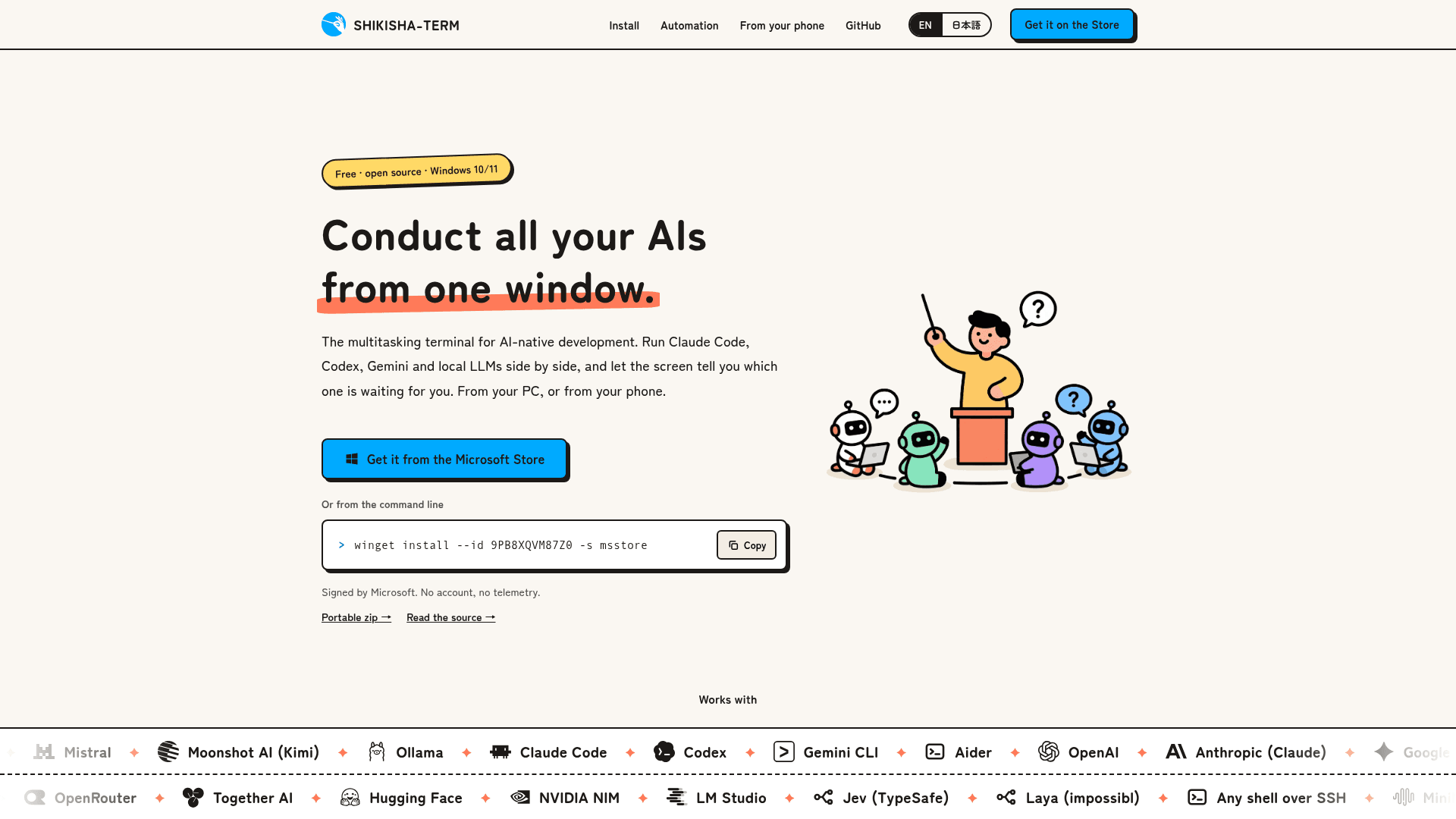
SHIKISHA-TERM is an open-source, MIT-licensed multitasking terminal for Windows 10/11, published by WIRED & ECO, K.K. It puts several AI command-line agents such as Claude Code, Codex, Gemini CLI and Aider in one window and reports whether each tab is working, done or waiting for input. Agents can hand work to each other with @mentions, run on a cloud MicroVM, and be steered from a phone.
What It Is
SHIKISHA-TERM is a terminal that orchestrates AI CLIs rather than replacing them. It drives the tools already installed on the PC, using their existing logins and subscriptions. The developers describe it as an "Agentic Development Environment" (ADE) rather than an IDE. Tab status is read from what the tool prints on screen, not from a vendor API, so it works with any command-line tool. A bring-your-own-key option lets a tab call an OpenAI-compatible endpoint directly.
How the Multi-Agent Workflow Works
Tabs can be split into panes and grouped by working folder, and git worktrees give each branch its own folder. Typing @ in the input bar lists tabs, so one agent can hand work to another and read the answer back. A request such as asking @codex to review a feature and loop until clean starts a write-and-review loop. The app counts rounds up to a configurable limit, and there are an emergency stop, per-tab input locks and a cap on chained hand-offs. Lua automation scripts can react to events like a task finishing, and notifications can go to Slack, Discord or Telegram.
Cloud Agents, Built-in Tools and Phone Access
Projects can be cloned onto a cloud MicroVM (E2B) so agents run isolated from the local machine, with previews shared by URL. The app also includes a browser an AI can drive, a Git panel with partial staging, AI-written commit messages and conflict resolution, SFTP, and a terminal that supports SSH, Docker, WSL and IME input. Scanning a QR code opens a web page showing every tab's status and a box for sending instructions, reachable over Tailscale or the LAN. A Linux server component without a window is also documented.
Availability
It is distributed through the Microsoft Store or as a portable zip, which is unsigned and triggers a Windows warning on first run. The site states there is no account and no telemetry. The desktop app is Windows-only today.
Community Discussions
Be the first to start a conversation about SHIKISHA-TERM
Share your experience with SHIKISHA-TERM, ask questions, or help others learn from your insights.
Pricing
Free
Free, open-source (MIT) multitasking terminal for AI CLIs on Windows 10/11, from the Microsoft Store or as a portable zip.
- Free · open source · Windows 10/11
- MIT license
- No account, no telemetry
- Run Claude Code, Codex, Gemini and Aider side by side
- BYOK: register your own OpenAI-compatible endpoint
Capabilities
Key Features
- Multiple AI agents in one window with split panes
- Per-tab working/done/waiting status detected from screen output
- @mention hand-offs and review loops between agents
- Git worktrees per branch
- Cloud MicroVM agents for isolated YOLO mode
- Built-in browser, Git panel and SFTP
- Phone access via QR code over Tailscale or LAN
- Lua automation and emergency stop
- Slack, Discord and Telegram notifications
- SSH, Docker, WSL and IME terminal support
- Portable zip and Microsoft Store distribution
- Bring-your-own-key model connections