
A desktop agent development environment for running multiple AI coding agents side by side in panes with git worktrees, a built-in browser, and MCP tools.
At a Glance
Free, MIT-licensed desktop app for Windows and macOS; no account or telemetry.
Engagement
Available On
Alternatives
Listed Nov 2026
About wmux
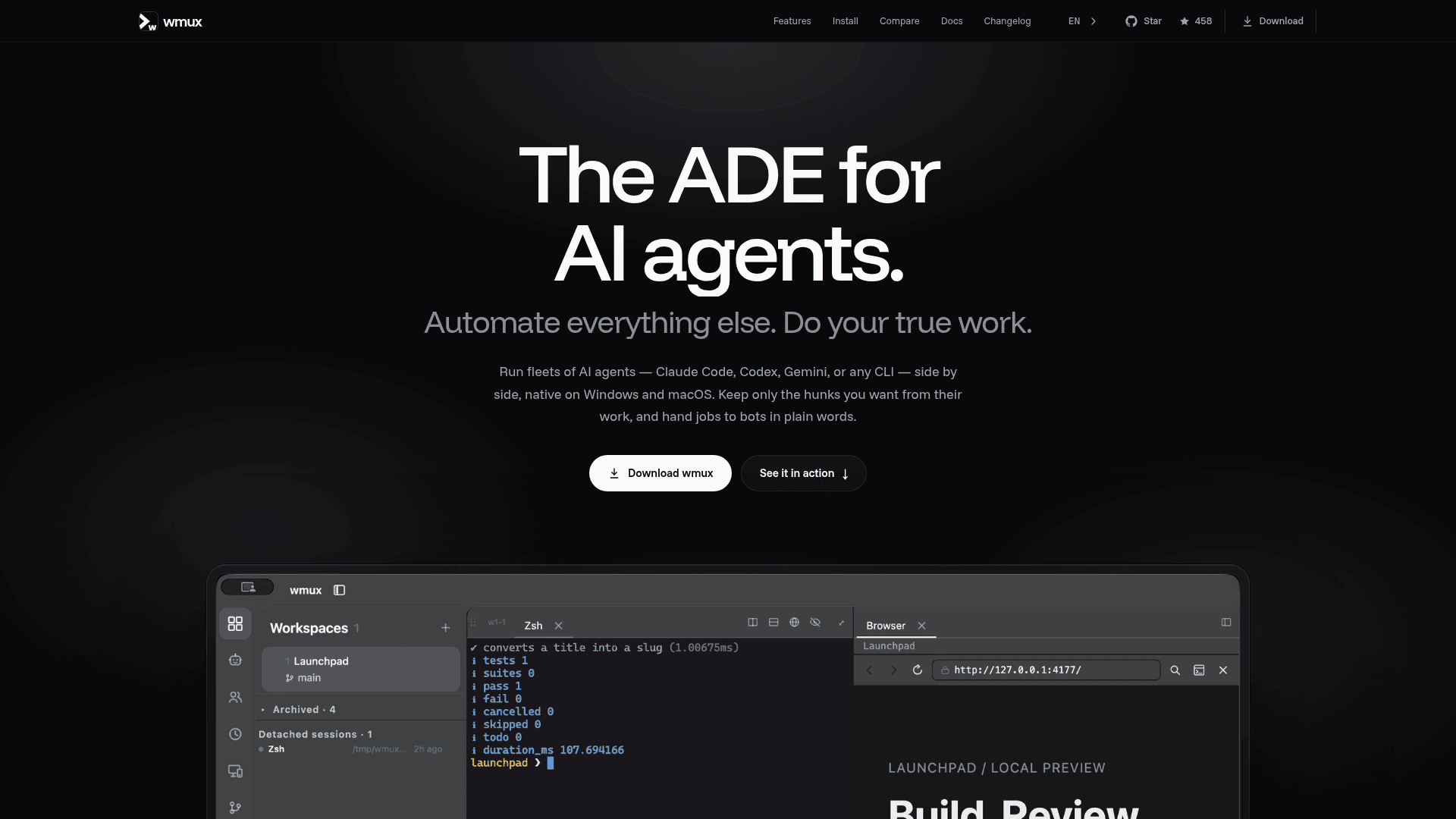
wmux is an open-source (MIT) desktop app from wong2kim that it calls an ADE, or agent development environment, for AI agents on Windows and macOS. It runs Claude Code, Codex, Gemini CLI or any other CLI agent side by side in separate panes, with a background daemon that keeps sessions alive. The current release listed is v4.17.0, and an iPhone companion app is available.
What It Is
wmux is a workspace multiplexer built for AI agents rather than for a person typing code. Each agent runs in its own pseudo-terminal pane (ConPTY on Windows, forkpty on macOS), and a standalone daemon owns the terminals, git worktrees, browser and channels, so quitting the app does not end a session. It is described as its own application rather than a tmux port, though it borrows split panes and a prefix mode.
Parallel Work and Review
Multi Task splits one prompt into up to 8 tasks, each with its own git worktree on a fresh branch and its own agent pane. Fleet lists every agent and task across workspaces, grouping them by what needs you, what is ready to review, and what is running. You review diffs by file and hunk, tick the hunks you want, and adopt them into your working tree as one all-or-nothing apply; you then review and commit yourself.
Bots, Browsers and Agent Messaging
You can name a bot and give it a job in plain words. It plans the change, starts a Claude Code worker on its own branch, runs tests and reports back, while public actions such as merging a PR wait for approval. Agents can drive browsers either through built-in browser panes or a dedicated Chrome over the DevTools Protocol, using wmux's MCP tools. Agents in different panes can also message each other through wmux. When an agent asks wmux to launch another agent with permissions bypassed, wmux asks the user first.
Resilience and Mobile
After a crash or reboot, recovered panes offer Resume, and panes declared in wmux.json can be supervised and restarted. When Claude Code or Codex hits a usage limit, the pane pauses and can optionally continue at the reset. The iPhone app lets you answer agent questions and approvals from your phone, pairing with the desktop app.
Setup Path
On Windows, install via winget, Chocolatey, a PowerShell script or Setup.exe. On macOS, drag the signed and notarized DMG for Apple Silicon to Applications. Experimental Linux builds are listed on the releases page. The site states there is no account and no telemetry.
Community Discussions
Be the first to start a conversation about wmux
Share your experience with wmux, ask questions, or help others learn from your insights.
Pricing
Open Source
Free, MIT-licensed desktop app for Windows and macOS; no account or telemetry.
- MIT-licensed source code
- Native on Windows 10/11 (ConPTY, no WSL) and Apple Silicon macOS
- No telemetry, no analytics, no account
- Mochi crew bot characters are not MIT-licensed (all rights reserved, see ASSETS-LICENSE.md)
- iOS companion app is free on the App Store
Capabilities
Key Features
- Run multiple AI agents side by side in separate panes
- Multi Task fan-out into up to 8 isolated git worktrees
- Hunk-level diff review and all-or-nothing adoption
- Fleet attention list across all workspaces
- Bots that take jobs in plain words and run Claude Code workers on their own branches
- Built-in browser panes or dedicated Chrome over CDP
- Agent-to-agent messaging between panes
- Background daemon that survives app quit, crash and reboot
- Resume at usage-limit reset
- iPhone companion app for answering agent questions
- MCP tools auto-registered on first run
- Approval gate before an agent launches another with permissions bypassed
- wmux CLI and token-authenticated socket API
- Git page with issues, pull requests and CI logs
- wmux web read-only browser access to panes
- 23 interface languages