
Snap Dock
A floating dock for developers with screenshot, prompt optimization, voice input, and automation tools for AI-assisted coding workflows.
At a Glance
About Snap Dock
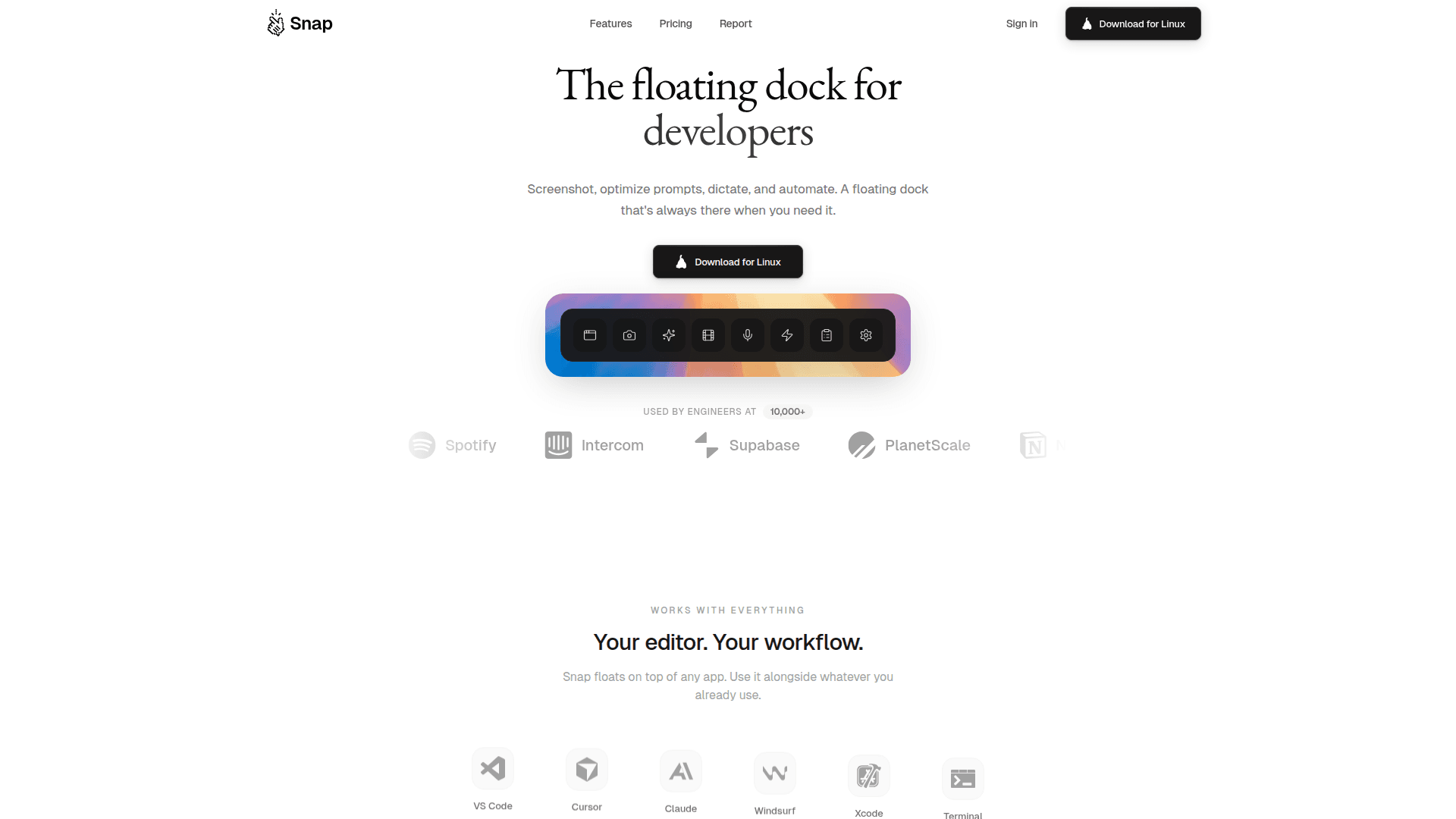
Snap is a floating dock application designed specifically for developers working with AI coding assistants. It provides a persistent, always-accessible toolbar that stays on top of any application, enabling seamless integration with tools like VS Code, Cursor, Claude, Windsurf, Xcode, and Terminal without window switching or losing context.
-
Smart Screenshot automatically numbers every interactive element (buttons, inputs, links) in your selection, making it easy to reference specific UI components when communicating with AI assistants like Claude or Cursor.
-
Preview Window offers a click-to-select DOM inspector with live CSS editing and visual controls, allowing you to click any element in your app and generate clear prompts for AI agents to implement changes.
-
Prompt Optimizer transforms vague ideas like "fix the sidebar" into structured prompts with context, file paths, and expected behavior, powered by Groq LLaMA with response times under 200ms.
-
Voice Input provides real-time Whisper transcription, letting you speak naturally and convert your voice into clean prompts without typing.
-
Educational Reels play short 15-60 second coding tips on CSS, React, Git, and more while waiting for AI generation, helping you learn during idle moments.
-
Custom Action Buttons let you add dock buttons to launch VS Code, Claude Code, Cursor, or any tool with one click, run shell commands, launch URLs, and trigger scripts with keyboard shortcuts.
-
Prompt History & Replay keeps track of your previous prompts for easy reference and reuse.
-
Multi-monitor Support ensures the dock works seamlessly across multiple displays.
To get started, download Snap for your platform, sign in, and the floating dock will appear on your screen ready to enhance your AI coding workflow. The dock integrates naturally with your existing development environment, providing quick access to all features through a minimal, unobtrusive interface.
Community Discussions
Be the first to start a conversation about Snap Dock
Share your experience with Snap Dock, ask questions, or help others learn from your insights.
Pricing
Pro
Best value - Save 25%
- Smart Screenshot with AI annotations
- Prompt Optimizer (Groq LLaMA)
- Voice input with real-time transcription
- Custom action buttons
- Educational reels between sessions
- Responsive preview window
- Prompt history & replay
- Multi-monitor support
Capabilities
Key Features
- Smart Screenshot with AI annotations
- Prompt Optimizer powered by Groq LLaMA
- Voice input with real-time Whisper transcription
- Custom action buttons
- Educational reels between sessions
- Responsive preview window with DOM inspector
- Live CSS editing with visual controls
- Prompt history & replay
- Multi-monitor support
- Click-to-select DOM inspector
- One-click copy to clipboard
- Shell commands and scripts execution
- Keyboard shortcuts for each button