Snaply
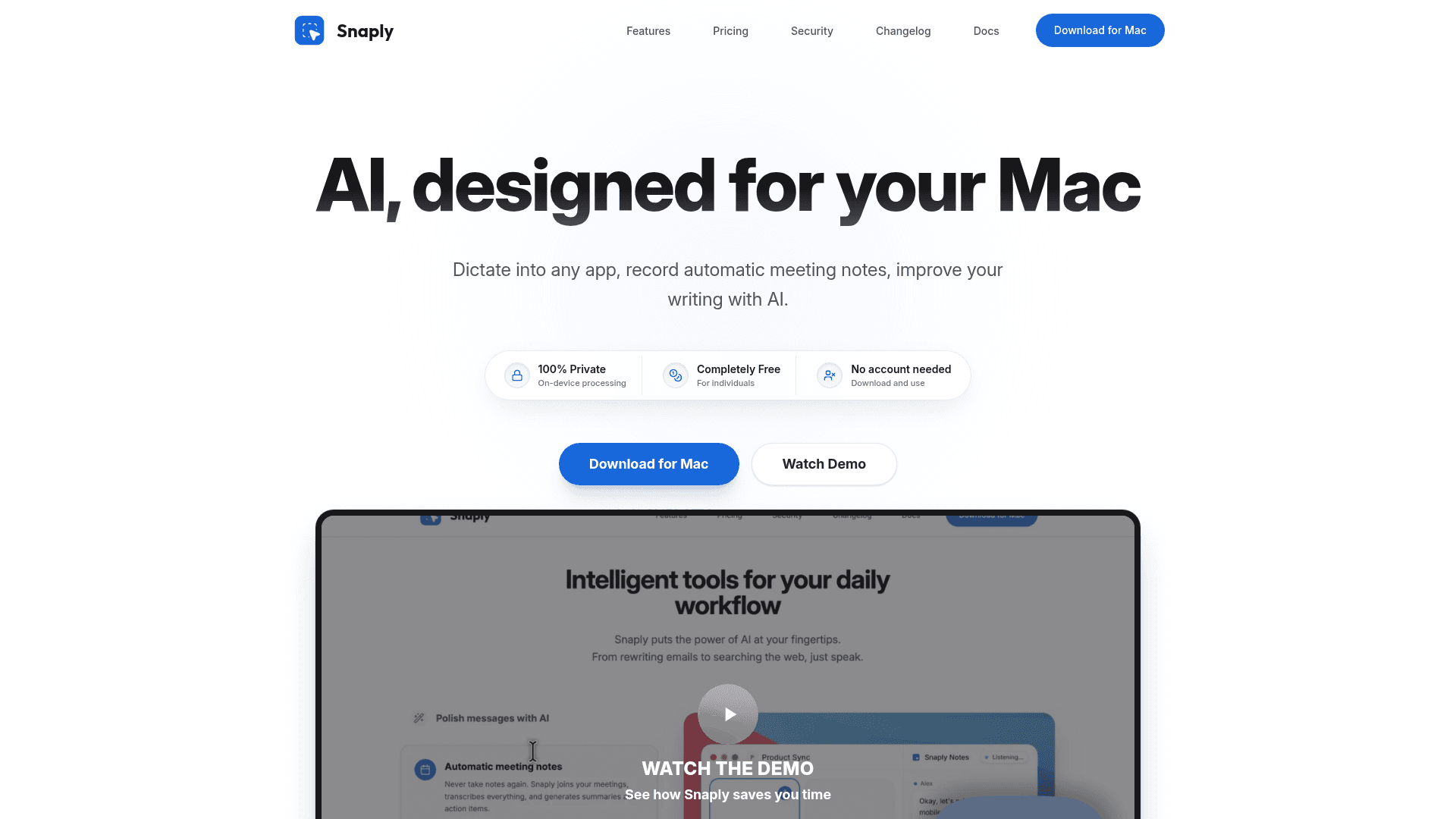
AI-powered Mac app for on-device voice dictation, automatic meeting notes, and AI writing assistance — completely private with no cloud processing.
At a Glance
About Snaply
Snaply is a macOS desktop application built by Giacomo Venier that brings AI-powered voice dictation, meeting transcription, and writing assistance directly to your Mac. All processing runs locally on-device, meaning voice recordings and transcriptions never leave your computer. The app requires no account to get started and is free for individual users.
What It Is
Snaply sits in the category of on-device AI productivity tools for Mac. Its core job is to replace typing with speech — letting users dictate into any application — while also automating meeting notes and improving written text with AI. Unlike cloud-based dictation tools, Snaply processes everything locally using on-device AI models, which the product page describes as providing "industry-leading accuracy without sending your voice to the cloud."
Core Capabilities
Snaply bundles three main workflows into a single Mac app:
- Instant Dictation — Speak into any app on macOS; words appear in real time. The feature works offline and claims to be approximately 4x faster than typing.
- Grammar & Style — Keyboard shortcuts trigger AI rewrites to fix grammar, adjust tone, or formalize text in any active text field.
- Automatic Meeting Notes — Snaply listens to calendar-linked meetings (Zoom, Google Meet, Microsoft Teams, Webex) and generates structured summaries and action items automatically.
- Voice Search & AI Queries — Users can speak prompts to ChatGPT, Claude, or Perplexity without typing.
- Translation — Speak in one language and have it typed out in Spanish, French, German, or 100+ others.
Privacy Architecture
The product's primary differentiator is its on-device processing model. According to the product page, 100% of data remains on the device, recordings never leave the Mac, and Snaply explicitly states it has no access to user data. The security section references "SECURE_CORE," "ENCRYPTED_FS," and "Enterprise Grade" standards. There is an optional "Bring your own API key" setting for users who want to connect external AI services, but the default mode requires no internet connection.
Platform and Integration Reach
Snaply works across every macOS application — the product page lists Notion, Slack, Salesforce, Microsoft Office, Google Docs, Gmail, Figma, GitHub, Linear, Jira, Zoom, Stripe, Vercel, Perplexity, Cursor, OpenAI, Anthropic, Shopify, HubSpot, Gong, Ramp, Google Meet, Microsoft Teams, Google Cloud, and Webex as compatible surfaces. The app is currently macOS-only; the FAQ explicitly states Windows and Linux are not supported. Language support covers English and over 25 European languages including Spanish, German, Italian, French, and Greek.
Who Built It and Current Status
Snaply is self-funded and built by a solo developer, Giacomo Venier, who is reachable via the contact page and active on X (@giacomovenier). The product page notes a Discord community for bug reports and feature requests. The copyright footer reads "© 2026 Snaply," suggesting active ongoing development. No account or credit card is required to download and use the app.
Community Discussions
Be the first to start a conversation about Snaply
Share your experience with Snaply, ask questions, or help others learn from your insights.
Pricing
Individuals
Free forever for individuals with all features unlimited.
- Instant voice typing
- Transform any text with AI
- Automatic AI meeting notes
- 100% On device privacy
- State-of-the-art AI models
Capabilities
Key Features
- On-device AI voice dictation into any Mac app
- Automatic meeting notes with summaries and action items
- AI grammar and style correction via keyboard shortcuts
- Voice-activated search with ChatGPT, Claude, and Perplexity
- Real-time translation into 100+ languages
- 100% local processing — no cloud data transmission
- Works offline
- No account required
- Optional bring-your-own API key
- Supports 25+ European languages
- Calendar-integrated meeting detection (Zoom, Google Meet, Teams, Webex)