
Spare
A free, open-source macOS menu bar app that shows CPU and memory use by app, project, and AI agent, and helps you decide what to close.
At a Glance
About Spare
Spare is a free, MIT-licensed macOS menu bar app made by Corey Haines. It groups CPU and memory use by the apps, project folders, and AI agents behind them, so you can see which session is using your Mac. The current release is 0.20.0 for Apple silicon Macs running macOS 14 or later.
What It Is
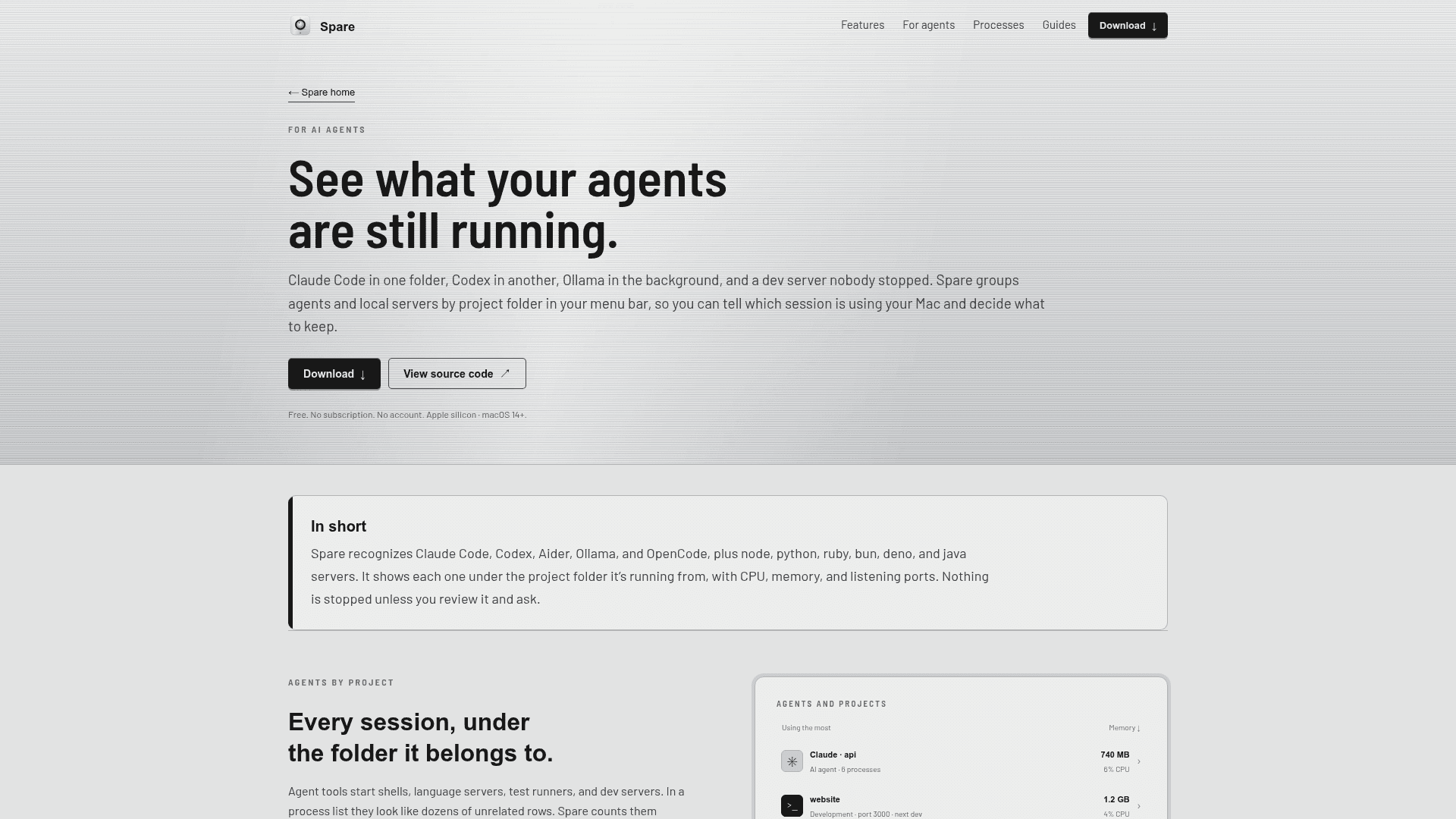
Spare is a system monitor built around work you recognize rather than raw process lists. It recognizes agents such as Claude Code, Codex, Aider, Ollama, and OpenCode, plus node, python, ruby, bun, deno, and java development servers. Each is shown under the folder it runs from, with CPU, memory, and listening ports. You can search by app, folder, or port and sort by memory or CPU.
How agent monitoring works
Agent shells, language servers, test runners, and dev servers are counted together under the agent and project, for example "Claude · api". Claude Code sessions show Working or Waiting for you, read from the status Claude Code keeps itself. Other agents show Active or Quiet, estimated from CPU use over the last 10 seconds. Spare also lists leftovers agents left running, such as headless browsers, MCP servers, tunnels, and dev servers that nothing owns anymore.
Reviewed closing and the spare command
Spare never stops anything automatically and never force kills. Every quit or stop request starts with a review that explains what it affects, and the review freezes the exact process list. A bundled spare command-line tool offers status, list --json, leftovers, strays, and quit. Agents can use it to inspect the Mac, and any close request waits for approval in Spare's panel. A read-only Claude Desktop extension (spare.mcpb) lets Claude answer questions about what is using the Mac.
Recaps and privacy
Recap windows cover Today, This week, or Last 7 days, with CPU charts, memory-pressure time, and top workloads, and can be exported as CSV. Up to 30 days of hourly summaries stay on the Mac. Monitoring runs locally with no account, and the only network request is checking for updates.
Limits to know
Spare measures CPU and memory per app. It shows only overall GPU and startup-disk percentages. It does not look inside Docker containers, and Intel Macs are not supported.
Community Discussions
Be the first to start a conversation about Spare
Share your experience with Spare, ask questions, or help others learn from your insights.
Pricing
Free
Free, MIT-licensed open-source macOS menu bar app; no subscription or account required.
- MIT licensed open source
- No subscription
- No account
- Apple silicon only, macOS 14+
- Groups CPU and memory use by app, project and AI agent
Capabilities
Key Features
- Menu bar CPU and memory monitoring
- Grouping by app, project folder, and AI agent
- Working/Waiting status for Claude Code sessions
- Active/Quiet estimates for other agents
- Detection of agent leftovers (headless browsers, MCP servers, dev servers)
- Reviewed stop requests with no automatic or force kills
- spare command-line tool with JSON output
- Read-only Claude Desktop extension
- Daily and weekly recaps with CSV export
- Memory pressure warnings and notifications
- Search by app, folder, or port
- Local-only data with no account