
SV MCP
A FastMCP server that exposes 15 SV SEO and GEO tools to Claude, Cursor and other MCP-capable AI agents through a single URL.
At a Glance
About SV MCP
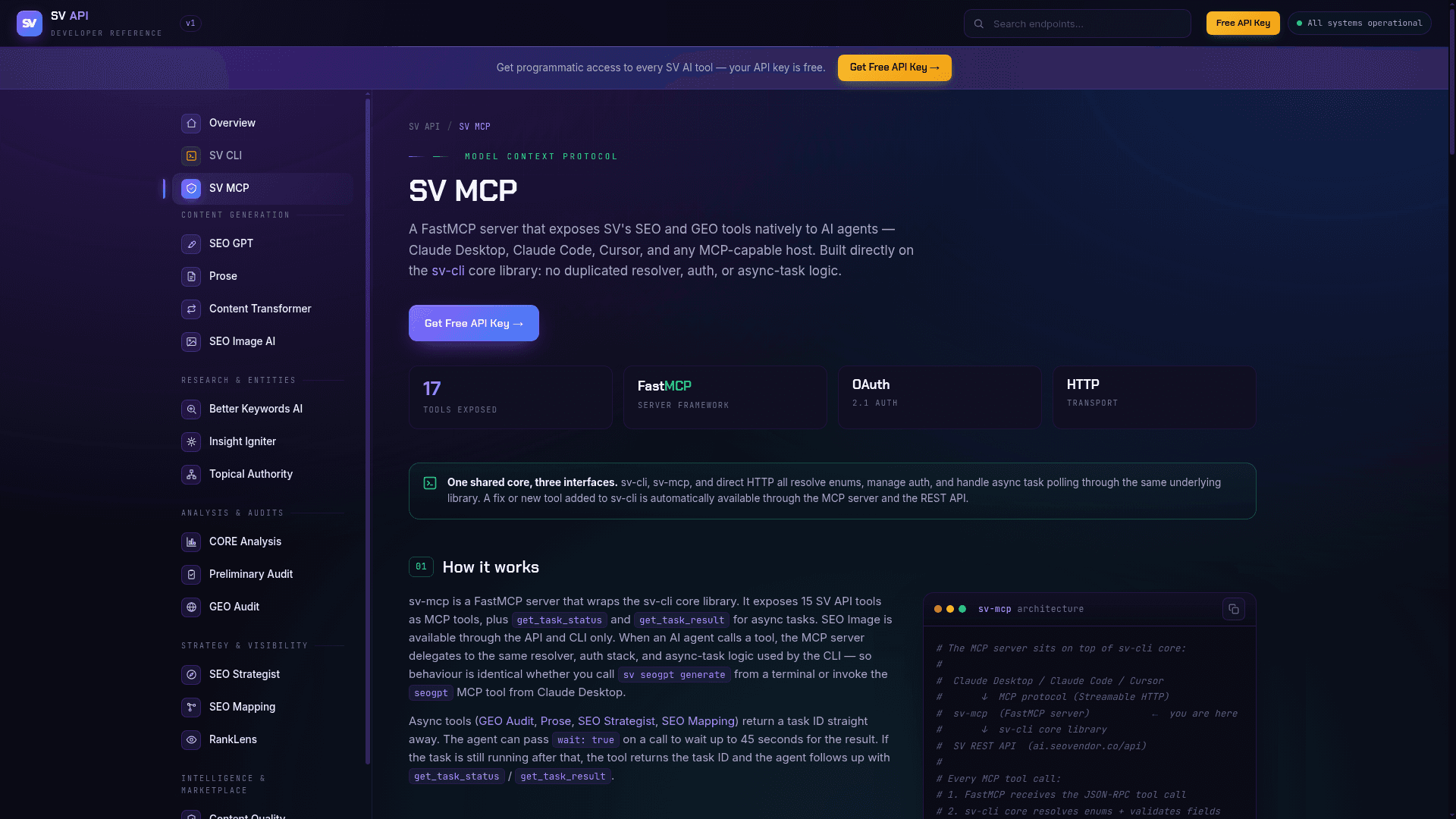
SV MCP is a FastMCP server from SEO Vendor (SV) that exposes the company's SEO and GEO tools natively to AI agents such as Claude Desktop, Claude Code, Cursor and other MCP hosts. It is built on the sv-cli core library, so resolver, auth and async-task logic match the CLI and REST API. Hosts connect to a single base URL over Streamable HTTP.
What It Is
SV MCP is a Model Context Protocol server that wraps 15 SV API tools as MCP tools, plus get_task_status and get_task_result for async work. SEO Image is available through the API and CLI only. The tools cover short-form and long-form content generation, content transformation, keyword research, entity and topic discovery, topical authority planning, on-page analysis, quick audits, GEO visibility audits, competitor comparison, keyword-to-page mapping, AI-engine rank tracking, content quality scoring, top competitor lookup and a marketplace services search.
How Async Tasks and Calls Work
When an agent calls a tool, the server delegates to the sv-cli core and returns structured JSON. GEO Audit, Prose, SEO Strategist and SEO Mapping are async and return a task ID immediately. The agent can pass wait: true to wait up to 45 seconds, then follow up with the task status and result tools. The SV API allows 1 request per second per API key, and the MCP server retries automatically if that limit is reached.
Connecting and Authentication
For Claude.ai and Claude Desktop, users add a custom connector with the URL https://mcp.seovendor.co and sign in to SV. Claude Code can add it with claude mcp add or a .mcp.json file. Documented configurations also cover Cursor, VS Code, Windsurf, Cline/Roo and Continue, and stdio-only clients can bridge through mcp-remote. Hosted connections use OAuth 2.1; the SV API key is resolved server-side, cached in memory for 5 minutes and never exposed to the host or model.
Running Locally
SV MCP can also be installed locally with pip install sv-mcp and run through uvx with an SV_API_KEY environment variable.
Community Discussions
Be the first to start a conversation about SV MCP
Share your experience with SV MCP, ask questions, or help others learn from your insights.
Pricing
Free API Key
Free SV API key for programmatic and MCP access to SV AI tools; successful tool calls use points from the SV account.
- 17 MCP tools exposed
- OAuth 2.1 auth for hosted connections
- Successful tool calls use points from your SV account
- Failed calls, get_task_status and get_task_result are free
- 1 request per second per API key
Capabilities
Key Features
- 15 SV SEO and GEO tools exposed as MCP tools
- Async task handling with get_task_status and get_task_result
- Optional wait: true to wait up to 45 seconds for async results
- OAuth 2.1 authentication with API key kept server-side
- Streamable HTTP transport via a single URL
- Shared core library with sv-cli and REST API
- Automatic retry when the rate limit is reached
- Optional local install via pip or uvx