
Figma MCP Server
An MCP server that brings Figma design context directly into AI agent workflows, enabling code generation from design files and writing native Figma content back to the canvas.
At a Glance
About Figma MCP Server
The Figma MCP Server is an official Model Context Protocol (MCP) server built and maintained by Figma that connects AI coding agents directly to Figma design files. It is currently available in beta and, per Figma's documentation, will eventually become a usage-based paid feature — but is free to use during the beta period.
What It Is
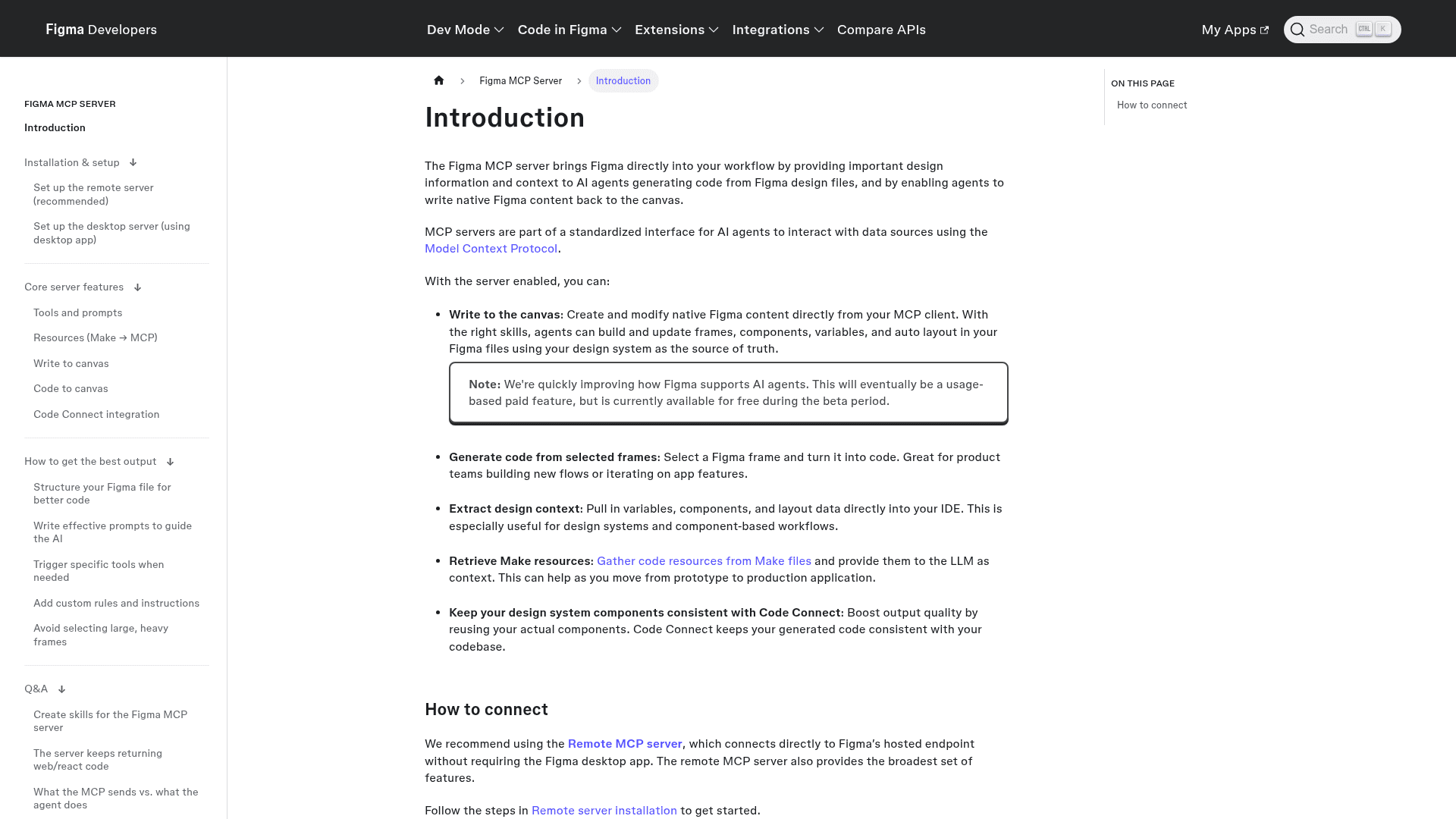
The Figma MCP Server implements the Model Context Protocol standard, giving AI agents a structured interface to read design data from Figma files and write native Figma content back to the canvas. It bridges the gap between design and development by letting AI agents in IDEs and MCP-compatible clients consume real design context — variables, components, layout data — rather than working from screenshots or manual descriptions.
Core Capabilities
The server exposes several distinct workflows to connected AI agents:
- Write to canvas: Agents can create and modify native Figma content — frames, components, variables, and auto layout — using the design system as the source of truth.
- Generate code from selected frames: Select a Figma frame and have an AI agent turn it into code, useful for building new product flows or iterating on app features.
- Extract design context: Pull variables, components, and layout data directly into an IDE for design system and component-based workflows.
- Retrieve Make resources: Gather code resources from Figma Make files and provide them to the LLM as context when moving from prototype to production.
- Code Connect integration: Boost output quality by reusing actual codebase components, keeping generated code consistent with the existing codebase.
Deployment Model
Figma offers two server variants. The remote MCP server connects directly to Figma's hosted endpoint without requiring the Figma desktop app and provides the broadest feature set — it is the recommended path for most users. A desktop (local) server is also available for organizations with specific enterprise needs, running locally via the Figma desktop app. Only clients listed in the Figma MCP Catalog can connect to the server; developers wanting to connect a new MCP client can join a waitlist.
Where It Fits in the Stack
The MCP server is an extensibility layer on top of Figma's existing platform. It is available as part of paid Figma plans, with rate limits that vary by seat type and plan tier — the pricing page lists tool call limits per day and per minute for Professional, Organization, and Enterprise seats. Starter (free) seats receive a limited number of tool calls per month. The server integrates with MCP-compatible AI clients and IDEs, and supports Code Connect for design system component mapping.
Current Status: Beta
Per Figma's official documentation, the MCP server is actively being improved and is in beta. Figma states it will "eventually be a usage-based paid feature, but is currently available for free during the beta period." The Figma MCP Catalog controls which AI clients can connect, and a developer waitlist exists for new client integrations. The server supports skills — reusable packaged workflows — that help agents use write tools more reliably when creating or updating Figma content.
Community Discussions
Be the first to start a conversation about Figma MCP Server
Share your experience with Figma MCP Server, ask questions, or help others learn from your insights.
Pricing
Starter
Free limited access to Figma MCP Server with very limited tool calls per month.
- 20 MCP tool calls per month
- Access to Figma MCP Server during beta
- 150 AI credits/day, up to 500 AI credits/mo
Professional
Full seat on the Professional plan with advanced Dev Mode and MCP Server access.
- 200 MCP tool calls per day, 10 calls per minute
- Advanced Dev Mode inspection and MCP Server
- Unlimited files and projects
- Team-wide design libraries
- 3,000 AI credits/mo (full seat)
Organization
Organization plan with higher MCP rate limits and centralized admin tools. Billed annually.
- 200 MCP tool calls per day, 15 calls per minute
- Unlimited teams
- Shared libraries and fonts
- Centralized admin tools
- 3,500 AI credits/mo (full seat)
Enterprise
Enterprise plan with the highest MCP rate limits, enterprise security, and custom workspaces. Billed annually.
- 600 MCP tool calls per day, 20 calls per minute
- Custom team workspaces
- Design system theming and APIs
- SCIM seat management
- 4,250 AI credits/mo (full seat)
Capabilities
Key Features
- Write native Figma content to canvas from AI agents
- Generate code from selected Figma frames
- Extract design variables, components, and layout data
- Retrieve Make file resources for LLM context
- Code Connect integration for design system consistency
- Remote MCP server (hosted, no desktop app required)
- Desktop (local) MCP server for enterprise needs
- Skills support for reliable write workflows
- Custom rules and instructions for AI agents
- Rate-limited access by plan and seat type