
Switchboard
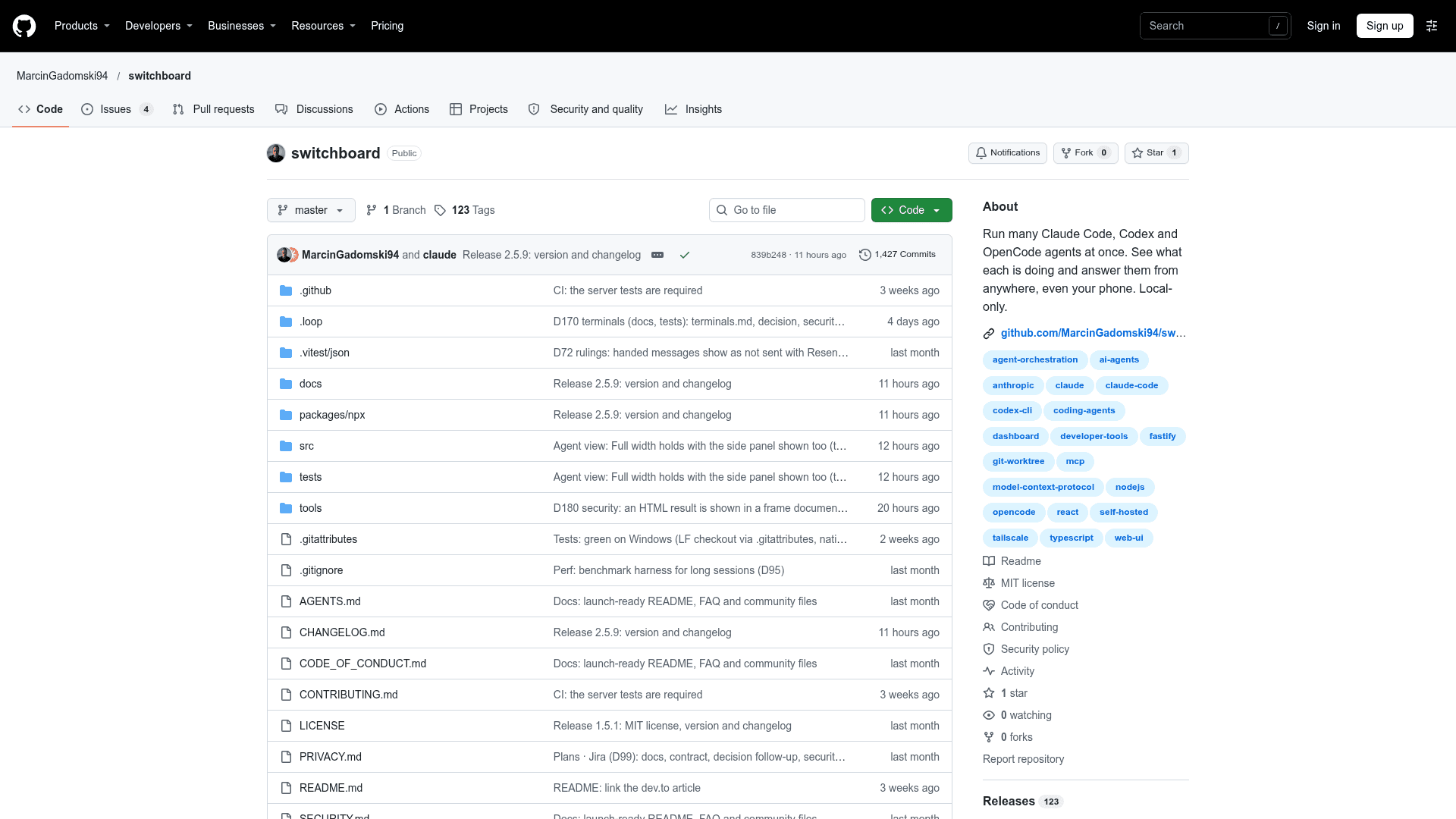
Local-only dashboard for running many Claude Code, Codex and OpenCode agents at once and answering them from anywhere, including a phone.
At a Glance
Self-hosted, local-only core product under the MIT license. Requires your own installed and signed-in agent CLIs (external costs).
Engagement
Available On
Alternatives
Listed Nov 2026
About Switchboard
Switchboard is an MIT-licensed, self-hosted web app by Marcin Gadomski that manages multiple coding agents running on Claude Code, Codex CLI and OpenCode. It gathers every question, approval and alert from those agents into one queue and runs locally on 127.0.0.1 with the unmodified CLIs and the user's own logins. The latest release listed is v2.5.9.
What It Is
Switchboard is an agent orchestration dashboard for developers who run several CLI coding agents in parallel. Agents can be started in any folder or in a separate git worktree copy, with helper chats, per-turn undo and engine switching mid-way. Agents report status through a turn_status tool, so an agent waiting on the user says so and appears in a Needs-you queue.
Projects, Crews and Routines
Projects run tasks as steps of a dependency graph, with Jira import and approval modes. Each step starts on its own when the steps before it are done, and projects can be viewed as Steps, Board, Graph or Timeline. Crews are long-lived teammates with job descriptions, budgets and access that hand work to each other. Routines fire on a schedule or in a loop and are kept across restarts.
Accounts, Computers and Phones
Several logins per AI engine can be configured and switched automatically when usage limits are hit. Other computers can be paired over Tailscale, and phones or tablets can be paired with a QR code, receive push notifications and be installed as an app. Switchboard also provides built-in switchboard MCP tools for tasks, results, routines and turn_status, plus saved results (Markdown, HTML, Mermaid, images, CSV, PDF), search across messages and tasks, and usage insights.
Setup Path
It requires Node.js 24 or newer, git and at least one signed-in agent CLI. Installation is via a shell script for macOS and Linux, a PowerShell script for Windows, or npx, and the UI opens at http://127.0.0.1:13001. The README states there is no telemetry and no account. Release installs can update themselves after checksum verification. Switchboard 2 introduces a new v2 theme, while the earlier look remains available as the Classic theme.
Community Discussions
Be the first to start a conversation about Switchboard
Share your experience with Switchboard, ask questions, or help others learn from your insights.
Pricing
Open Source (MIT)
Self-hosted, local-only core product under the MIT license. Requires your own installed and signed-in agent CLIs (external costs).
- MIT licensed
- Runs locally on 127.0.0.1 with no telemetry and no account
- macOS, Linux and Windows
- Run many Claude Code, Codex and OpenCode agents
- Needs-you queue, projects, crews, results
Capabilities
Key Features
- Unified Needs-you queue for questions, approvals and alerts from all agents
- Support for Claude Code, Codex CLI and OpenCode agents
- Agents in any folder or separate git worktree copy
- Projects as dependency-graph steps with Jira import
- Crews of teammates with job descriptions and budgets
- Scheduled and looping routines
- Multiple logins per AI engine with automatic switching on usage limits
- Pairing of other computers over Tailscale
- Phone and tablet pairing via QR code with push notifications
- Built-in switchboard MCP tools
- Saved results with versions in multiple formats
- Search across messages, results and tasks
- Usage insights on time, tokens and cost
- Automatic CI check feedback to agents
- Light and dark themes with Classic theme option
- Local-only operation with no telemetry or account