
System One Computer Use
Prototype Python agent that controls your mouse and keyboard from screenshots, using JEV to choose each next action, with a local dashboard for runs and reports.
At a Glance
Self-hosted prototype computer-use agent released under the MIT License. Requires a TypeSafe API key for JEV, which is an external usage cost.
Engagement
Available On
Listed Oct 2026
About System One Computer Use
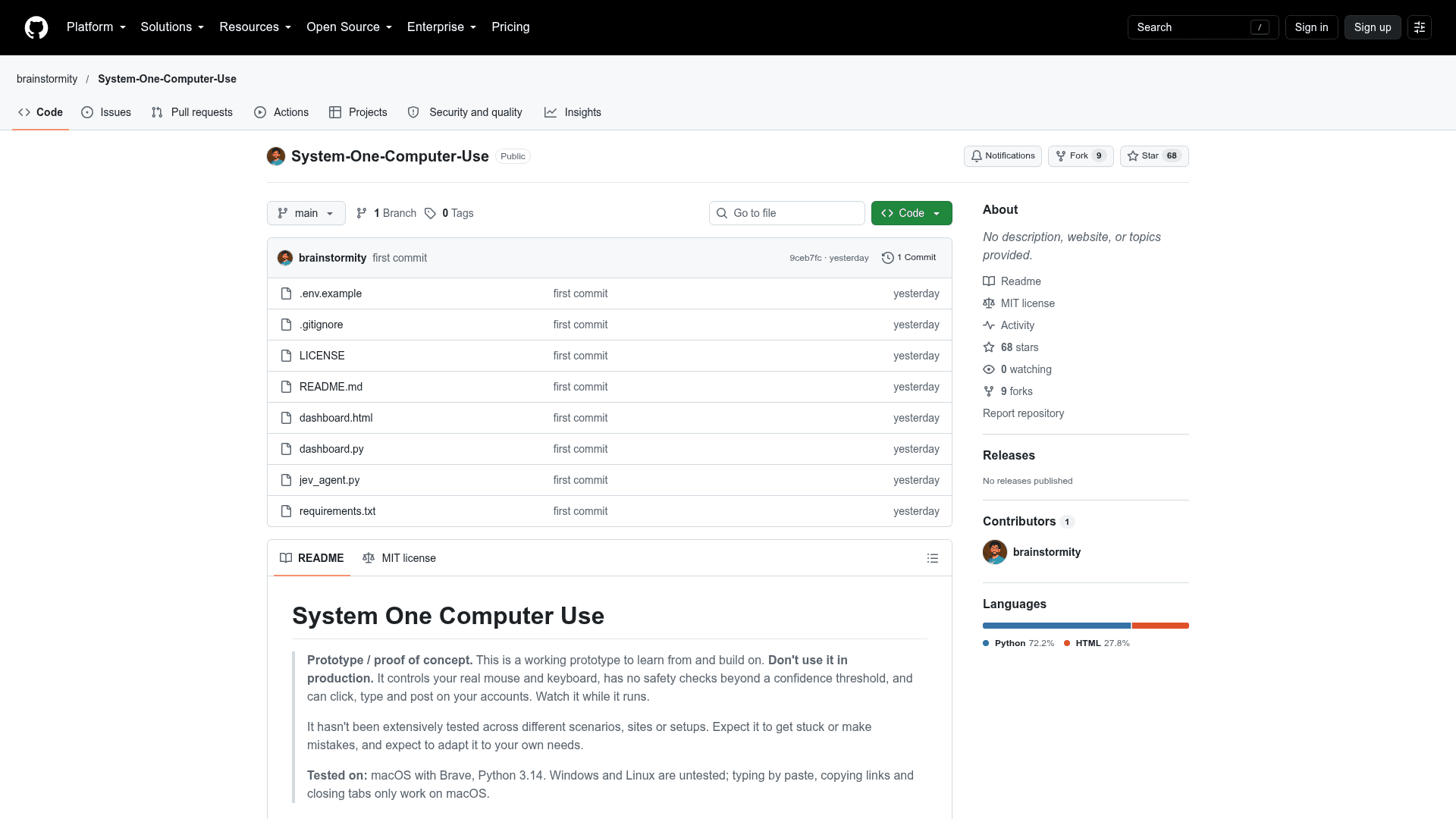
System One Computer Use is an open-source Python prototype from the GitHub user brainstormity that operates a computer through screenshots. In a loop it captures the screen, asks JEV what to do next, and carries out the chosen action with pyautogui. The README labels it a proof of concept, not for production use.
What It Is
A computer-use agent contained in a single file, jev_agent.py, plus a small standard-library web dashboard (dashboard.py) for running tasks and reviewing reports. Each step, JEV picks an action such as click, type, press Enter, scroll, open a website, or stop when done. The agent is run from a task string in the terminal or from the dashboard at 127.0.0.1:8000.
How the Loop Works
Each step takes a screenshot with mss and sends one JEV request containing three questions about the same image: which action comes next, where on screen to click, and which text to type. JEV only chooses from options and never writes free text. The options are the defined actions, text drawn from the user's task (quoted text and 1-3 word phrases), and websites named in the task. As a result, text on a web page cannot make the agent type something absent from the task. After acting, the agent waits for the screen to settle and saves the step to runs//report.json.
Reports and Safeguards
Every run produces a step-by-step report showing the screenshot with the click location marked, the chosen action, JEV's confidence and alternative options, approximate cost, and whether the action was executed. If confidence is below 50% for clicks, typing, Enter or paste, the agent stops instead of guessing; harmless actions need 25%. Options include a dry run, a step-by-step mode, and an emergency stop by moving the mouse into a screen corner or pressing Ctrl+C. The dashboard also has a trash with restore and permanent delete.
Setup Path and Limits
Setup uses a Python virtual environment, requirements.txt, and a TYPESAFE_API_KEY in .env. On macOS, Screen Recording and Accessibility permissions are required. It was tested on macOS with Brave and Python 3.14; Windows and Linux are untested, and paste typing, link copying and tab closing only work on macOS. Screenshots are sent to TypeSafe. The experimental feature that closes opened browser tabs is documented as not yet reliable. Users must already be logged in to sites, as the agent cannot log in.
Community Discussions
Be the first to start a conversation about System One Computer Use
Share your experience with System One Computer Use, ask questions, or help others learn from your insights.
Pricing
Open Source (MIT)
Self-hosted prototype computer-use agent released under the MIT License. Requires a TypeSafe API key for JEV, which is an external usage cost.
- MIT License
- Python agent (jev_agent.py) and local web dashboard (dashboard.py)
- Prototype / proof of concept, not for production use
- External cost: JEV via TypeSafe API charges $0.042 per million input tokens; output is free
Capabilities
Key Features
- Screenshot-driven computer control loop
- Actions: click, type, press Enter, scroll, open website, done
- Local web dashboard for running tasks and viewing reports
- Dry run and step-by-step modes
- Confidence thresholds that stop the agent instead of guessing
- Step-by-step reports with annotated screenshots, confidence and cost
- Trash with restore and permanent delete for runs
- Emergency stop via screen corner or Ctrl+C
- Experimental closing of opened browser tabs