
terminal-mac
Runs a separate macOS virtual machine on Apple silicon that agents can control and humans can view from a terminal.
At a Glance
terminal-mac core is released under the MIT License, free to use, copy, modify and distribute.
Engagement
Available On
Listed Nov 2026
About terminal-mac
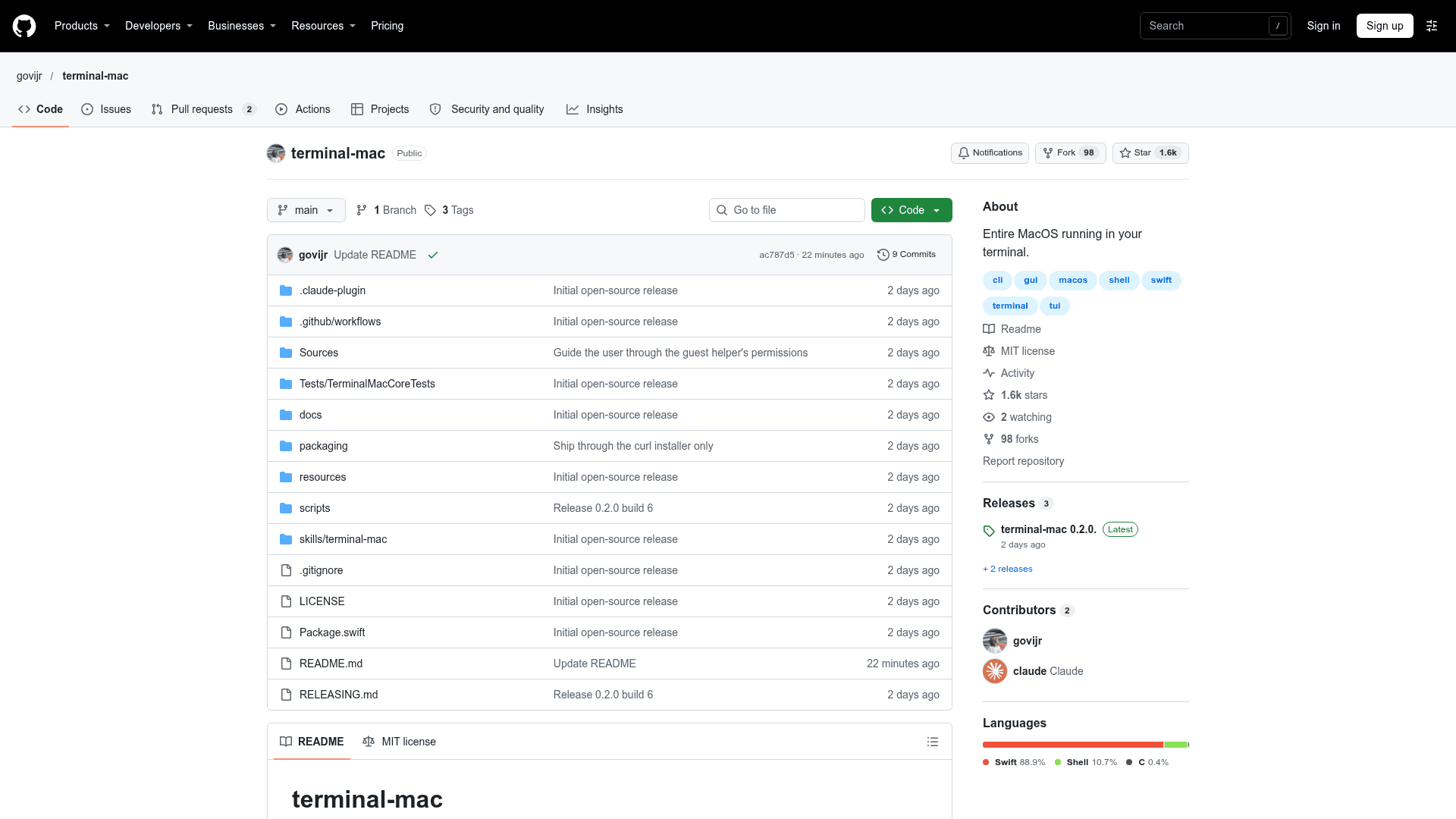
terminal-mac, published by govijr, runs a real macOS guest through Apple Virtualization on Apple silicon and lets computer-use agents operate it without touching the physical Mac's pointer or clipboard. A terminal viewer streams the guest screen using Kitty or iTerm2 graphics. The README describes it as an early release candidate, and the latest listed release is v0.2.0-6.
What It Is
terminal-mac is a command-line tool that creates and manages a separate virtual Mac with its own apps, files, accounts and permissions. A bundled helper inside the guest captures the screen and posts input events. The same helper serves both the terminal viewer and agent commands. The guest does not inherit the host's running apps or signed-in sessions, though it still uses host CPU, memory and storage.
How agents use it
Agents drive the guest through MCP tools (screenshot, click, drag, scroll, type, key, status) and a skill that teaches an observe, act, verify loop. A Claude Code plugin bundles the MCP server and skill. Other MCP clients can paste the output of terminal-mac mcp --config, and a skills installer targets any agent with a skills folder. The CLI also exposes direct actions that return JSON, with screenshots saved as local PNG files.
Setup path
The curl installer downloads the latest release, verifies its SHA-256 and installs a launcher under ~/.local/bin without administrator rights. Running terminal-mac up downloads a macOS restore image from Apple (or uses a local .ipsw), installs and boots the VM, and checks the guest helper. Guest setup is guided: complete macOS Setup Assistant, then open the helper and grant Screen Recording and Accessibility inside the guest.
Isolation model and limits
Host input and screen APIs are not used for agent actions, and the guest sees only a read/write control share and a read-only tools share. No remote-control network listener exists. Default NAT networking allows guest internet access, so it is not a network-isolated environment; an offline option removes the network device. VM cloning, checkpoints, accessibility snapshots, unattended setup, terminal splits and tmux transport are listed as future work. Releases are self-signed rather than notarized.
Community Discussions
Be the first to start a conversation about terminal-mac
Share your experience with terminal-mac, ask questions, or help others learn from your insights.
Pricing
Open Source (MIT)
terminal-mac core is released under the MIT License, free to use, copy, modify and distribute.
- MIT License
- Apple silicon Mac, macOS 14 or later
- MCP tools for agents (screenshot, click, drag, scroll, type, key, status)
- Terminal viewer using Kitty or iTerm2 graphics
- Early release candidate
Capabilities
Key Features
- Runs a real macOS guest via Apple Virtualization on Apple silicon
- Terminal viewer using Kitty or iTerm2 graphics
- MCP tools: screenshot, click, drag, scroll, type, key, status
- Agent skill for observe, act, verify loop
- Claude Code plugin install
- Guest helper streams frames only on screen change, up to 30 fps
- Ctrl+G palette of Mac shortcuts
- Multiple named VMs with pause, resume, stop lifecycle commands
- Configurable CPUs, memory, disk and display size
- Offline mode removes guest network device
- HiDPI display support
- Checksum-verified curl installer