VMPal
A macOS app for running macOS, Windows and Linux virtual machines on Apple silicon, with built-in MCP support for AI agents.
At a Glance
About VMPal
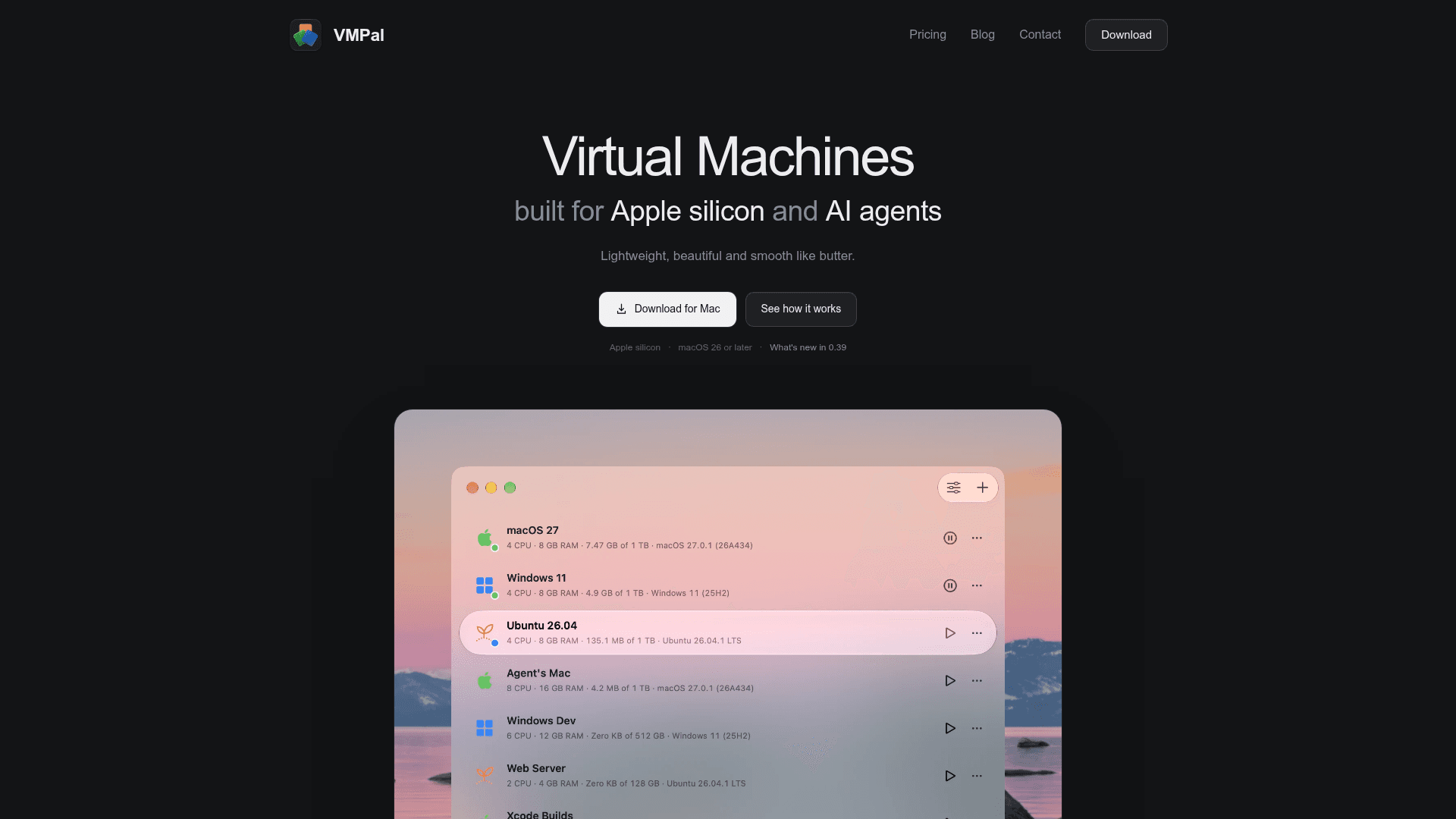
VMPal is a virtual machine app for Apple silicon Macs, made by the TablePlus team. It runs macOS, Windows 11, Ubuntu and Fedora guests with GPU acceleration, and includes built-in MCP integration so AI agents can operate a VM as their own machine. It requires macOS 26 or later.
What It Is
VMPal is a desktop virtualization app for Mac. You pick macOS, Windows 11, Ubuntu or Fedora (newest or older releases, or your own IPSW or ISO), and VMPal downloads and installs it inside the VM's window, including your account and VMPal Tools. macOS and Linux guests use Apple's Virtualization framework, while Windows runs on VMPal's own engine.
Guest Systems and VM Management
The homepage describes Metal on the Mac's GPU for macOS guests. Windows 11 guests get Retina display up to 5K, TPM 2.0, USB devices, Direct3D 11 and OpenGL 4.1. Ubuntu and Fedora guests get OpenGL 4.1, Rosetta for Intel programs and nested virtualization.
Other documented capabilities include:
- Two-way clipboard with files, drag and drop, and shared Mac folders
- Snapshots that save a running or stopped VM and roll back in seconds
- Port forwarding to reach web servers or SSH in a VM
- Live changes to name, disk, shared folders and network while the VM runs
- Per-VM sound and microphone permissions
- Each VM runs as its own Dock app
- Import of Parallels VMs
Running AI Agents in a VM
VMPal gives an AI agent a whole Mac, PC or Linux machine inside a VM. The agent uses the VM's own keyboard and mouse, so it avoids macOS permission prompts on the host, and agent control is opt-in per VM. Snapshots let you roll the machine back if an agent goes wrong. One click adds VMPal's built-in MCP to Claude Code, Codex, Grok CLI or Gemini CLI, either in the VM or on the Mac. The agent can then see the screen, take controls and run commands as the user or as an administrator.
Community Discussions
Be the first to start a conversation about VMPal
Share your experience with VMPal, ask questions, or help others learn from your insights.
Pricing
Individual
For you, on your Mac. Perpetual license with 1 year of updates and support.
- 1 Mac
- Buy once, use forever: a perpetual license, with no subscription
- All features
- 1 year of updates and support
- Regular price $69; early bird price $34.50/license (save 50%)
- Renew for another year of updates and support: $59 per seat
Team
For teams and companies, from 3 seats. Perpetual license with 1 year of updates and support.
- 1 Mac per seat
- Buy once, use forever: a perpetual license, with no subscription
- All features
- 1 year of updates and support
- From 3 seats
- Regular price $99; early bird price $49.50/seat (save 50%)
- Renew for another year of updates and support: $59 per seat
Capabilities
Key Features
- macOS, Windows 11, Ubuntu and Fedora virtual machines
- GPU acceleration (Metal, Direct3D 11, OpenGL 4.1)
- Automated guest OS download and installation
- Snapshots with fast rollback
- Clipboard, drag and drop, and shared folders
- Port forwarding
- Live VM settings changes
- Per-VM sound and microphone control
- Import from Parallels
- Retina display up to 5K
- Rosetta and nested virtualization on Linux guests
- Built-in MCP for AI agents
- Opt-in agent control per VM