
Desktop app for running a team of AI bots with memory, routines and a browser/terminal computer of their own, using your Claude or ChatGPT subscription.
At a Glance
One complete bot, to see Tob at work.
7 days free with everything unlocked, then pay once for Pro license.
Engagement
Available On
Listed Nov 2026
About Tob
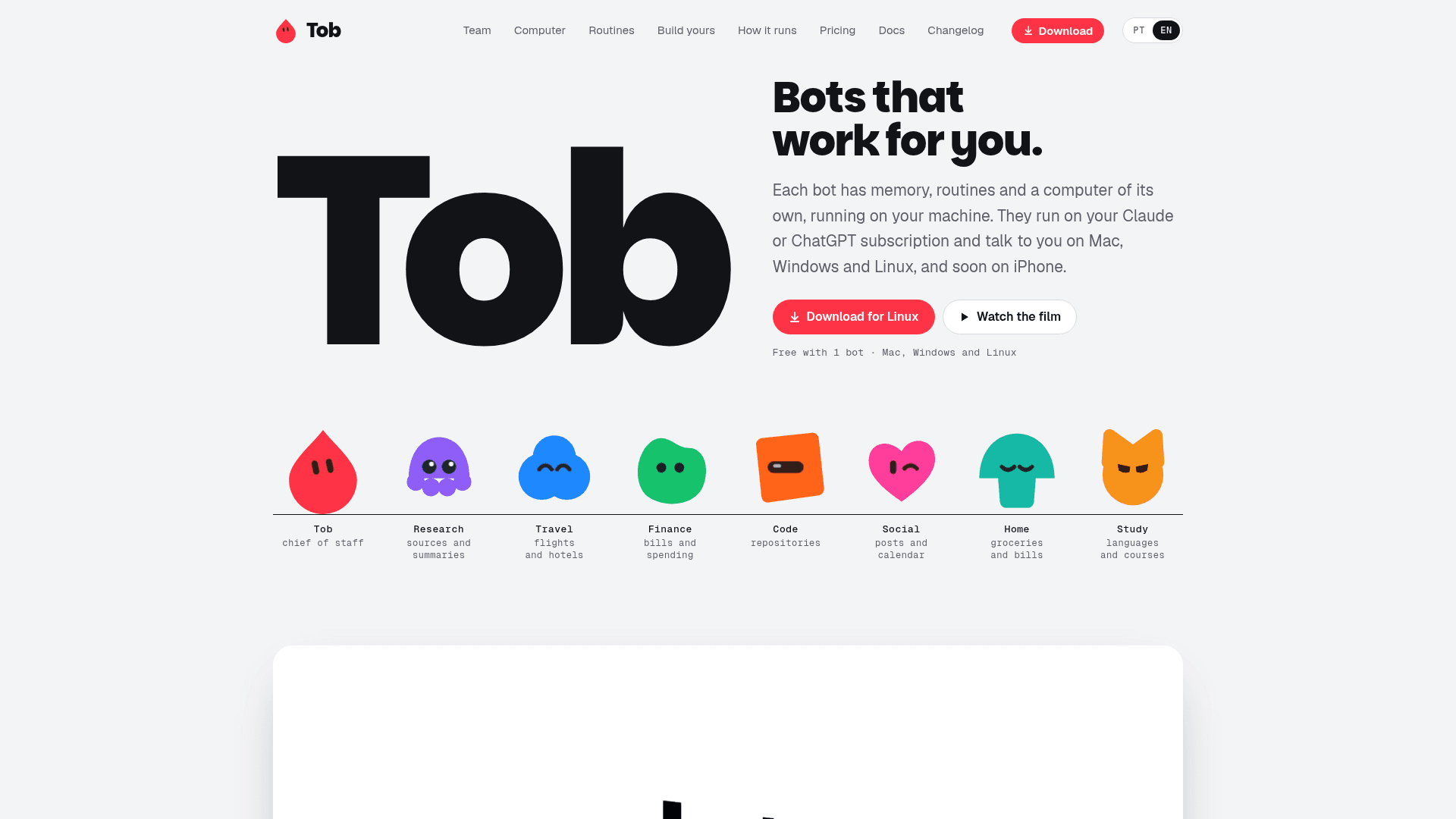
Tob is an app of bots that work for you. Each bot has one ongoing chat, its own memory, scheduled routines and access to a computer with a browser, terminal and files, all running on your machine or your own VPS. The bots think with your existing Claude or ChatGPT subscription or an API key, and the app is available for Mac, Windows and Linux, with an iPhone app in beta.
What It Is
Tob is a self-hosted multi-bot assistant platform. You create bots, give each a name, look and job (travel, finance, code, research, study and so on), and talk to each in a continuous conversation. A chief-of-staff bot can coordinate the others, ask them questions, write in group chats and return a summary. Bots can also be put together in groups where all answer in turn, or only the one you tag with @.
Tob has three parts: the app, a server (hub) that stores bots, chats, accounts and the vault, and the bots' computer, a Docker-based environment where bots browse, run commands and produce files. Results such as spreadsheets, documents and pages appear in a per-bot Library with previews.
How the Bots Work
- Routines run tasks on a schedule (for example, every Friday at 8 am), without asking for approval, and deliver results to the chat with a notification.
- Memory is split between each bot's own notes and a shared memory about you; by default bots ask before remembering something new, and you can edit or forget items.
- Skills are repeatable recipes; you can write them, ask the bot to save one, or demonstrate a task on the bot's screen with Teach.
- Boards are pages a bot builds to track things like trips or prices.
- Approvals let you choose between asking before commands and clicks, or autonomous mode.
Accounts, Connectors and Vault
Bots run on Claude Code or Codex using Claude, ChatGPT, Anthropic, OpenAI, xAI, OpenRouter or other compatible API accounts; several accounts can be configured and each bot picks its own. Connectors link services such as Gmail, Google Drive, GitHub, Linear, Slack and Sentry, including any remote MCP server, and tokens stay on the server rather than reaching the bot. A vault stores site passwords, program keys and contact details so bots can use them without seeing the values.
Setup and Access
Installation is done through the Tob app; on Linux and Intel Macs Docker is needed first, and about 15 GB of disk space is required for the first download. Other devices and phones connect via invite codes, and remote or phone access goes through a Tailscale network. The docs note that the provider has the final say over account use, and that Anthropic's rules restrict third-party use of Claude.ai sign-ins; an Anthropic API key is the alternative.
Community Discussions
Be the first to start a conversation about Tob
Share your experience with Tob, ask questions, or help others learn from your insights.
Pricing
Free
One complete bot, to see Tob at work.
- 1 bot
- Memory, routines and a computer of its own
- Connectors and a password vault
- Mac, Windows and Linux, with iPhone coming soon
- On your Claude or ChatGPT subscription
Free trial
7 days free with everything unlocked, then pay once for Pro license.
- Everything in Pro unlocked
Pro
For a team of bots working together.
- Everything in Free, plus:
- Unlimited bots
- Bot groups
- Chiefs of staff that talk to the other bots
- 1 computer running Tob, with updates for good
- Full refund within 7 days of buying the license
- Tob doesn't charge for Claude, ChatGPT or your API keys
Capabilities
Key Features
- Bots with continuous chat, memory and own computer
- Chief of staff bot coordinating other bots
- Bot groups with @ mentions
- Scheduled routines
- Per-bot browser, terminal and file library with previews
- Shared and per-bot memory with approval cards
- Skills and Teach mode
- Boards for tracking tasks
- Approval modes for commands and clicks
- Credential vault
- Connectors including remote MCP servers
- Multiple AI accounts per provider with limit fallback
- Grok Bot import
- Daily summary from chief of staff
- Device invites and Tailscale access