
tui-use
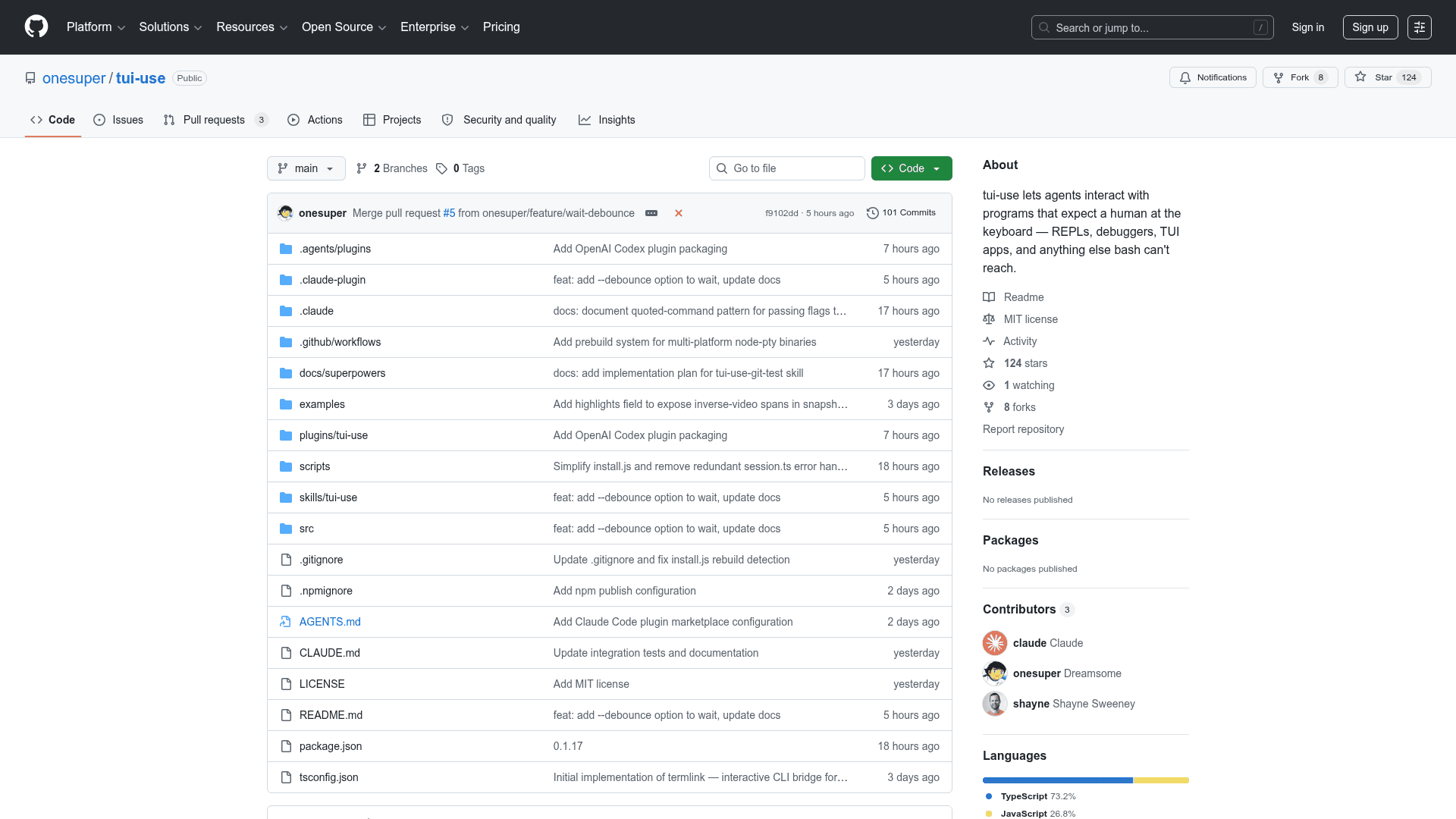
A CLI tool that lets AI agents interact with terminal programs expecting human input — REPLs, debuggers, TUI apps, and anything bash can't reach.
At a Glance
Free and open-source under the MIT License. Use, modify, and distribute freely.
Engagement
Available On
Listed Apr 2026
About tui-use
tui-use is an open-source CLI tool that enables AI agents to interact with interactive terminal programs that expect a human at the keyboard. It spawns programs in a PTY, reads the screen as plain text, and sends keystrokes — bridging the gap between AI agents and programs like REPLs, debuggers, and full-screen TUI applications. Built in TypeScript and distributed via npm, it works with Claude Code, Cursor, Codex, Gemini CLI, and other AI coding agents.
- Full VT Rendering — PTY output is processed by a headless xterm emulator, so ANSI escape sequences, cursor movement, and screen clearing all work correctly; the
screenfield is always clean plain text. - Smart Wait —
waitblocks until the screen has been stable for a configurable idle window (debounce), eliminating the need forsleepguesses;wait --text <pattern>adds semantic readiness signals. - Snapshot Model — Interaction is an explicit read-decide-type loop with no async streams, no timing guesswork, and no partial output to reassemble.
- Highlights Detection — Every snapshot includes a
highlightsfield listing inverse-video spans on screen, letting agents identify selected menu items, tabs, or buttons without parsing text. - Session Management — A background daemon persists PTY sessions across CLI calls; sessions can be listed, switched, renamed, and killed via simple commands.
- Scroll & Search —
scrollup/scrolldownnavigates terminal history;find <pattern>searches the current screen with regex support. - Plugin Support — Includes ready-made plugin bundles for OpenAI Codex and Claude Code, installable from a self-hosted marketplace in just a few steps.
- Cross-platform Prebuilds — Automatically detects platform and uses prebuilt binaries; falls back to source compilation when needed (macOS and Linux; Windows not yet supported).
To get started, install globally with npm install -g tui-use, then use tui-use start <cmd> to spawn a program, tui-use wait to wait for it to settle, tui-use type "<text>" to send input, and tui-use snapshot to read the current screen.
Community Discussions
Be the first to start a conversation about tui-use
Share your experience with tui-use, ask questions, or help others learn from your insights.
Pricing
Open Source (MIT)
Free and open-source under the MIT License. Use, modify, and distribute freely.
- Full PTY session management
- Smart wait with debounce
- Snapshot model
- Highlights detection
- Claude Code plugin
Capabilities
Key Features
- Spawn programs in a PTY and read screen as plain text
- Smart wait with debounce and semantic text pattern matching
- Snapshot model for explicit read-decide-type interaction loop
- Highlights field for detecting selected TUI elements via inverse-video
- Session management with persistent daemon across CLI calls
- Scroll up/down through terminal history
- Regex search on current screen content
- Claude Code plugin support
- OpenAI Codex plugin support
- Custom terminal size configuration
- Multi-line paste support
- Key press simulation