
Umami
Open-source, privacy-first web and product analytics platform that works without cookies, available self-hosted or as a cloud service.
At a Glance
Open-source Umami core under the MIT License, self-hosted for free.
14-day free trial of the Pro plan with full access to all plan features.
Engagement
Available On
Alternatives
Listed Oct 2026
About Umami
Umami is a web and product analytics platform from Umami Software, Inc. It brings traffic, campaigns, behavior, conversions, retention, and revenue reporting into one dashboard without cookies or automatic collection of personal data. It can be self-hosted from the MIT-licensed source or used through Umami Cloud, and the latest release listed on GitHub is v3.4.0.
What It Is
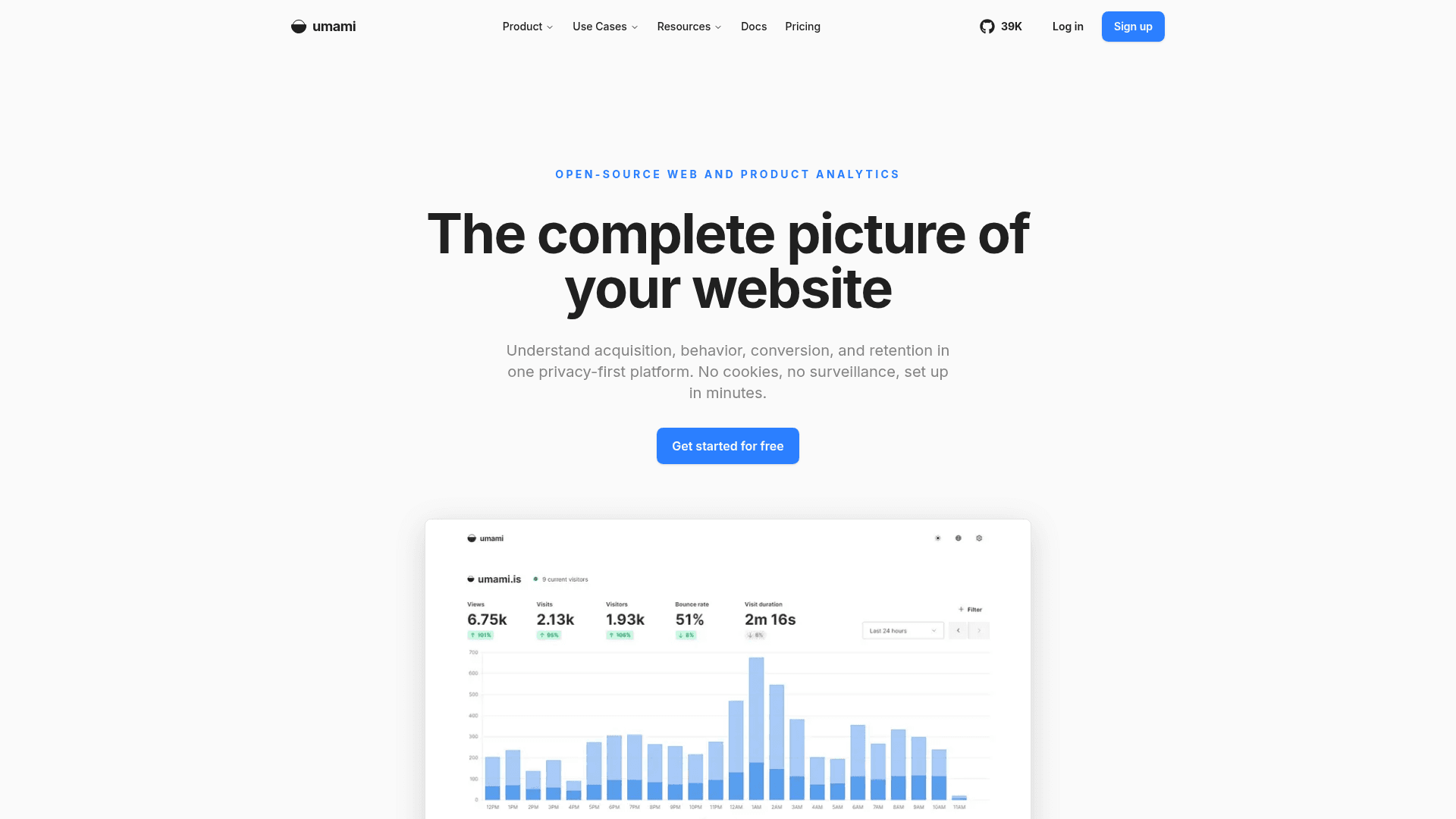
Umami is a privacy-focused analytics tool for websites and products. A site adds a tracking script, and Umami reports pageviews, visitors, bounce rate, visit time, locations, devices, browsers, and referrers. Its homepage says it stores nothing personally identifiable, which it states supports GDPR, CCPA, and PECR obligations, and that most sites can drop the cookie banner.
Analytics Workflow
Umami covers several stages of analysis:
- Acquisition: channels, referrers, and automatic UTM tracking, with attribution and side-by-side comparison of two time periods.
- Behavior: custom events such as clicks, form submissions, signups, and downloads, plus Journey reports, heatmaps, and session replay.
- Conversion and retention: funnels built from pages and events, goals, retention reports grouped by first-visit day, and saved cohorts that can be applied as filters.
- Revenue: events tied to dollar amounts, so pages, campaigns, and segments can be compared by value.
MCP Access for AI Assistants
Umami has an official MCP server that connects Claude, ChatGPT, Cursor, and other MCP clients to analytics data. Its read-only tools cover traffic, events, sessions, funnels, goals, journeys, retention, attribution, revenue, and Core Web Vitals, and they respect existing website and team permissions. According to the homepage, it is available on Umami Cloud Pro plans and above and on self-hosted Umami v3.4 or later. In self-hosted installs, MCP is disabled by default and is enabled with an environment variable plus an API key.
Self-Hosting Setup
Installing from source requires Node.js 18.18+ and PostgreSQL v12.14+. Users clone the repository, install with pnpm, set a DATABASE_URL, build, and start the app on port 3000. The build creates database tables and a default admin login. Docker images and a Docker compose file that runs Umami with PostgreSQL are also provided. Optional two-factor authentication is available once an encryption key is set.
Community Discussions
Be the first to start a conversation about Umami
Share your experience with Umami, ask questions, or help others learn from your insights.
Pricing
Self-hosted (Open Source)
Open-source Umami core under the MIT License, self-hosted for free.
- MIT License
- Self-hosted on your own infrastructure
- Email reports and streaming API are not available in the self-hosted version
- MCP available on self-hosted Umami v3.4 or later
Hobby
Free Umami Cloud plan.
- Up to 100K events per month
- 1 website
- 6 month data retention
- Community support
Pro Free trial
14-day free trial of the Pro plan with full access to all plan features.
- Full access to all features in the Pro plan
- Billed regular amount at end of trial; cancel anytime during trial at no cost
Pro
Umami Cloud Pro plan, usage based.
- 1 million events per month included
- $0.00003 per additional event
- Up to 20 websites
- Up to 10 team members
- 2 year data retention
- API access
- MCP access
- Email support
Business
Umami Cloud Business plan, usage based.
- 10 million events per month included
- $0.00002 per additional event
- Unlimited websites
- Unlimited team members
- 5 year data retention
- Session replays
- 5,000 session replays included, $0.005 per additional replay
- Heatmaps
- White-labeling
- Streaming API
- Email and chat support
Enterprise
Custom Umami Cloud pricing.
- Single sign on (SAML SSO)
- Onboarding support
- Uptime SLA
- Custom data retention
- Invoice billing
- Enterprise support
Capabilities
Key Features
- Cookie-free, privacy-first analytics
- Traffic dashboard with pageviews, visitors, bounce rate, and visit time
- Filtering by date range, country, and device
- Period comparison
- Automatic UTM tracking and attribution
- Custom event tracking
- Journey reports
- Heatmaps
- Session replay
- Conversion funnels and goals
- Retention reports and saved cohorts
- Revenue tracking
- Core Web Vitals
- Official read-only MCP server
- API access
- Self-hosting with Docker or from source
- Optional two-factor authentication