EveryDev.ai
Sign inSubscribe
  1. Home
  2. Tools
  3. VibePad
VibePad icon

VibePad

Vibe Coding

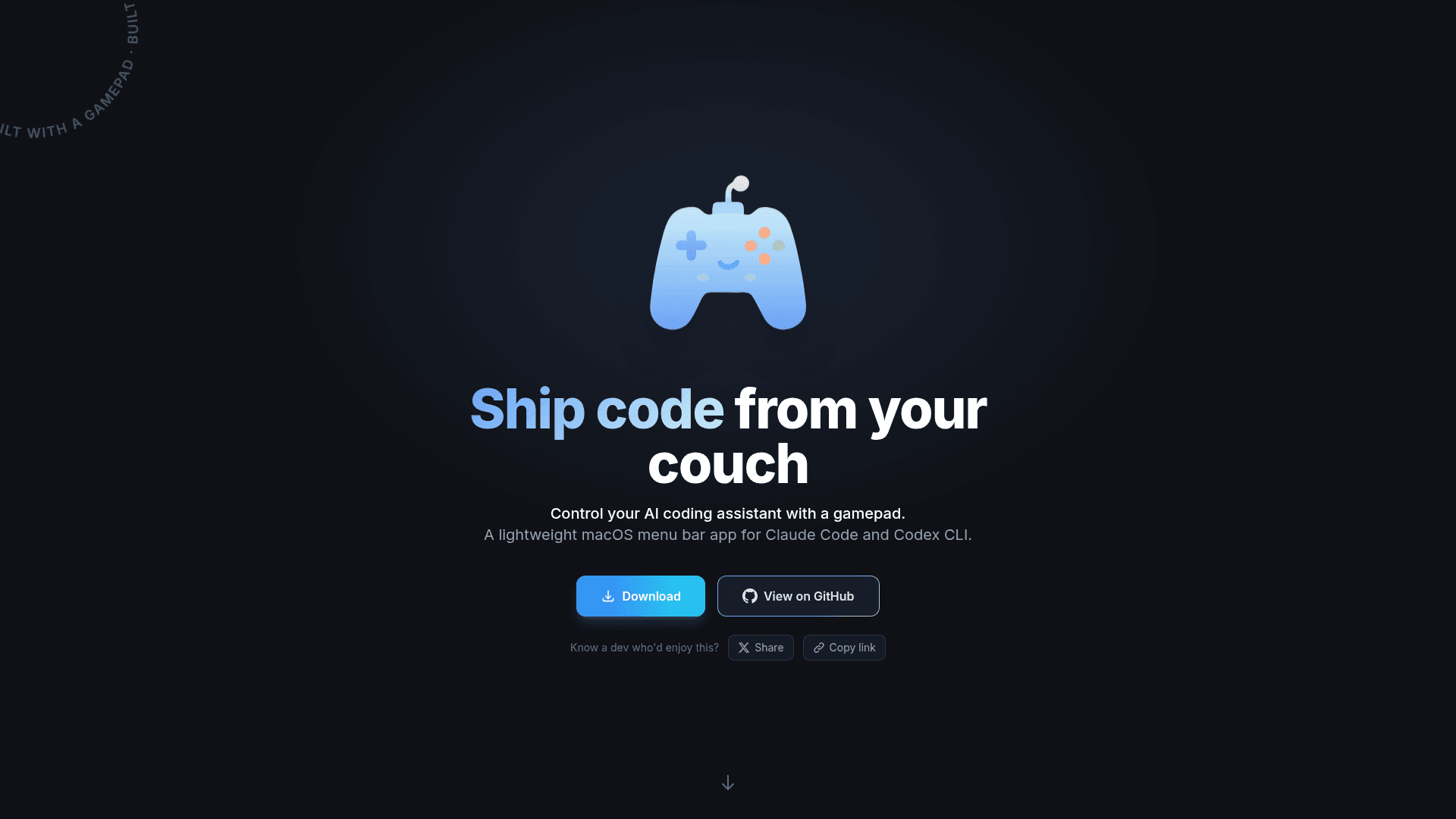
A macOS menu bar app that lets you control AI coding assistants like Claude Code and Codex CLI using a gamepad controller.

Visit Website

At a Glance

Pricing

Open Source

Free and open source macOS menu bar app

Engagement

Available On

macOS

Resources

WebsiteDocsGitHubllms.txt

Topics

Vibe CodingAI Coding AssistantsVoice Programming

About VibePad

VibePad is a lightweight macOS menu bar application that transforms your gamepad into a productivity tool for AI-assisted coding. It enables developers to control AI coding assistants like Claude Code and Codex CLI directly from a game controller, allowing you to code comfortably from your couch without touching a keyboard.

  • AI Chat Control allows you to accept, cancel, and navigate AI suggestions, submit prompts, cycle through history, and manage chat sessions entirely through your controller.

  • Voice Input activates voice-to-text by holding L2, letting you dictate prompts and code naturally using your preferred transcription tool.

  • Smart Paste automatically detects clipboard content and pastes images as visual context or text as code, choosing the right action every time.

  • Mouse & Scroll functionality uses the right stick for cursor movement and left stick for scrolling, with analog precision and adjustable sensitivity and dead zones.

  • Tab & App Switching uses the D-pad to navigate tabs and panels, with L1 held for a second layer providing app switching and window management.

  • Fully Customizable configuration allows remapping every button via JSON config, creating custom layers, adjusting dead zones, and tailoring shortcuts to your workflow.

To get started, download the DMG file from the website and install it on your Mac running macOS 14 or later. Connect any PlayStation, Xbox, Nintendo, MFi, or generic HID controller. The app runs in your menu bar and works with Terminal, Claude Code, and Codex CLI. The controller mapping provides a base layer and an L1 layer for extended commands, giving you comprehensive control over your AI coding workflow.
VibePad - 1

Community Discussions

Be the first to start a conversation about VibePad

Share your experience with VibePad, ask questions, or help others learn from your insights.

Pricing

OPEN SOURCE

Open Source

Free and open source macOS menu bar app

  • AI chat control
  • Voice input
  • Smart paste
  • Mouse and scroll control
  • Tab and app switching
View official pricing

Capabilities

Key Features

  • AI chat control for accepting, canceling, and navigating AI suggestions
  • Voice input via L2 hold for voice-to-text dictation
  • Smart paste with automatic clipboard content detection
  • Mouse and scroll control with analog sticks
  • Tab and app switching via D-pad
  • Second command layer with L1 hold
  • Fully customizable button remapping via JSON config
  • Adjustable sensitivity and dead zones
  • Menu bar app integration
  • Multi-controller support (PlayStation, Xbox, Nintendo, MFi, Generic HID)

Integrations

Claude Code
Codex CLI
Terminal
macOS

Reviews & Ratings

No ratings yet

Be the first to rate VibePad and help others make informed decisions.

Developer

Vova Ignatov

Vova Ignatov builds developer tools that enhance coding workflows. He created VibePad, a macOS menu bar app that enables gamepad control for AI coding assistants. The project is built with Swift and available as open source on GitHub.

Read more about Vova Ignatov
WebsiteGitHubX / Twitter
1 tool in directory

Similar Tools

CyphrKey icon

CyphrKey

Voice-to-code tool that transforms natural speech into production-ready AI prompts with project context for vibe coders.

Bitrig icon

Bitrig

AI-powered Mac app that turns plain English descriptions into real Swift code for building iPhone apps you can ship to the App Store.

Inspector icon

Inspector

Visual front-end editor that connects to AI coding agents like Cursor, Claude Code, and Codex for browser-based visual editing.

Browse all tools

Related Topics

Vibe Coding

Vibe code using low code AI tools that let you build applications with natural language prompts with minimal code.

87 tools

AI Coding Assistants

AI tools that help write, edit, and understand code with intelligent suggestions.

257 tools

Voice Programming

Tools that enable coding and development using voice commands.

7 tools
Browse all topics
Back to all tools
Explore AI Tools
  • AI Coding Assistants
  • Agent Frameworks
  • MCP Servers
  • AI Prompt Tools
  • Vibe Coding Tools
  • AI Design Tools
  • AI Database Tools
  • AI Website Builders
  • AI Testing Tools
  • LLM Evaluations
Follow Us
  • X / Twitter
  • LinkedIn
  • Reddit
  • Discord
  • Threads
  • Bluesky
  • Mastodon
  • YouTube
  • GitHub
  • Instagram
Get Started
  • About
  • Editorial Standards
  • Corrections & Disclosures
  • Community Guidelines
  • Advertise
  • Contact Us
  • Newsletter
  • Submit a Tool
  • Start a Discussion
  • Write A Blog
  • Share A Build
  • Terms of Service
  • Privacy Policy
Explore with AI
  • ChatGPT
  • Gemini
  • Claude
  • Grok
  • Perplexity
Agent Experience
  • llms.txt
Theme
With AI, Everyone is a Dev. EveryDev.ai © 2026
Main Menu
  • Tools
  • Developers
  • Topics
  • Discussions
  • News
  • Blogs
  • Builds
  • Contests
Create
Sign In
    Sign in
    0views
    0saves
    0discussions